
 Tutorials


 Ahura
Ahura Plugins

 Blog
BlogIs WordPress Free? Why Is WordPress Free?
- Tutorials
- Updated on
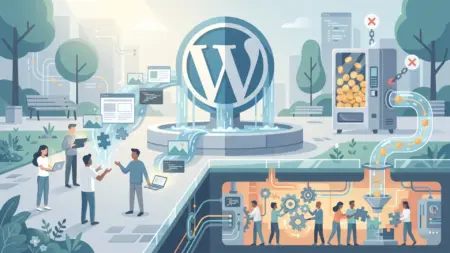
Usually, when we come across a free product or service, the first thing that pops into our head is: how good is it, really? WordPress is no exception. Many people who are just getting familiar with this content management system ask, “Is WordPress really free?” And if it is free, how is it possible for such a powerful tool to be made available to everyone at no cost?
On top of that, a lot of us aren’t very familiar with the revenue model behind open-source projects, and that makes us a little skeptical of them. The question might cross our minds: could there be another story hiding behind all this “free”? How is the security of our information handled? Can WordPress even be trusted?
If these questions are on your mind too, you’ve come to the right place. In what follows, we’ll look at how WordPress actually works, why it’s free, and whether you can count on it when it comes to security and reliability.
Table of Contents
Is WordPress Free?
WordPress is a free, open-source content management system that millions of people around the world use to build websites, online stores, and blogs. Still, the fact that it’s free raises an important question for a lot of users: how can software this powerful be made available to everyone at no cost?
To understand this better, let’s use a simple analogy. Imagine you walk into a perfume shop. The perfumes are fairly pricey, and you’re not yet sure which option is worth buying. To put your mind at ease, the salesperson gives you a small free sample of one of their popular scents. You use it for a few days, and if you’re happy with the quality, there’s a good chance you’ll come back to that same shop and make your purchase.
In the world of online business, there are similar models. Many companies offer part of their services or products for free so users can see the quality of their work up close. Once they’ve earned the audience’s trust, they generate revenue by selling more advanced features, add-on services, specialized support, or complementary products.
WordPress has largely grown on this same basis. The core of WordPress is completely free, and anyone can use it. But alongside it, a huge ecosystem of themes, plugins, web design services, technical support, and training courses has taken shape, which is a source of income for many companies and developers. That’s why WordPress being free isn’t strange at all — in fact, it’s one of the most important reasons for its popularity and widespread expansion across the world.
How Does WordPress Make Money, and Why Is It Free?
When it comes to whether WordPress is free, the answer isn’t a simple “yes” or “no.” The core of WordPress is completely free and open-source, and anyone can download it and use it to build a website. But alongside this free version, there are other features and services that you’ll need to pay for in order to use.

If you’ve ever used app stores like Google Play or the App Store, you’ve probably seen apps that are free to download and install, but require you to buy the paid version to access certain advanced features. The WordPress ecosystem largely works on this same model.
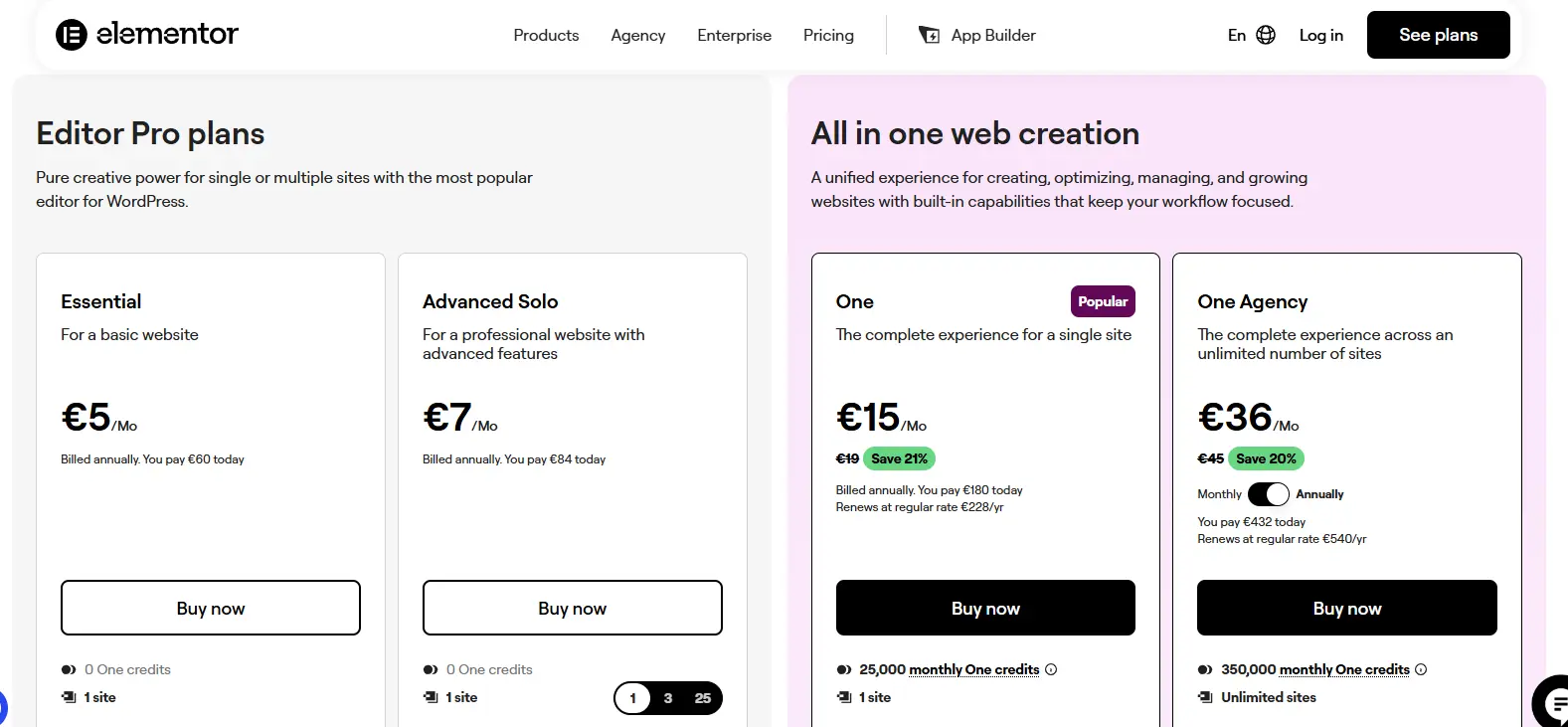
A big chunk of the features you need to set up a website are made available to you for free. But when you want more specialized and professional capabilities, you’ll usually have to turn to paid plugins, themes, or services. For example, many site managers use the Elenemtor plugin to design their website. The free version of this plugin has plenty of useful features, but some of the professional capabilities are only offered in the premium version.
One interesting thing about WordPress is that it’s not just the company behind it that earns money from this ecosystem. Thousands of developers, theme designers, and programmers around the world also make a living by building plugins and themes and offering WordPress-related services. This has led to a large community of experts constantly working to develop and improve WordPress, making it better than before.
In addition, Automattic — one of the most important players in the WordPress ecosystem — generates revenue by providing professional services. One of this company’s most well-known services is WordPress VIP: an enterprise platform designed for large companies, media outlets, and businesses that need security, speed, stability, and advanced management features. Using this service isn’t free, and part of this group’s income is provided through it.
In the end, WordPress being free doesn’t mean there’s no revenue model behind it. The core of this content management system is free so that everyone can use it, but the main income of the WordPress ecosystem is provided through professional services, advanced plugins, custom themes, web hosting, and enterprise solutions. This very model is what has made WordPress both accessible to ordinary users and a huge business opportunity for developers and companies.
Services and Products of the WordPress Ecosystem
One of the most important reasons WordPress can offer its core for free to everyone is the large ecosystem that has formed around it. In fact, besides WordPress itself, there are various products and services — some of them free, and others offered to professional users and businesses for a fee.
If you take a look at Automattic, one of the most important companies active in the WordPress world, you’ll notice it hasn’t focused solely on WordPress itself and has developed a range of products. These products both help users and generate income for the company. That’s why WordPress being free doesn’t mean no income is earned from it; rather, its revenue model is provided through other channels.
The interesting thing is that many of these services are completely free for ordinary users or small sites, or are offered at a low cost. But when companies, organizations, or large websites are involved, using the more professional features usually requires paying a subscription or license fee. The WordPress VIP service is one of the most well-known examples of this revenue model, designed specifically for large, high-traffic websites.
WordPress.com
Many people who are new to WordPress confuse WordPress.com and WordPress.org, when these two services have important differences.
With WordPress.org, you download the WordPress files and install them on hosting and a domain you’ve purchased yourself. In this case, you have full control over the site and can install and manage any theme or plugin you need.
WordPress.com, on the other hand, works more like an online site builder. That is, without having to buy hosting or deal with technical settings, you can get your site up and running. In the free version, you’re given a certain amount of hosting space, and the site address will be a WordPress subdomain — for example, example.wordpress.com.
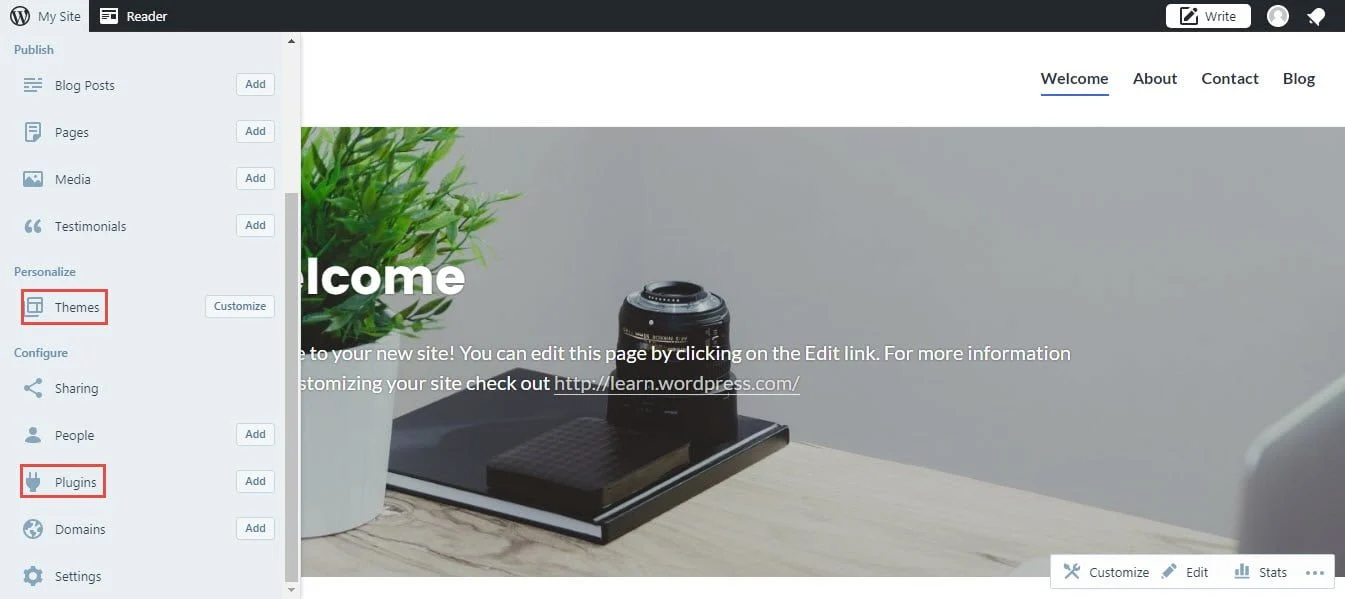
Of course, if you want to use a custom domain or get access to more professional features, more space, and advanced capabilities, you’ll need to purchase one of this service’s paid plans.
WooCommerce
Another of the most important products in the WordPress ecosystem is WooCommerce. By default, WordPress is designed for content management and doesn’t provide you with the full features of an online store. That’s why most people who intend to launch an online store turn to WooCommerce for help.
WooCommerce is a powerful store-builder plugin that provides features like product management, order placement and tracking, payment gateway integration, and many of the other capabilities online stores need. This plugin’s high popularity has led to millions of online stores around the world being launched with WooCommerce.
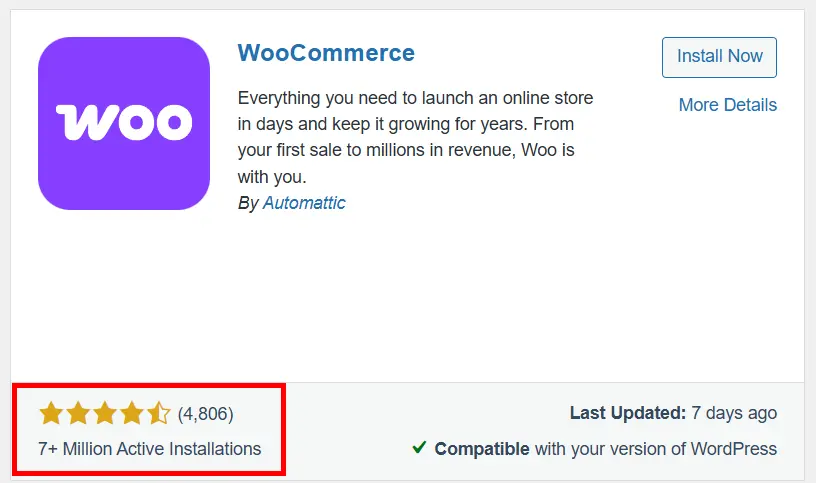
The core of WooCommerce is completely free and provides sufficient features for many online stores. But when you want to add more professional capabilities to your site, you may need to purchase add-on plugins, custom themes, or advanced WooCommerce extensions. So getting started with WooCommerce is possible at almost no cost, but building a professional, developed store usually involves using paid tools and features too.
Is Using WordPress a Good Choice?
After reading the previous sections, you might be wondering whether — given the additional costs — using WordPress is still a logical and cost-effective choice or not.
The reality is that the core of WordPress is free, but in many projects you may need paid themes or plugins to add certain specific features. For example, some professional capabilities in areas like SEO, online stores, user memberships, or page design are usually offered through specialized plugins.
Even so, even when you factor in these costs, setting up a site with WordPress is usually far more economical than designing a custom website from scratch. In many cases, with a reasonable budget, you can launch a professional, scalable site tailored to your business’s needs.
On top of that, WordPress’s large community of users and developers means there are plenty of learning resources available for it. That’s why even people without much technical knowledge can learn to work with WordPress in a relatively short time and manage their own site. There’s a wealth of free tutorials, guides, and documentation out there to help you build your site with WordPress and get comfortable with it quickly.
Is WordPress Secure?
One of the common concerns of people who want to launch a site is the matter of WordPress security. Since WordPress is the most popular content management system in the world, it’s natural that it also draws more attention from hackers and bad actors. But this doesn’t mean WordPress is insecure.
In reality, there’s no software or website in the world with one-hundred-percent security. Any system can be put at risk if security practices aren’t observed within it. What matters is following the principles and measures that reduce the likelihood of intrusion and misuse as much as possible.
Regularly updating WordPress, using reputable themes and plugins, choosing a strong password, keeping backups, and using security plugins are among the most important things that can significantly increase the security of a WordPress site.
That’s why, if you observe security principles, WordPress can be a safe and reliable platform for launching all kinds of personal, corporate, and store websites — something that millions of active websites around the world prove in practice every day.
The Advantages of Open-Source Software
One of the most important reasons WordPress has been able to become this popular is that it’s open-source. Being open-source means the software’s source code is available to developers, and anyone with programming knowledge can take part in developing, improving, and fixing problems in it.
This very feature is exactly what has allowed WordPress to grow so quickly over the past years and become one of the most popular content management systems in the world. In fact, a large part of WordPress’s progress is the result of the efforts of thousands of programmers and developers working on this project in different countries.
Of course, this isn’t limited to WordPress. Many of the world’s successful software projects, like Android, have been able to attract a large community of developers thanks to being open-source, and have advanced far faster than many proprietary programs.
It’s the same situation in the WordPress world. As users and developers work with different sites, they constantly run into new needs and challenges. To solve these needs, many of them design new plugins, themes, and tools — some free and some offered commercially. That’s why, for almost any capability you can think of, there’s a good chance a ready-made solution already exists for it in WordPress.
In fact, WordPress’s real power isn’t limited to its software core; a big part of its success comes back to the enormous community that’s constantly developing, improving, and adding new features to this platform. This active community is what has kept WordPress, after all these years, one of the most popular and widely used options for building all kinds of websites around the world.
Conclusion
So far, we’ve explored together whether WordPress is really free or not. As we saw, the core of WordPress is completely free, and anyone can use it without paying a thing. Of course, alongside this free version, there are various plugins, themes, services, and professional features that make up part of the WordPress ecosystem’s revenue model.
We also saw that software being free doesn’t necessarily mean there’s no income behind it. Many companies and developers earn revenue by offering add-on services, advanced features, specialized support, and professional products — while users can still use the original, free version of WordPress.
Along the way, we got acquainted with some of the important products and services in the WordPress world and learned that one of the most important reasons for this content management system’s success is that it’s open-source. It’s a feature that has led thousands of developers around the world to take part in developing and improving WordPress and adding new capabilities to it.
In the end, if you intend to launch a personal, corporate, or store website, WordPress remains one of the best, most popular, and most cost-effective options you can count on.
I hope this article has been able to give a complete, clear answer to the question “Is WordPress free?” and has given you a better understanding of how WordPress works and what its revenue model looks like. Wishing you all the best. 🙂

Ahura WordPress Theme
The Power to Change EverythingElementor Page Builder
The most powerful WordPress page builder with 100+ exclusive custom elements.
Incredible Performance
With Ahura’s smart modular loading technology, files load only when they are truly needed.
SEO Optimized for Google
Every line of code is carefully aligned with Google’s algorithms and best practices.

To post a comment, please register or log in first.