
 Tutorials


 Ahura
Ahura Plugins

 Blog
Blog5 Best Real Estate Agent Plugins for WordPress
- WooCommerce PluginsTutorials
- Updated on

Users of real estate websites care a lot about how the site looks. And because of that, many site owners put all their energy into making things pretty. They choose beautiful themes, add stunning images, and call it a day.
But here is the thing. A beautiful design only matters when it is backed up by real functionality. Your website’s appearance and its quality need to work hand in hand. So you should do everything you can to offer your users as many useful features as possible. If you are building a real estate website with WordPress, you are going to need a dedicated real estate plugin. In this article, I will introduce you to five free plugins that will get the job done nicely.
You can use these WordPress plugins to add powerful features to your site while also making it more attractive for visitors. Today, I am going to show you some free WordPress plugins that offer an impressive range of tools for real estate professionals.
Table of Contents
Why Use a Plugin to Build a Real Estate Website?
If you want to launch a professional website, you need a content management system. And I strongly recommend WordPress for this purpose. It is flexible, powerful, and beginner‑friendly. That said, if your goal is a fully featured real estate website, WordPress’s default capabilities might not be enough. They will not cover all your needs out of the box. This is exactly where plugins come into play. You can use them to improve your business website significantly.
With plugins, you can make almost any change you want to your site. In other words, they give you the power to customise your website exactly the way you like. In short, if you want a website that truly fits your needs, you need plugins. And for a real estate site, you should look for plugins that are specifically designed for that purpose.
Building a Real Estate Website with WordPress
First, you need to decide which system you will use to build your site. As I mentioned earlier, my strong recommendation is WordPress. Once you have made that decision, you will need a few core components. Without these, you simply cannot build a website.
Two of the most essential elements are hosting and a domain name. These form the foundation of your entire website. So you need to choose them carefully and pay attention to a few important points. For example, when selecting a hosting provider, look for something reliable, high‑quality, and reasonably priced for your budget. Do not just go for the cheapest option. Your hosting affects your site’s speed, security, and uptime.
Next, you need a domain name, which is your website’s address. Choosing the right name can have a huge impact on your business in the long run. Pick something memorable, relevant, and easy to type. You will also need a suitable WordPress theme. Look for a theme that has been specifically designed for real estate websites. These themes come with built‑in features that general themes simply do not have.
Finally, you need plugins that help you manage your site more effectively. The purpose of this article is to introduce some of the most useful ones. So if you are looking to upgrade your site with the right plugins, keep reading.
5 Free Real Estate Plugins for WordPress
In this section, I will introduce five useful and free WordPress plugins. After reviewing their main features, you can choose the one that best fits your needs. You can easily download all of these plugins from the official WordPress plugin repository and activate them on your site. They are all well‑maintained and regularly updated.
PropertyHive
One of the most powerful and flexible plugins designed specifically for managing real estate is PropertyHive. This plugin gives you all the tools you need to build a complete real estate website, completely free of charge. And it does not depend on any specific theme.
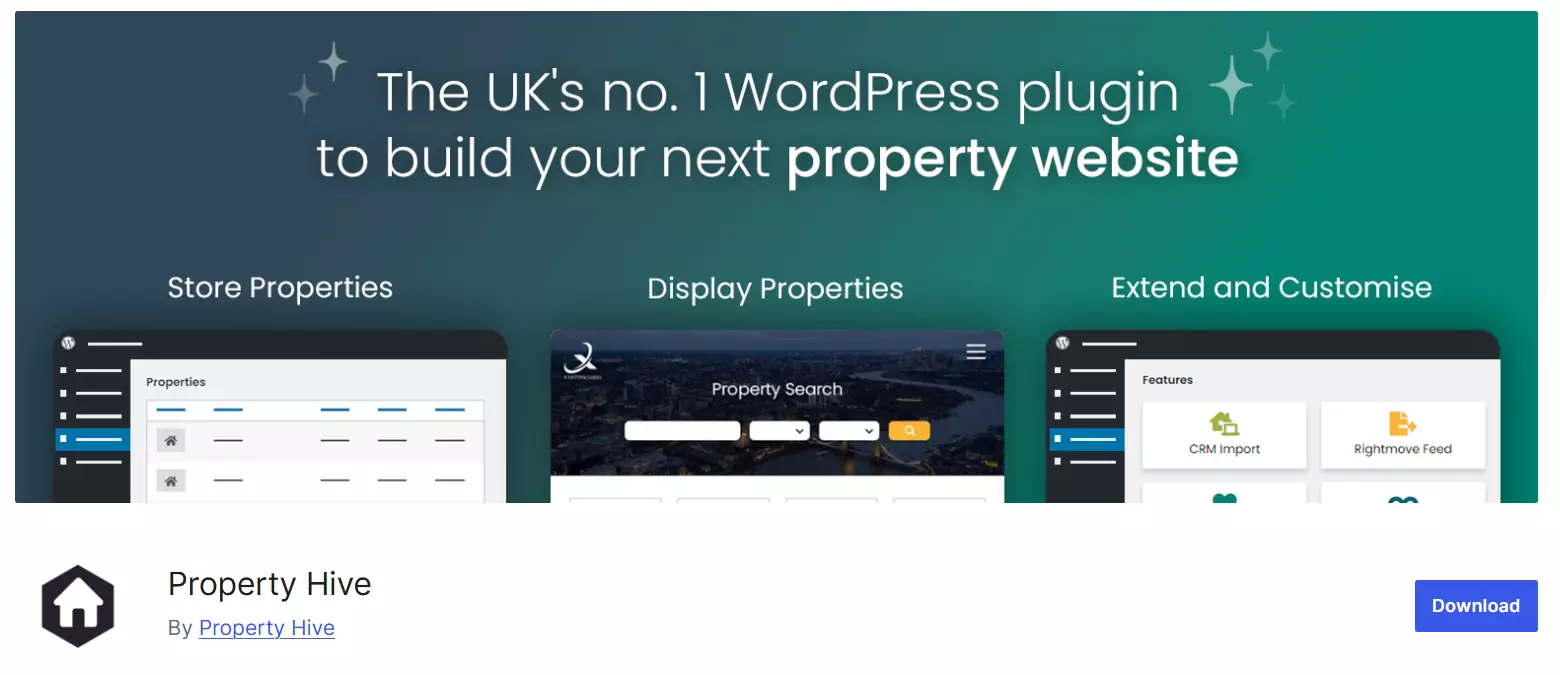
With PropertyHive, site administrators can easily enter property information for sale, rent, or lease. The plugin also allows you to connect Google Maps or OpenStreetMap to your listings, so users can see the exact location of each property.
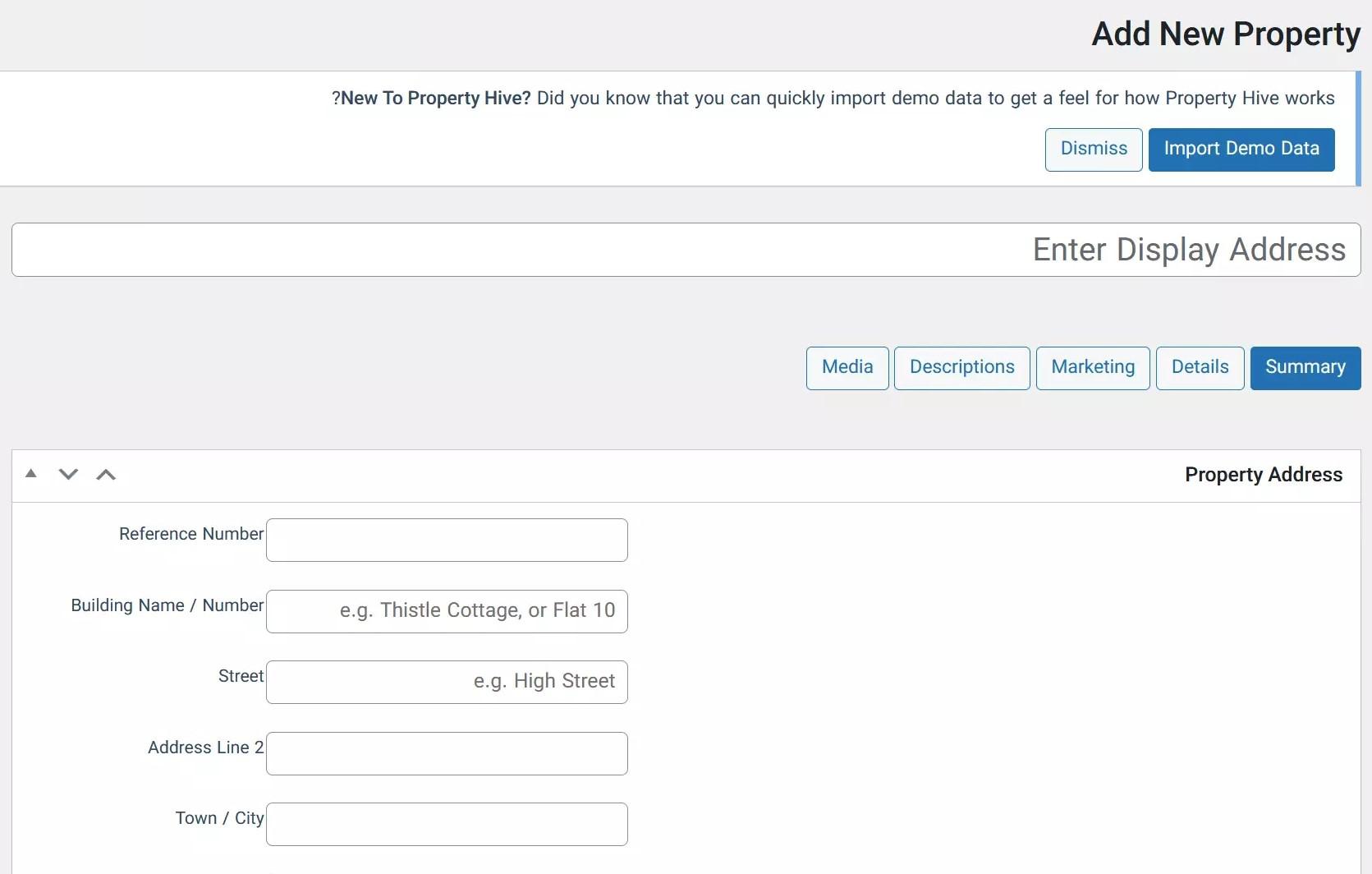
What makes PropertyHive really special is that its structure feels very familiar to anyone who has used WooCommerce. Managing property listings, filters, and property details becomes simple and even enjoyable.
Essential Real Estate
This plugin is completely free and offers some truly impressive features. One of its key strengths is the ability to add various options to your property listing forms.
Using Essential Real Estate, you can add multiple listing types and manage them with ease. The plugin also allows you to enable social login on your site, so users can sign in with their existing social media accounts.
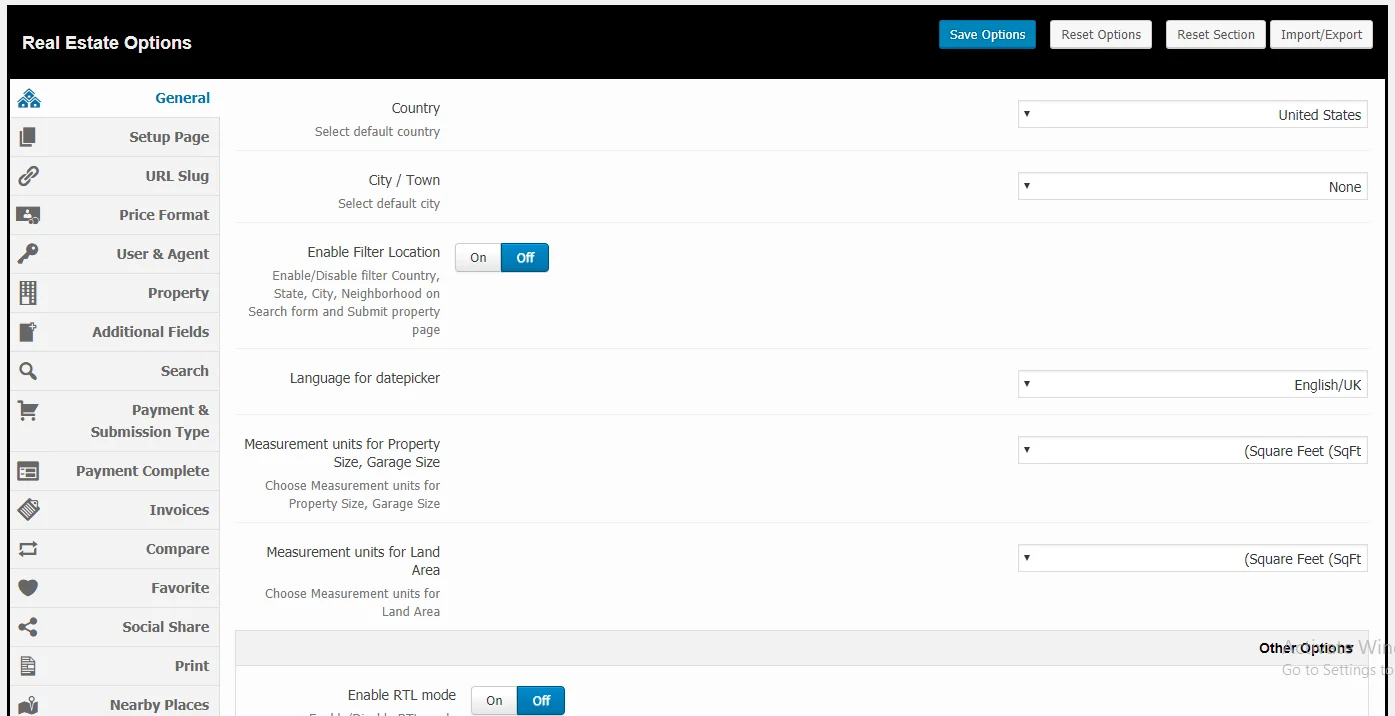
Perhaps the most exciting feature is the 360‑degree virtual tour. You can give users the ability to explore a property from every angle, right from their browser. This feature has a huge impact on how users make decisions. And in recent versions, the plugin has improved its support for right‑to‑left languages, which is great news for Persian and Arabic sites.
Easy Property Listings
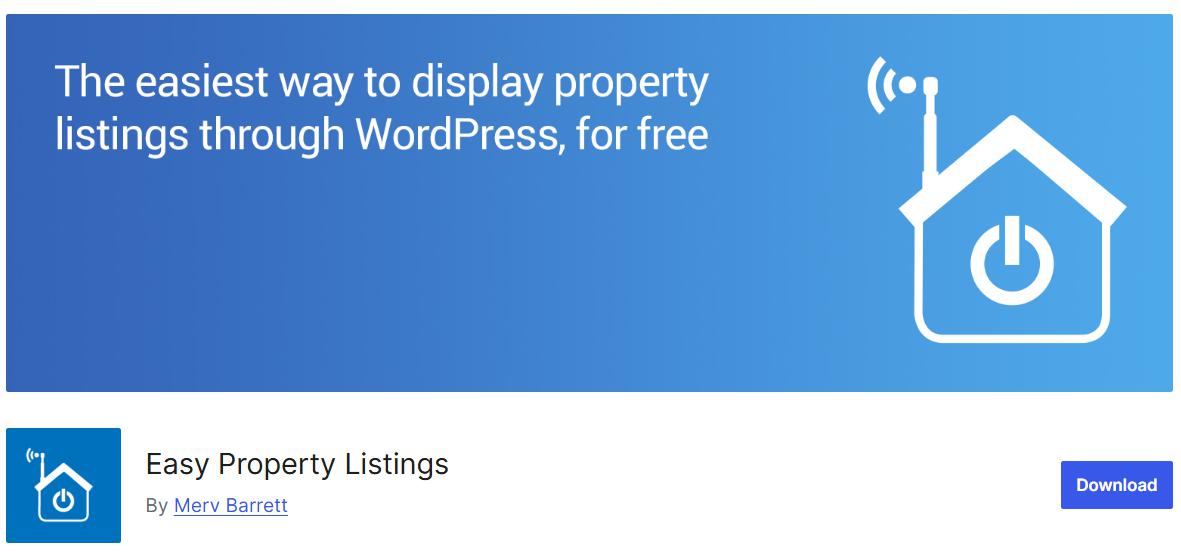
Easy Property Listings is a great choice if you plan to translate your website into multiple languages. It also allows you to add a property listing system with over 100 free themes, all of which display beautifully on mobile devices.
Another standout feature is the ability to customise your site using additional CSS. With this, you can personalise your site without needing any special coding skills or complex functions.
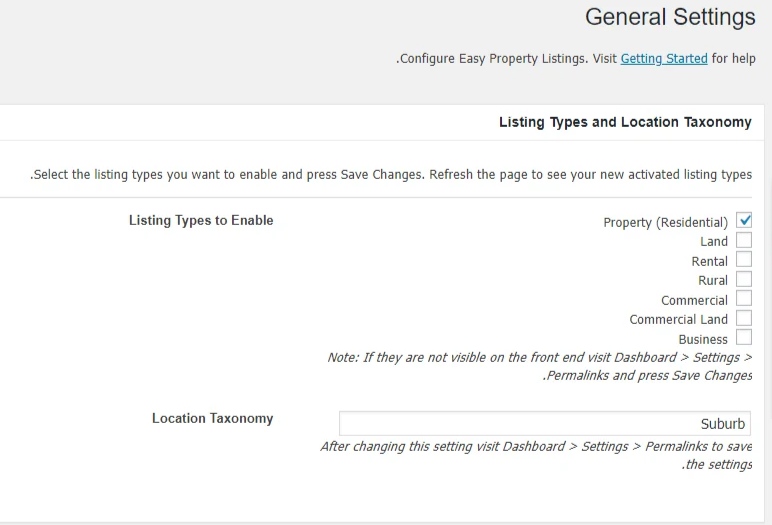
Easy Property Listings is also fully responsive. That means it will look great and work perfectly on phones, tablets, and desktop computers. You will not have to worry about broken layouts or tiny buttons on mobile screens.
WP-Property
You can use WP-Property as a complete management tool to build a real estate listing system. It gives you the ability to create custom filters and add them to your site’s quick search form.
This feature is especially useful for sites that focus on selling properties. Users can quickly narrow down their options and find exactly what they are looking for without wasting time. If you want to build an effective real estate website without spending any money, WP-Property is definitely worth a look.
Estatik Real Estate Plugin
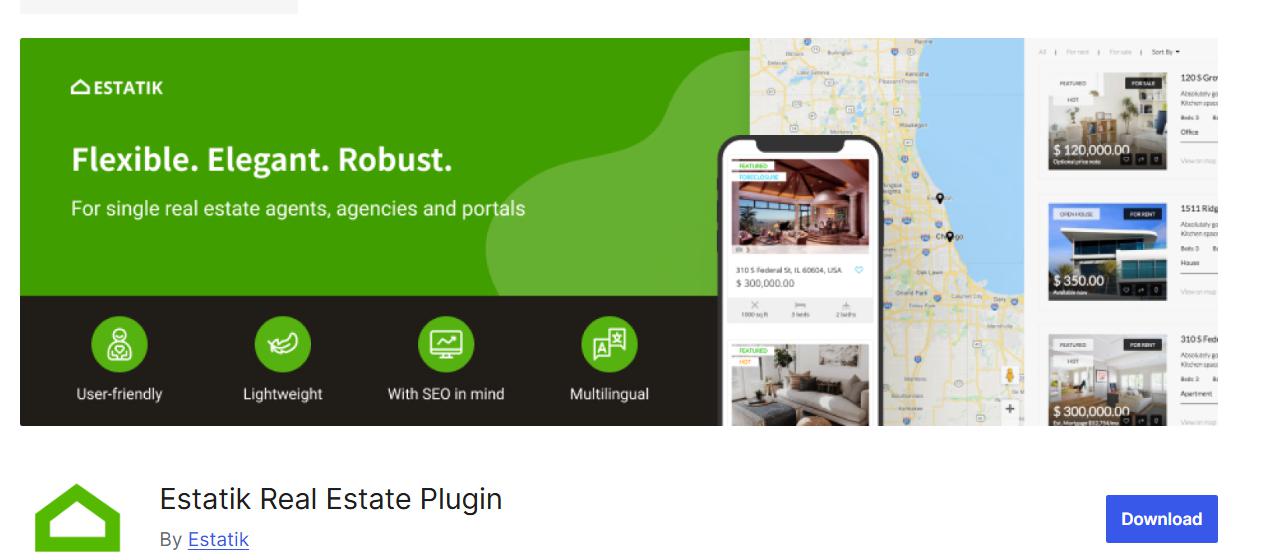
With the Estatik Real Estate Plugin, you have no limits when it comes to customising your property fields. You can easily design custom fields that match your specific needs and present them to your users.
Another important feature is that users can sort search results by price, date, or popularity. This helps them spend less time searching and more time evaluating the properties that actually interest them.
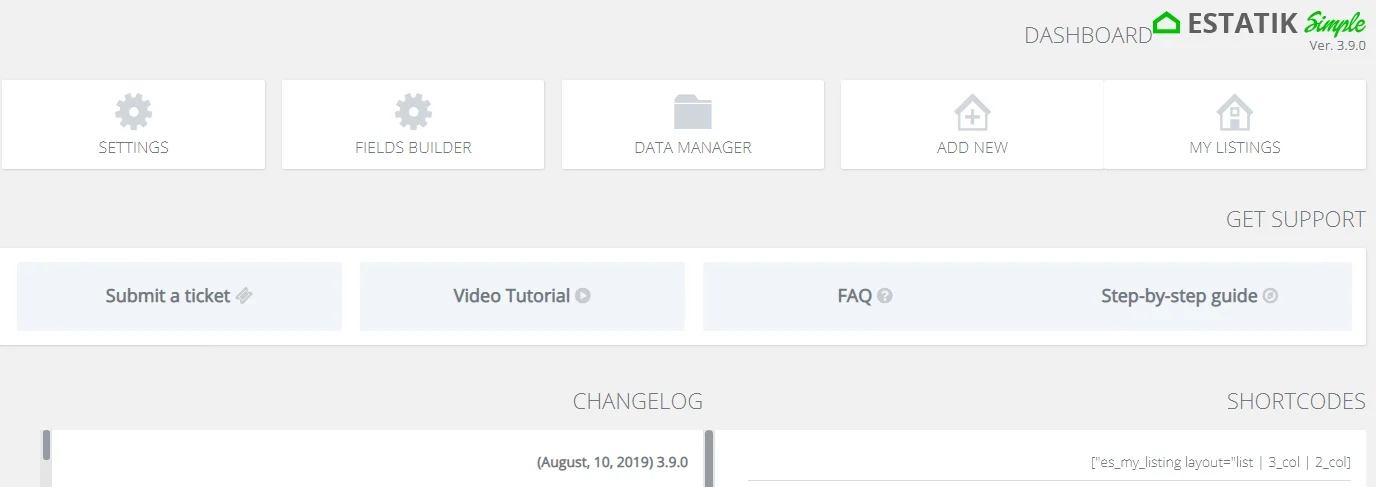
Estatik also supports WPML, the most popular WordPress multilingual plugin. That makes it a solid choice if you need to translate your site into different languages. The plugin also includes a fully customisable search widget that works well with Persian fonts and layouts.
Managing and Optimising Large Property Images and Galleries
One of the biggest challenges when running a real estate website is handling the large number of images in each property gallery. Agents and users want to upload high‑quality photos of every angle, from the interior and exterior to the surrounding area. But if those images are not optimised properly, they will slow down your website dramatically and drive users away.
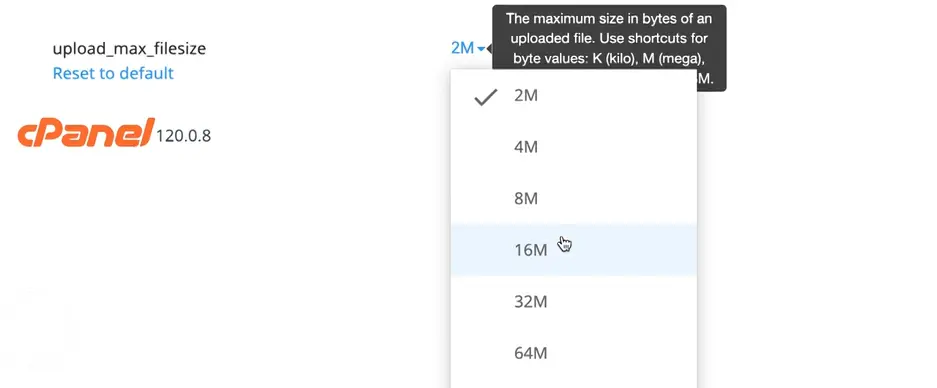
To solve this problem, you need to be smart about image management. The first step is to set reasonable limits on the file size and dimensions that users can upload. You can do this through your hosting control panel or by using a plugin.
The next step is to use automatic image optimisation plugins. These tools compress images as soon as they are uploaded, reducing file size without noticeable quality loss. Many of them can also convert images to modern, lightweight formats like WebP. With this approach, your property galleries will load quickly, and your hosting bandwidth will not be wasted unnecessarily.
Choosing the Best Plugin for Your Site
Picking the wrong plugin can undo all your hard work and leave you with a buggy, frustrating website. To avoid having to switch plugins later and go through a painful database migration, you need to make a smart decision from the start. Think about your future needs, not just your current ones.
Just because a plugin has more features does not mean it is the best choice for you. Keep a few critical factors in mind as you evaluate your options.
If you plan to earn money from your site, make sure the plugin can connect to payment gateways that work in your region. Also check compatibility with popular page builders like Elementor or the native Gutenberg editor. You do not want to hit a wall when designing your pages.
For real estate sites, dates matter a lot. Property listing and update dates are important for users. So make sure the plugin plays nicely with Persian or other non‑Gregorian calendar systems if you need that.
Ajax Filters: The Fastest Way to Find a Property
Time is money for someone searching for a home. If your site is slow, they will simply hit the back button and try your competitor instead. Your search system needs to feel fast and dynamic. There is nothing more frustrating than having to refresh the entire page just to see results for a different price range or room count.
With Ajax filtering, users see new results instantly as soon as they change any filter option. The page does not reload. The results update in a fraction of a second. This keeps users engaged and encourages them to stay on your site longer.
If your real estate plugin does not have built‑in Ajax filtering, you can install a professional filter plugin like JetSmartFilters or Search & Filter Pro. Create your filters based on your property data, then set the filter type to “Ajax” or “no page refresh”. Finally, design your search form and display the results dynamically.
SMS Notification System
The connection between you and your users often comes down to notifications and messages sent at the right moment. A good SMS system builds trust and makes your site feel alive. It also encourages users to return frequently to check the status of their listings.
By connecting your site to a reliable SMS panel, you can automate many useful scenarios. For example, you can send a verification code to users when they register. You can notify someone automatically when a new property matches their saved search criteria. And you can instantly inform users when their listing gets approved or rejected.
Here is how to set it up. First, purchase a service line SMS panel from a reputable provider. Then install the WP SMS plugin or your provider’s dedicated WordPress plugin on your site. Enter your panel credentials and configure your message templates. Finally, set up hooks so that when a property listing status changes to “published”, an SMS is sent to the listing owner’s mobile number.
Monetisation Strategies for Real Estate Websites
Building a real estate website is not just for traditional agencies anymore. It can be a highly profitable online business model. If you create a secure, high‑traffic platform that connects buyers and sellers, there are several ways to turn that traffic into cash.
You can sell listing packages. Allow users to post three free listings, but charge them for additional ones. You can offer featured listings or a “sticky” option that pushes a property to the top of the search results for a small fee. You can also charge real estate agencies a monthly subscription fee to access their own dedicated dashboard.
With the right approach, you could build a platform similar to popular classified sites and earn a very good income from it.
SEO for Real Estate Websites
Without proper SEO, your real estate website is like a shop in a dead‑end alley that nobody ever finds. The competition for real estate keywords is intense. But if you understand local SEO and proper page structure, you can claim a big share of that market for yourself.
Focus on neighbourhood‑level keywords. Instead of just “apartment for sale”, target phrases like “two‑bedroom apartment for sale in North Toronto”. Use real estate specific schema markup so Google can display prices and ratings directly in search results. Write compelling titles. Instead of “100 square meter apartment”, try “Bright, single‑unit 100 sqm apartment in [neighbourhood name]”.
Building a PWA for Your Real Estate Website
These days, most people do everything on their smartphones. They prefer using apps to search for properties. To have a strong presence on both desktop and mobile, and to keep your loyal customers engaged, having an installable app on their home screen is a huge advantage.
More than eighty percent of users search for properties on their phones. So why not give them an app version of your site? You do not need to spend thousands of dollars on custom app development. You can use a Progressive Web App, or PWA, plugin to turn your WordPress site into a lightweight app that users can install on their phones with a single tap.
Final Thoughts: Take the First Step Confidently
Building a professional real estate website with WordPress is like putting together a puzzle. From choosing a feature‑rich plugin to adding fast Ajax filters, optimising large image galleries, and setting up an SMS notification system, every piece matters. Together, they create a smooth, fast, and enjoyable experience for your users.
At first glance, implementing all of these features one by one might seem a bit challenging. But here is some good news. The Persian WordPress market has grown tremendously. Many professional real estate themes and plugins, designed or localised by Iranian developers, now include all of these capabilities in one package. Local maps from Neshan and Balad, front‑end user dashboards, advanced filtering systems, payment gateway integration, and SMS panel connections are often already built in.
So before you do anything else, take some time to research and compare the real estate themes and plugins available on reputable Persian marketplaces. With a little investigation, you will find exactly the tool that fits your business model. You can then launch a fully featured, money‑making real estate website with minimal hassle.
I hope this article has helped you choose the best real estate plugin for your WordPress website. Good luck, and happy selling. 🙂

Ahura WordPress Theme
The Power to Change EverythingElementor Page Builder
The most powerful WordPress page builder with 100+ exclusive custom elements.
Incredible Performance
With Ahura’s smart modular loading technology, files load only when they are truly needed.
SEO Optimized for Google
Every line of code is carefully aligned with Google’s algorithms and best practices.

To post a comment, please register or log in first.