
 Tutorials


 Ahura
Ahura Plugins

 Blog
BlogWhat Is the Best Live Chat and Support Plugin for WordPress?

You’ve probably noticed on many websites a small button in the corner of the page—click it, and within seconds you’re chatting with support. This simple experience can sometimes make the difference between a successful purchase and a lost customer. In this article, we’re going to break down this very feature and tell you which plugins—among the many that have flooded the market—are truly worth using for your WordPress site.
Choosing from so many options isn’t easy. That’s why we’ve tried to act as a thoughtful guide and introduce only the tools that are genuinely worth trying.
Table of Contents
The Importance of Live Chat on a Website
Put yourself in the customer’s shoes for a moment. You’re buying a product online, a small question is on your mind, you can’t find the answer, and in the end you give up on the purchase. This happens to many websites every single day. Live chat plugins were created exactly for this reason: to be there the very moment a customer hesitates and remove their doubt.
Any website that offers products or services benefits from having a live chat system. Not only because it clears up customer confusion, but because you can respond to questions very quickly and create a sense of trust. It’s true that there are other support methods, such as forums, FAQ sections, or product documentation, but none of them provide that feeling of “I got my answer right away.” If your website doesn’t yet have this feature, maybe it’s time to consider it.
Don’t forget one important point: product quality matters, but it’s only half of the story. The other half depends on how you تعامل with your customers (user experience). A dissatisfied customer can drive away several potential customers with a single negative comment, while a satisfied customer can become free advertising for you. So don’t underestimate support.
How WordPress Live Chat Plugins Work
The process is simpler than you might think. You install the plugin on WordPress, a chat button appears in the corner of your page, and the user enters a conversation window with one click. If you’re online at that moment, you respond instantly; if you’re offline, their message is sent to your email so you can reply later. This speed and convenience make users feel better and encourage them to stay longer on your site.
Benefits of Using Online Chat
These plugins aren’t just good for users; as a site manager, you also gain many advantages from them. Some of the most important benefits include:
- Instant responses to users’ questions and resolving their doubts exactly when they need it
- Increased sales, since customers’ mental barriers along the buying journey are removed
- Creating a close and friendly connection with visitors
- The ability to respond to multiple users simultaneously without losing quality
- Tracking visitor behavior, which helps you design more precise marketing campaigns
- Automatic translation of conversations (in some plugins) if you have an international audience
- Timely and professional support that directly impacts your brand’s credibility
In short, these tools both improve the user experience and make site management easier for you.
Choosing the Best WordPress Live Chat Plugin
To choose an option that truly fits your website, it’s best to clarify a few things beforehand:
- What exactly are your customers’ support needs?
- Which features are essential for you, and which ones can you live without?
- How much are you willing to spend on this system?
Finally, check other users’ reviews. The opinions of people who have already used it can give you real insight and help you avoid many common mistakes.
Chat or Ticket?
Live chat is excellent when a user is looking to make a purchase, but it’s not very efficient for product support. Why? Because in chat, users expect to receive a response within seconds, while support issues are usually more complex and time-consuming. Additionally, for support, you need to make sure the person has actually purchased the product, and this kind of verification can be somewhat troublesome in a chat environment.
So if your goal is product support, it’s better to use a ticketing plugin. For example, the Poshtivan plugin is a good option for managing support requests; its interface is designed in a way that keeps everything clear and well organized.
Choosing the Best WordPress Live Chat Plugin
Alright, let’s get started with introducing the best live chat plugins:
Crisp
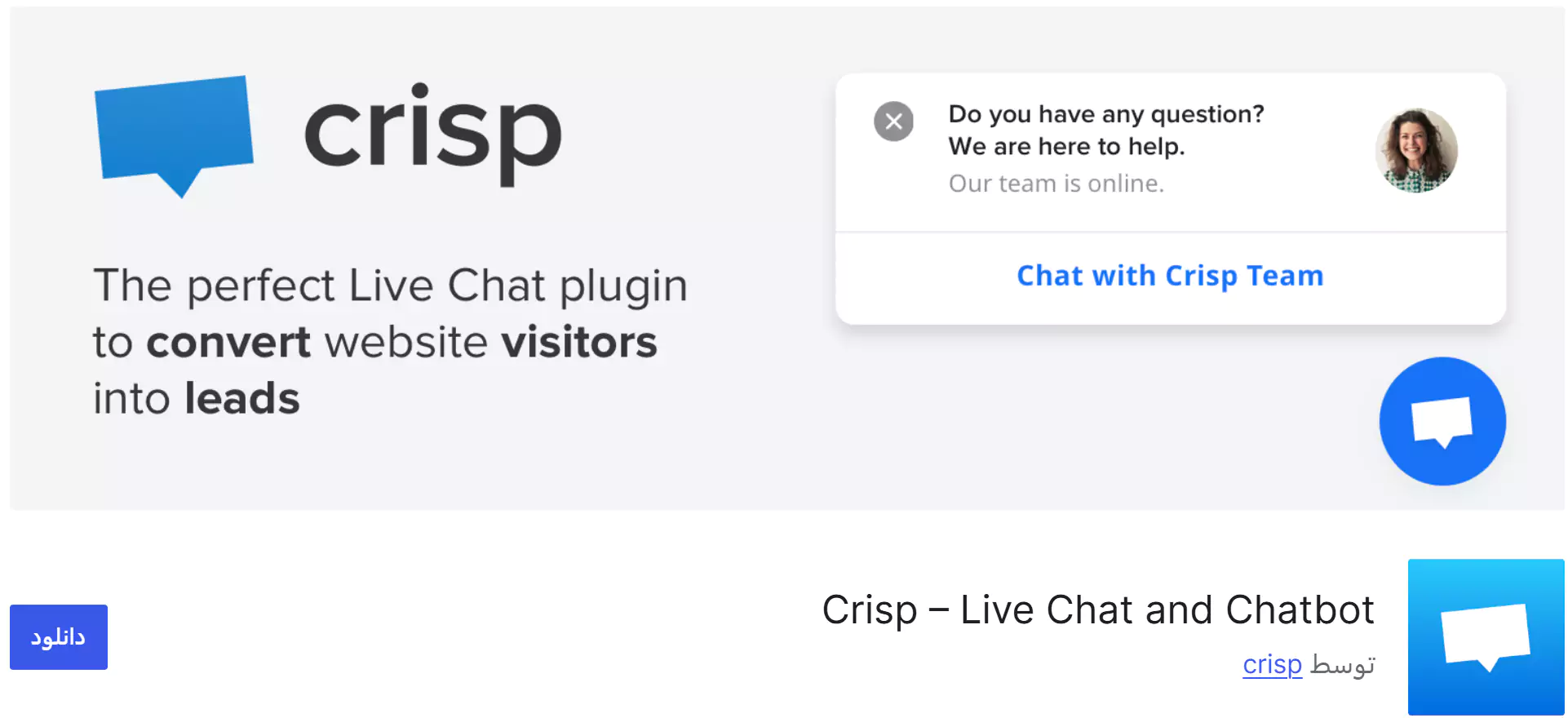
If you’re looking for a solid live chat plugin for WordPress, Crisp is one of the best options. Its free version offers acceptable features, and if you upgrade to the premium version, you’ll get access to more advanced capabilities. It’s a reliable choice if you want to get started without spending money.
Crisp Features:
- View users’ geographic location
- Ready-to-use WordPress plugin with easy installation
- Access to a web-based support panel
- Mobile app support
- And many other practical features even in the free version
In 2026, Crisp is still the most popular international live chat tool in Iran. In its latest updates, it has strengthened its AI system, but to access advanced bots and connect to channels like Telegram and WhatsApp, you need to purchase the Pro or Plus plans. Its web-based panel has also become much faster and more optimized compared to before.
Zendesk
Zendesk is one of the oldest and most reputable customer service platforms in the world, but there’s an important point you should know: it no longer offers a standalone live chat or a permanent free version. The old Zendesk Chat system has been retired and merged with the new Zendesk Messaging system. Its pricing has also increased and now starts at $55 per month. For this reason, in 2026 it is better suited for large organizations, international companies, and well-funded businesses, and is not recommended for small or startup WordPress websites.
Zendesk is more than just a simple chat tool; it’s an omnichannel system that brings website chat, tickets, email, and messaging apps together in a single unified dashboard.
Main Features:
- Omnichannel support: Connect website chat, WhatsApp, email, and social media to one single panel
- Artificial intelligence (Zendesk AI) for automatically answering frequently asked questions without the need for an operator
- Advanced tracking tools: View user navigation paths, current page, and previous purchase history
- In-depth reporting and analytics on response time, customer satisfaction, and chat quality
- Real-time translation for chatting with international users
- Powerful mobile app for Android and iOS
LiveChat
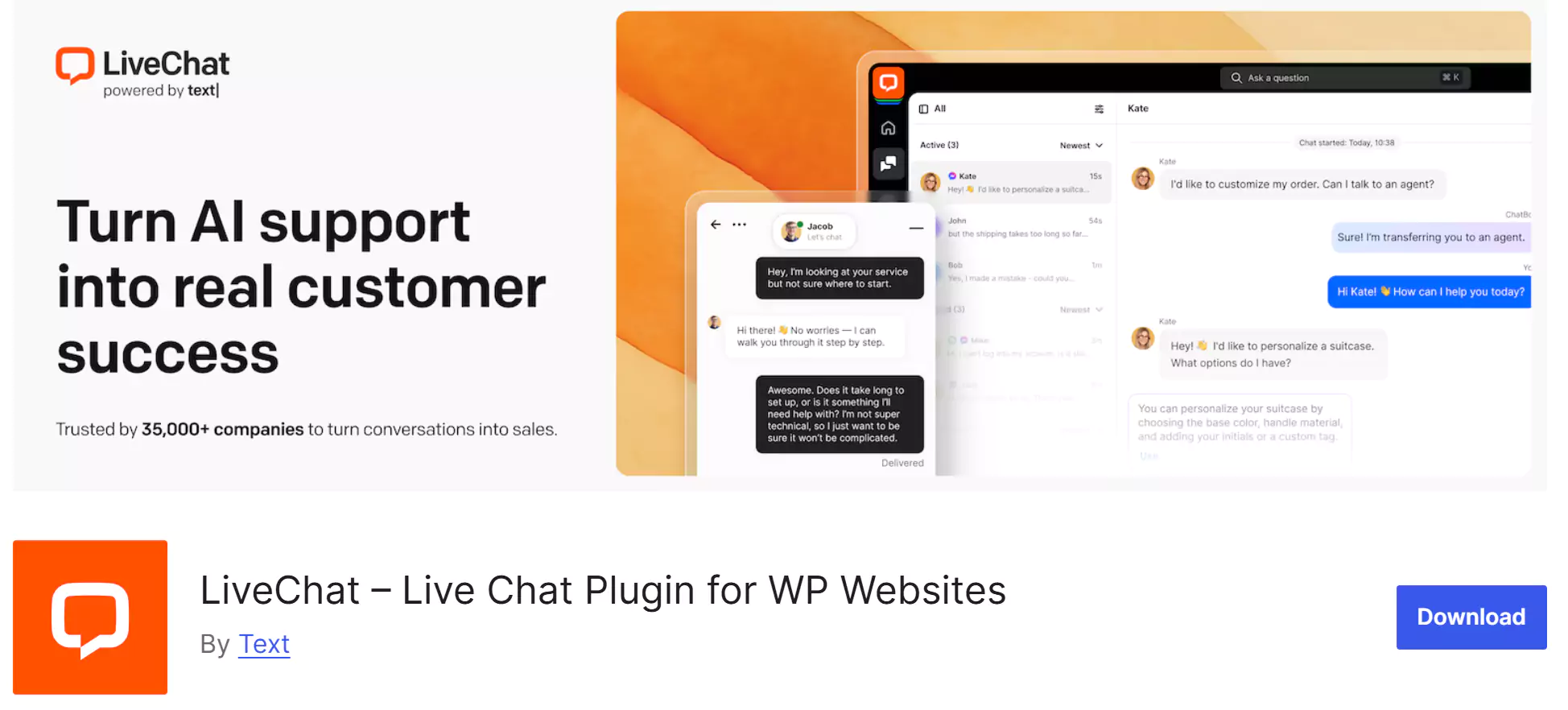
LiveChat is a fully professional and paid plugin with no free version at all. However, if you’re willing to invest, it’s one of the best options in the premium plugin category.
2026 Update: LiveChat is a completely commercial and highly professional tool. Its plans start at around $20 per month. High speed, strong security, and integration with more than 200 other tools (such as CRMs) have made it the top choice for large online stores with sufficient support budgets.
Main Advantages:
- Excellent user interface
- Conversation rating system
- Full integration with WordPress
- Ability to translate conversations
- And more features
3CX Live Chat
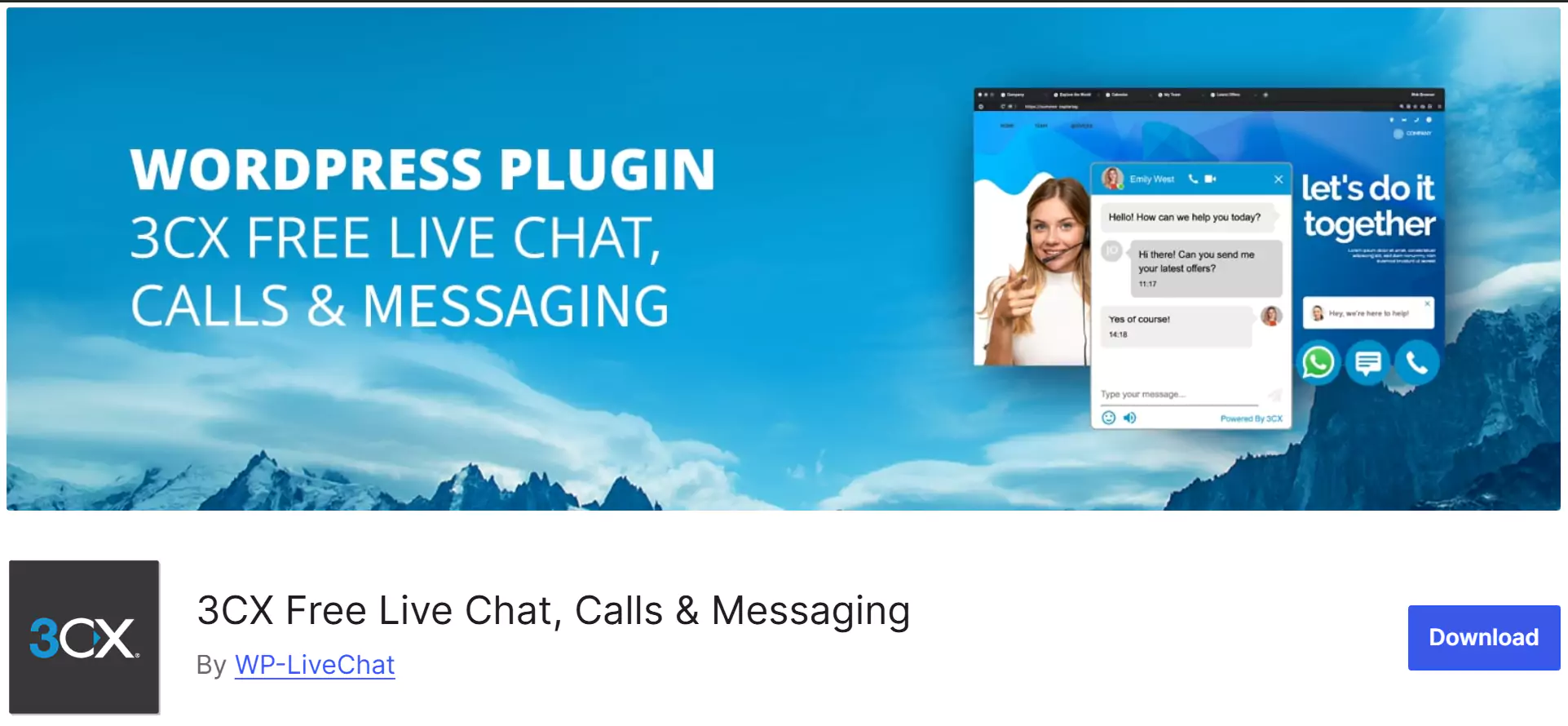
3CX Live Chat is one of the popular and completely free plugins. It was initially designed as part of the 3CX phone system, but it has now come to WordPress to improve user interaction.
2026 Update: The plugin is completely free, but the company’s main focus has shifted toward VoIP phone systems. Its text chat features are solid and cost nothing, but the chat box design looks a bit outdated compared to modern competitors like Crisp or Tidio.
Advantages
- Compatible with WordPress multilingual plugins
- 6 beautiful default themes for the chat box
- Simple user interface with extensive customization options
- Display the chat box only for registered users
- Desktop notifications
- Ability for support agents to edit messages
Its design isn’t as modern as Crisp and some competitors, but if you’re looking for a free and feature-rich option, it’s worth trying.
Tidio Live Chat
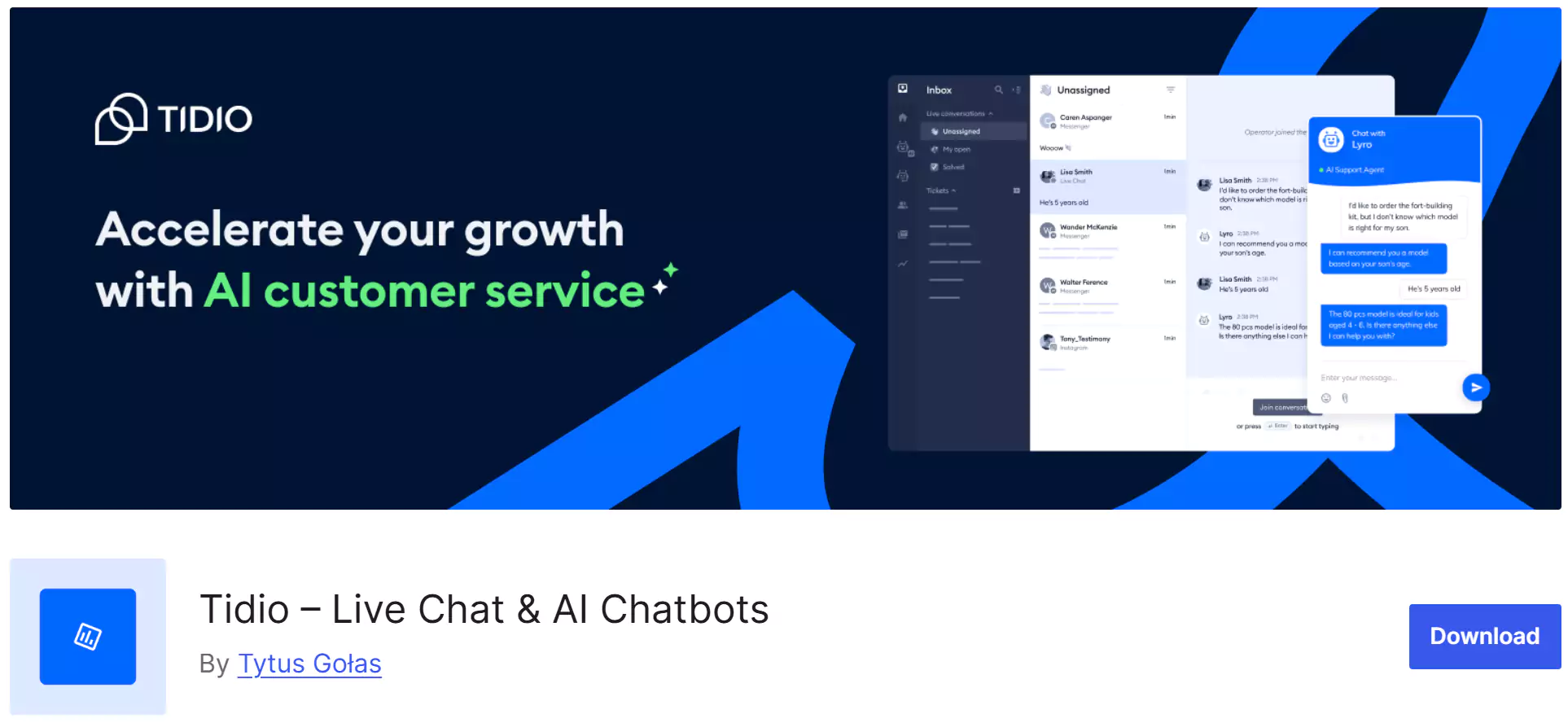
Tidio is another great option in this category, especially since its free version offers useful features. Its attractive design, customization capabilities, and management tools have made it quite popular.
- Notable dashboard and chatbox design
- Chatbox color customization
- Chat on web and mobile app
- Canned responses
- Quick installation and setup
- Website visitor statistics and analytics
- Conversation rating and user feedback scoring
2026 Update: Tidio now places special focus on its AI section, Lyro AI. Its free version is excellent for new websites, but if you’re looking for fully automated and intelligent responses (without the need for a human operator), you’ll need to choose its paid plans, which are especially practical for WooCommerce stores.
Tawk.To Live Chat
Tawk.to is one of the popular free options with a high level of customization. You can match its appearance exactly with your website’s color scheme.
- Standard and responsive design
- Ability to place the chat box in the widget area
- Various color schemes for customization
- Add unlimited support agents
- File sharing
- Canned responses
- Unlimited chat history storage
2026 Update: Tawk.to is still the only foreign plugin that offers all its core features (unlimited operators, unlimited chats, and a mobile app) completely free of charge. Its revenue comes from selling human operator services (support agent rental). In 2026, the chat box interface was redesigned and now looks much more modern and cleaner than before.
Jivochat
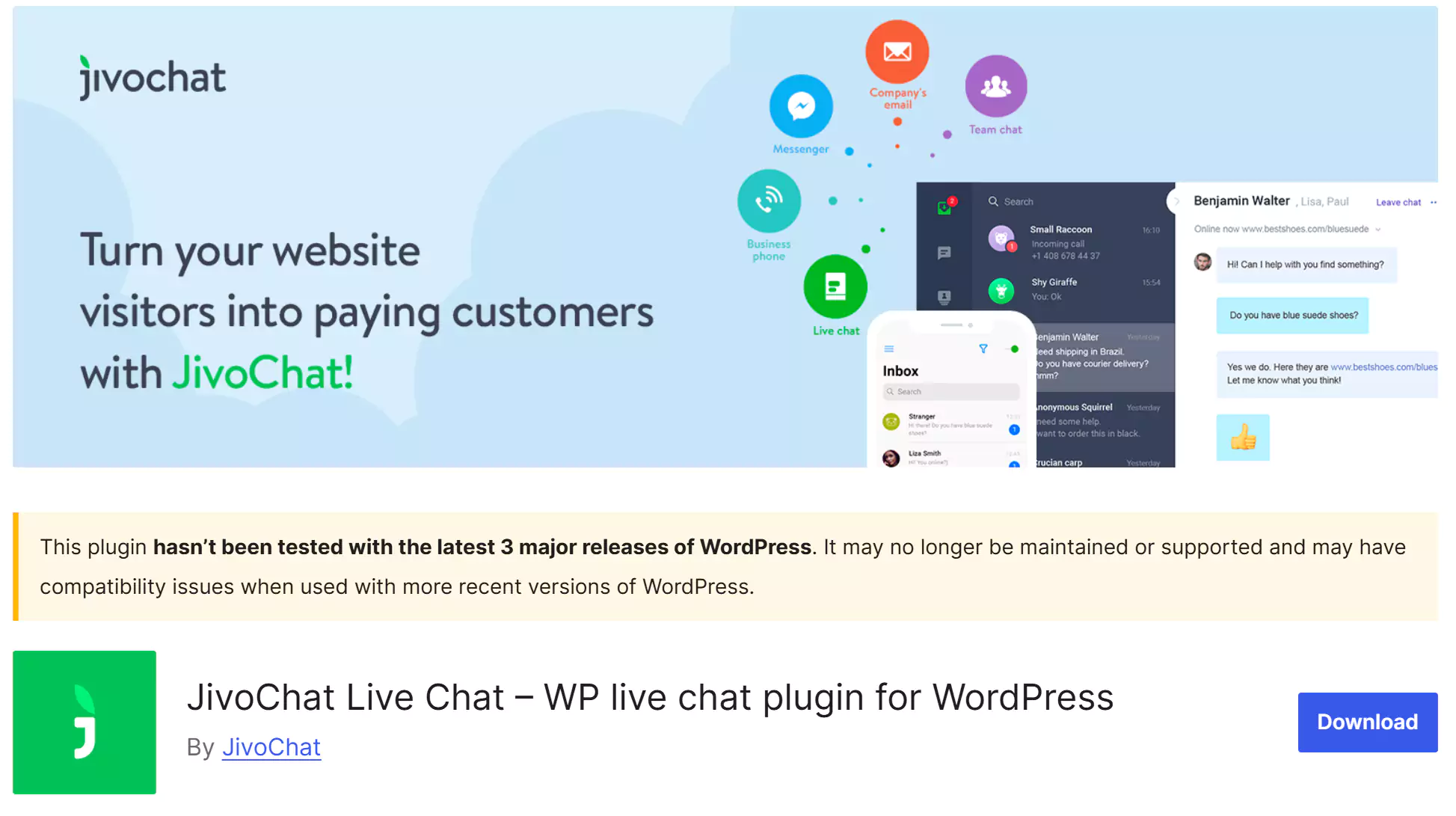
If your main concern is having a lightweight and fast website, Jivochat is a great option. It offers solid features and can also be connected to social media platforms.
- Live preview of user messages while typing
- Automatic message translation
- Flat and simple design
- Visitor tracking
- Quick installation and setup
- Fully responsive
- Lightweight
- AI assistant for automatic responses to frequently asked questions
2026 Update: A small warning—this plugin hasn’t been updated for some time. However, Jivochat is still one of the lightest multi-channel tools for WordPress. It is designed to load the minimum amount of JavaScript code so it won’t negatively affect your site’s loading speed or SEO.
HubSpot CRM & Live Chat
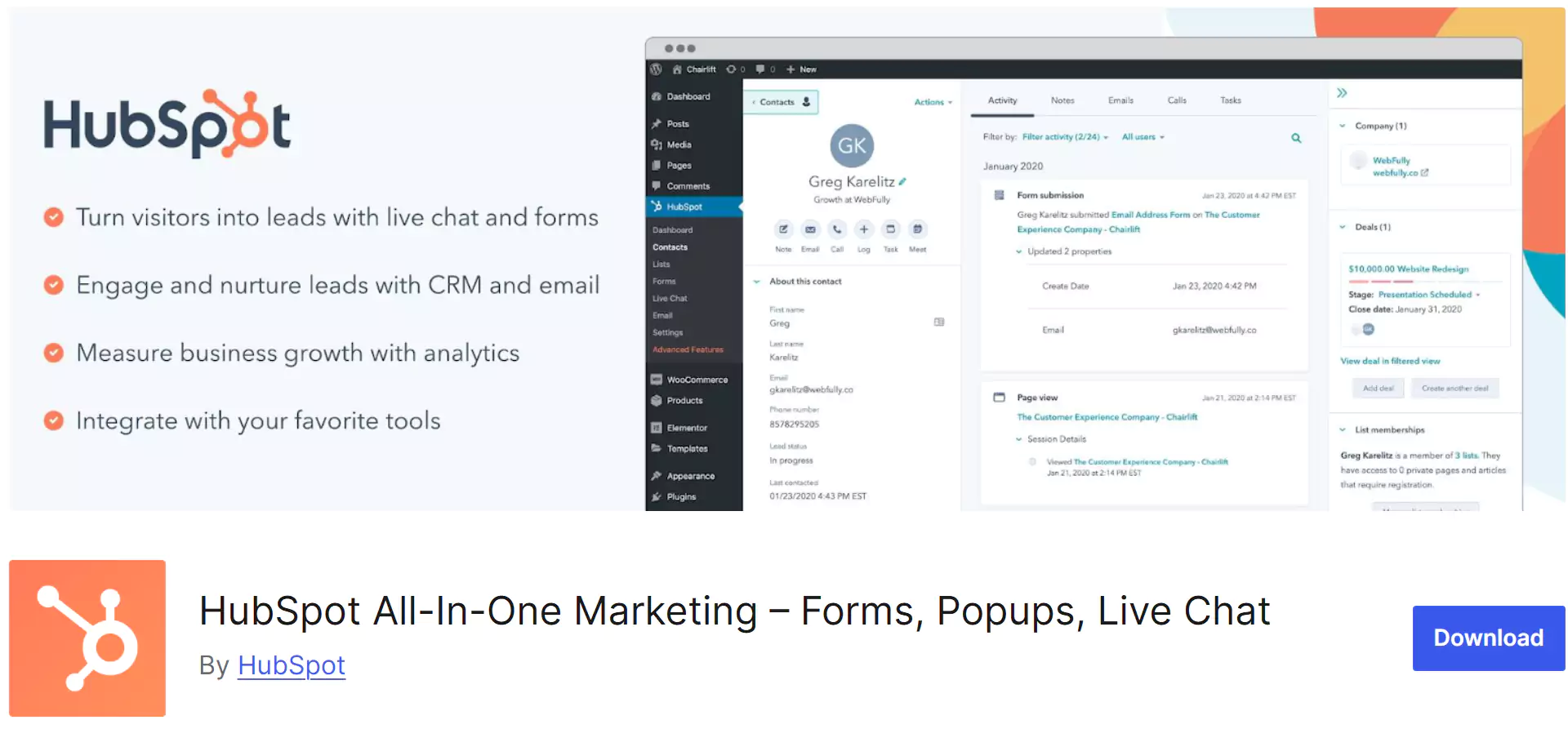
If you want your website chat to connect directly to a powerful sales database, HubSpot is outstanding. The HubSpot live chat plugin is combined with a powerful CRM (Customer Relationship Management) system. In 2026, it also added artificial intelligence capabilities (HubSpot AI) to its chatbox to analyze customer behavior.
Free plan: Yes. Its chat tool and CRM system are 100% free, but the advanced AI features are paid.
Advantages:
- Automatic recording and storage of user emails and information in the CRM
- Creating responsive chatbots and collecting sales leads with the help of AI
- Excellent integration with email marketing for post-chat follow-ups
- Displaying the full interaction history and visited pages to the operator during the chat
- Easy installation and configuration via the official WordPress plugin
However, if you only want a simple chat without marketing and sales tools, HubSpot might seem a bit complex.
Formilla Live Chat
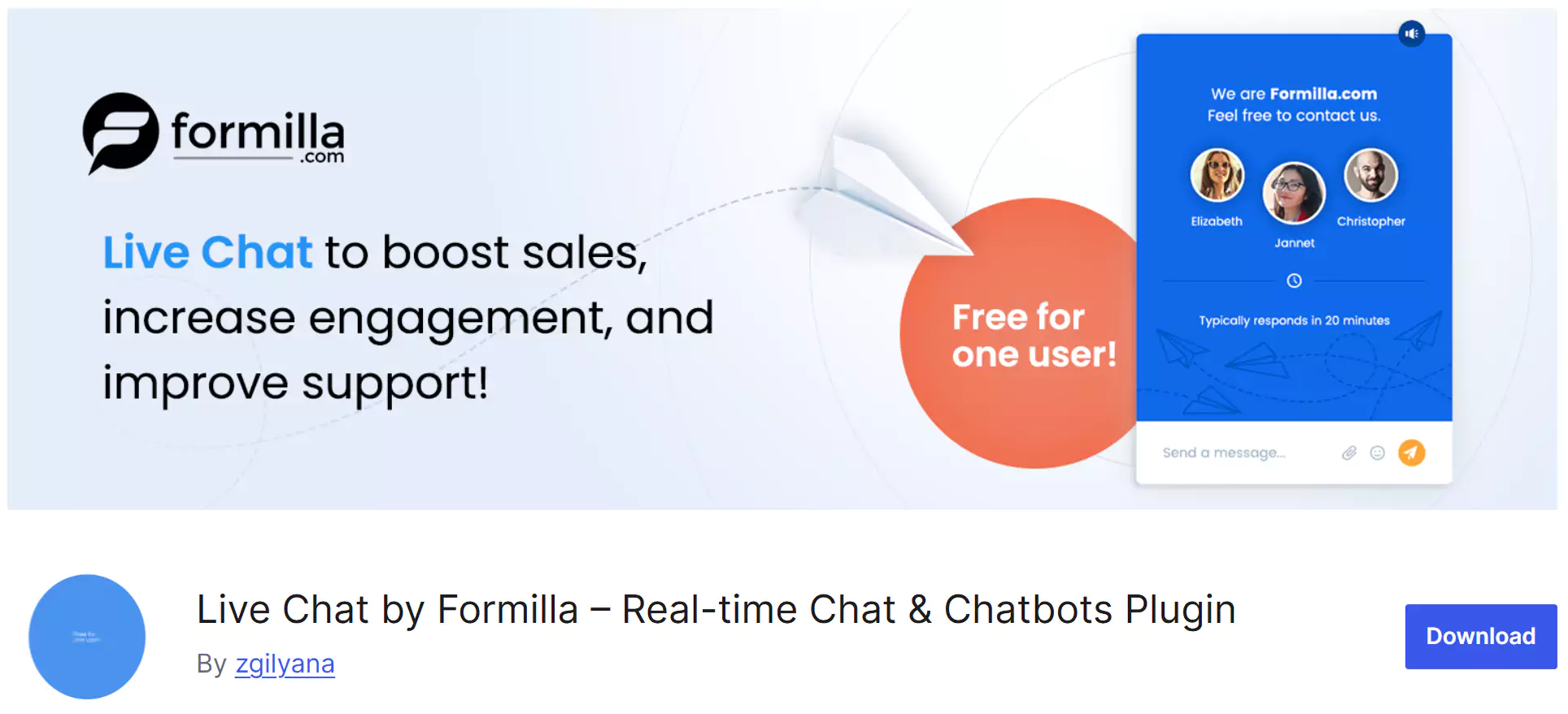
Formilla is an attractive tool focused on smart pop-ups and capturing audience attention. With the help of AI and automated chatbots (Custom Bots), it helps you guide your customers even when you are offline.
Free plan: Yes, but the free version is very limited; only 1 operator and 30 conversations per month.
Advantages
- Sending automatic chat invitations based on how long a user stays on a page
- AI chatbot for 24/7 responses
- Managing conversations through dedicated Android and iOS apps
- Blocking disruptive users, spammers, or bots via IP address
- Full customization of the chatbox theme, logo, and color scheme
Keep in mind that the free plan is mostly for testing; for high-traffic websites, you’ll definitely need to choose one of the commercial plans.
Conclusion
The variety of live chat and support plugins in WordPress is almost endless, and every day new AI-powered tools enter the market. What we’ve done here is eliminate inefficient options and introduce the best and most reliable tools from around the world and Iran, so you can make the right choice based on your website’s needs and budget.
Remember, launching live chat is not just about adding a button to your website; it’s the beginning of a new path to building a relationship based on trust—and that relationship can completely transform your website’s sales.
If you found this article helpful, be sure to share it with your friends so they can benefit as well. We’d also be happy to hear about your experience with live chat plugins in the comments section. Stay happy and successful. 🙂

Ahura WordPress Theme
The Power to Change EverythingElementor Page Builder
The most powerful WordPress page builder with 100+ exclusive custom elements.
Incredible Performance
With Ahura’s smart modular loading technology, files load only when they are truly needed.
SEO Optimized for Google
Every line of code is carefully aligned with Google’s algorithms and best practices.

To post a comment, please register or log in first.