
 Tutorials


 Ahura
Ahura Plugins

 Blog
BlogWhich Is the Best WordPress User Panel Plugin?

A good, easy-to-use user panel plays an important role in attracting users — it practically encourages them to stick around and stay active on your site. In fact, the user panel is one of the core parts of any website; so if you want your site to be user-focused and to offer users solid features, building a proper user panel in WordPress is your job from day one.
These days, webmasters and site designers are picky about how their site looks and how user-friendly it is — and the user panel is exactly where those two meet. That’s why in this article we’re going to look together at the features of a good user panel and see how you can pick the best WordPress user panel plugin for your site.
Table of Contents
Why Having a User Panel Matters
Every website — whatever kind of audience or business it serves — needs a user panel. But because on some sites several users with different roles work side by side, the panel has to be able to separate these roles and manage them properly. That’s exactly why choosing the right panel becomes so important. Sections like user registration and login, membership, access for special users, and things of that sort all tie back to this user panel.
In what follows, we’ll first go over the features a good user panel should have, and then we’ll introduce a few of the best WordPress user panel plugins to you. These plugins help you and your site’s audience so that every user can easily connect and interact with your website.
Before you pick a plugin, we have one friendly piece of advice: first get to know your own audience well and figure out exactly what kind of site you need a user panel for. For example, on e-commerce sites, the user panel is designed so that users can see the products they’ve bought and have their information right at hand. Or on educational sites, users have different roles like instructor, student, or admin, each with their own particular features and access levels.
Features of a Good User Panel Plugin
In this part of the article, let’s go over the features of a good user panel plugin together:
Ease and Simplicity of Use
Go for a panel that a user can connect with easily and that’s simple to work with. So before choosing, ask yourself a few questions: Is it easy to use? Can a user work with it without any hassle? How’s its setup speed? And does setting it up take a lot of your time or not?
Having the Minimum Necessary Features
Choose a plugin that has at least the essential features you need. Some of these important features are: the ability to create and customize user roles, building registration forms with custom fields, an on-page membership form, email verification, custom redirects, and strong security. These count among the core features of any user panel plugin.
Cost
There are plenty of free user panel plugins out there, but as you know, nothing good usually comes completely free. The free versions might not exactly match your criteria and needs, which is why it’s sometimes better to spend a little so you have a plugin that fits your site’s needs.
Compatibility and Flexibility
If you’re going to combine your user panel plugin with another system like WooCommerce, you’ll most likely need a plugin you have to pay for in order to be compatible with systems like that.
The Best WordPress User Panel Plugins
If you’re managing a WordPress website with several users, you definitely need a user panel plugin. There are plenty of plugins for building a user panel in WordPress that you can use — some of them are free and some you have to pay for. In what follows, we’ll introduce a few of the best options to you so that, depending on your needs, you can pick a professional plugin and rest easy knowing your user panel won’t cause you trouble down the line.
MemberPress Plugin
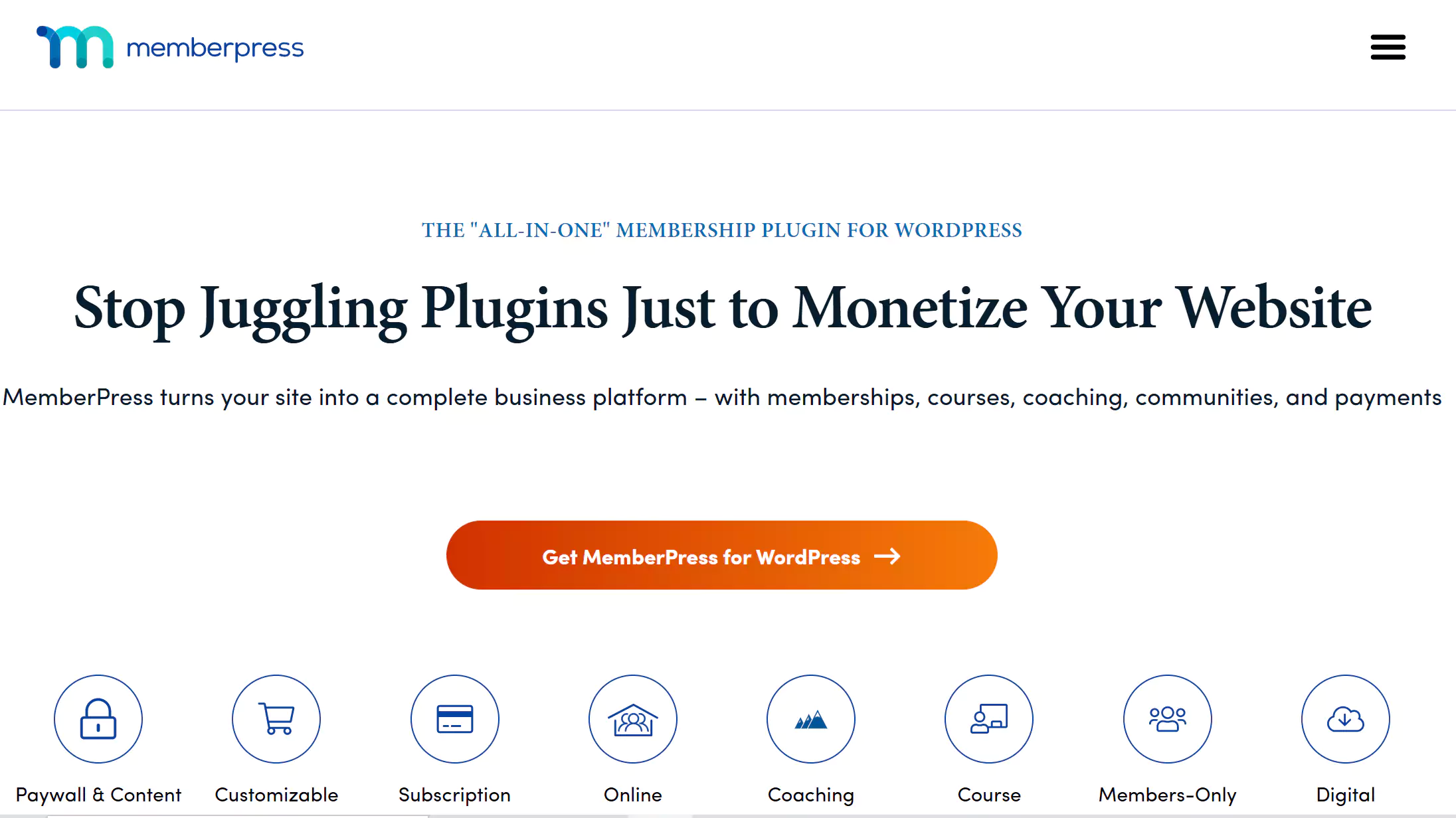
MemberPress is one of the best user panel plugins, giving you a lot to work with. With this plugin, you can build a powerful, professional user interface on your site and take advantage of features like special memberships, strong security, user management, and creating a beautiful, user-friendly panel. This plugin lets you manage access to different pages, categories, and more.
On top of that, MemberPress has a reporting system that helps you stay informed about the state of your site and its memberships, and pinpoint and fix the parts that need improvement. This plugin has a secure system and is compatible with all sections of WordPress.
One important note: contrary to what’s sometimes said, MemberPress is a paid (premium) plugin and doesn’t have a completely free version. If you want to use it, you’ll have to pay for it.
Ultimate Member Plugin
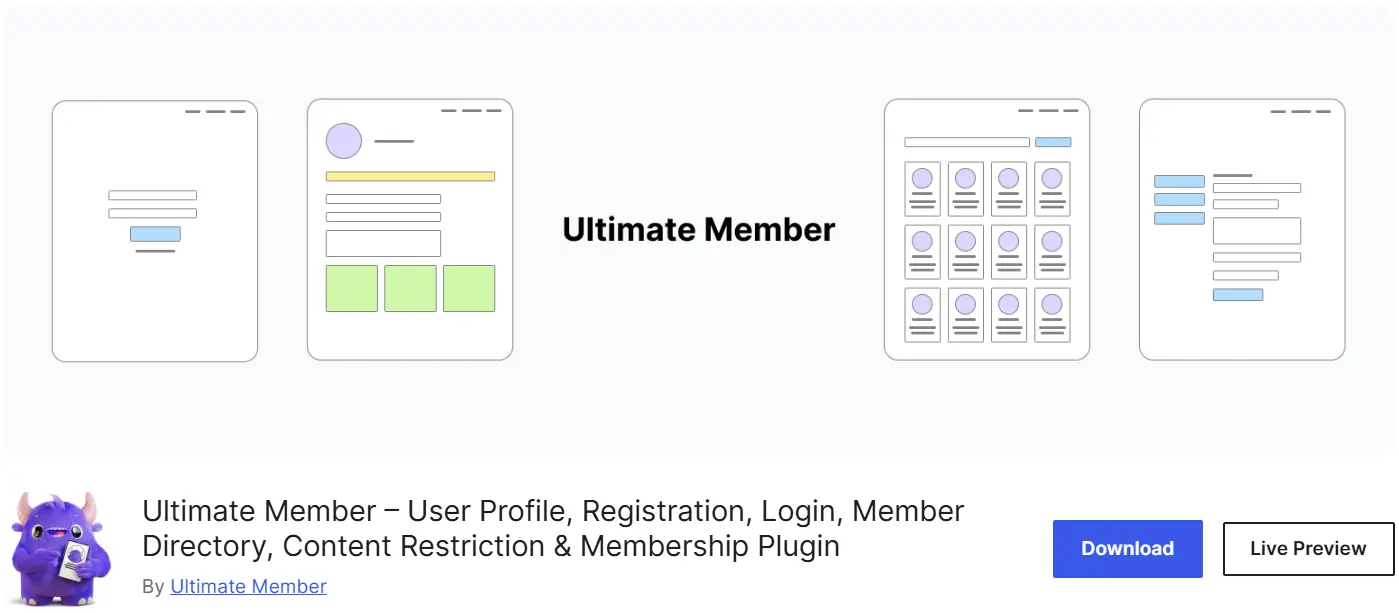
With Ultimate Member, you can build membership and login forms, along with practical and appealing profiles, and manage your users with ease. The core version of this plugin is free, but you’ll have to pay to use its add-ons.
Among this plugin’s features, we can point to these: building professional profiles for users, attractive and beautiful login and membership forms, an account page for managing the account (like changing the password and changing the profile picture), a dedicated page for each user, notification emails, the ability for users to leave public and private comments, showing users’ locations on a map, and letting users upload their own profile pictures.
The interesting thing here is that Ultimate Member is fully compatible with any kind of WordPress theme, with no limitations.
UserPro Plugin
UserPro is one of the best WordPress user panel plugins, and with it you can build a professional profile and a membership page. This plugin is only offered in a premium version, meaning you have to buy it to use it.
Among this plugin’s outstanding features, we can point to a beautiful login and membership page, building a multi-step registration form, and also building a social network — a network in which users can follow one another and form connections and interactions among themselves.
Comparison Table of WordPress User Panel Plugins
| Plugin | Free Version | Paid Version | Standout Features | Best For |
|---|---|---|---|---|
| MemberPress | No (paid) | Yes | Special memberships, page and category access management, reporting system | Membership-based and subscription sites |
| Ultimate Member | Yes | Add-ons are paid | Beautiful login/registration forms, dedicated profiles, showing users’ locations on a map | Social networks and forums |
| UserPro | No (premium) | Yes | Multi-step registration form, ability to follow users, built-in social network | Social and interactive sites |
Wrapping Up
WordPress user panel plugins help you have greater control over how people interact with your website. With the help of these plugins, you can define user roles or restrict their access.
In this piece, we tried to first share with you the features of a good user panel plugin, and then introduce a few of the best options so that choosing the right user panel for your site becomes easier for you. We hope this piece has been useful to you. Take care. 🙂

Ahura WordPress Theme
The Power to Change EverythingElementor Page Builder
The most powerful WordPress page builder with 100+ exclusive custom elements.
Incredible Performance
With Ahura’s smart modular loading technology, files load only when they are truly needed.
SEO Optimized for Google
Every line of code is carefully aligned with Google’s algorithms and best practices.

To post a comment, please register or log in first.