
 Tutorials


 Ahura
Ahura Plugins
 Blog
BlogHow to Add Live Chat to Your WordPress Site
- Tutorials
- Updated on
Table of Contents
Introduction and Welcome
hey everyone welcome back to our channel in today’s video I’m going to walk you through the quick and easiest steps to install chatina the ultimate live chat plugin for WordPress whether you are looking to engage and connect with your website visitors in real time boost your engagement or simply provide stellar customer support chatina has got you covered so grab a coffee relax and let’s get your WordPress site equipped with chatina maybe in just few minutes ready let’s dive in
Account Registration and Login Chatina
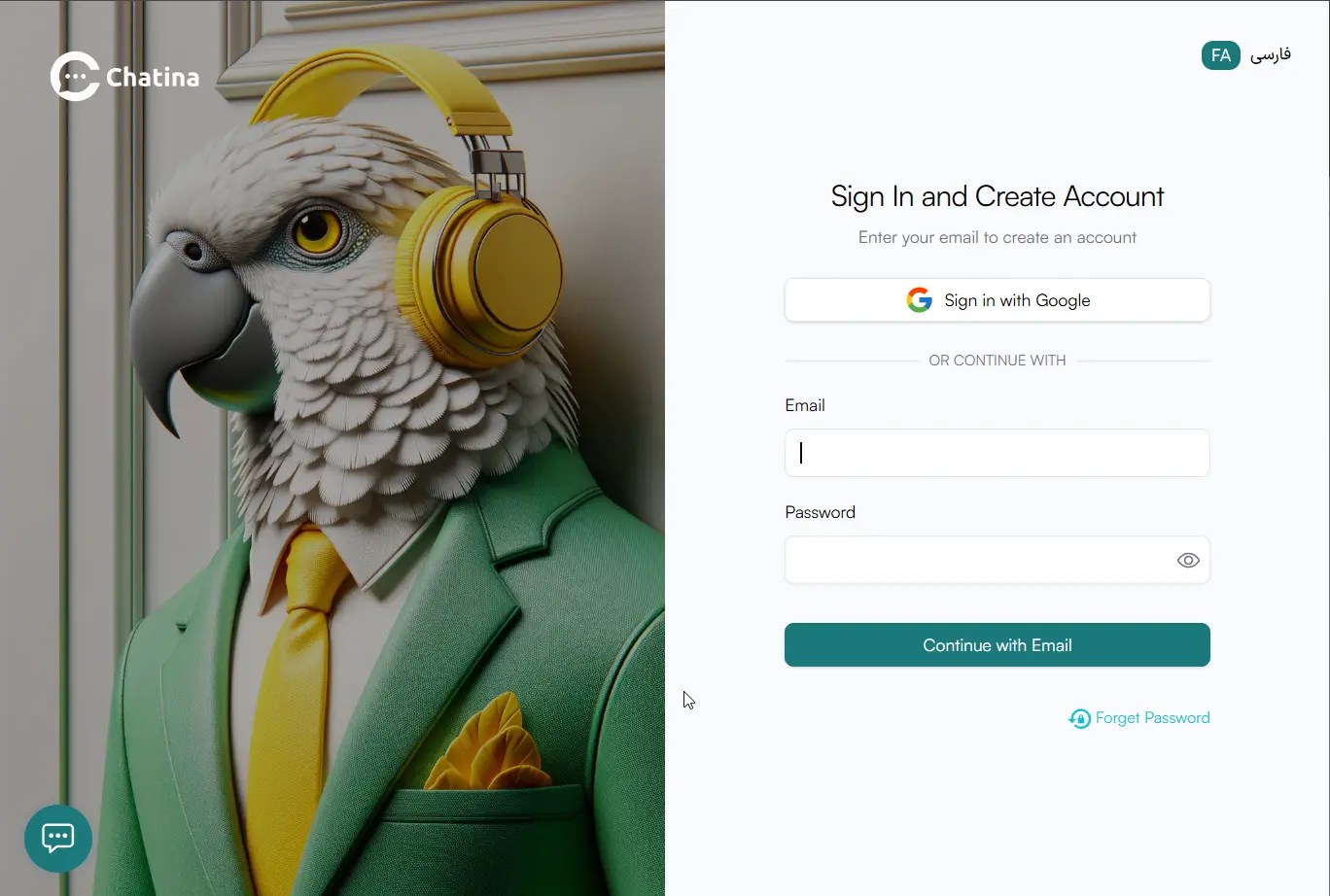
first of all first of all we have to go to chatina.ai chatina website and then we have to click on launch app and go to chatina app here you can login or register with your Google account or your email so I will click on sign in with Google and I will register with my Google account I will select one of my Google accounts here
Platform Selection and Plugin Download
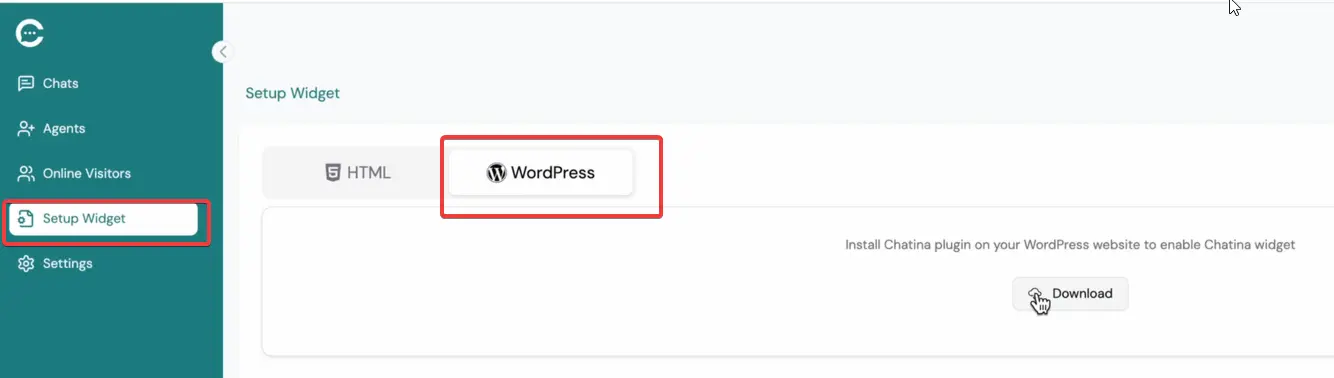
Then here is chatina application with this application you can connect to your customers or your visitors online from the left sidebar here I can click on setup widget and then I will click my website platform here our platform is WordPress then I have to to download my WordPress plugin here
Installation and Activation on WordPress
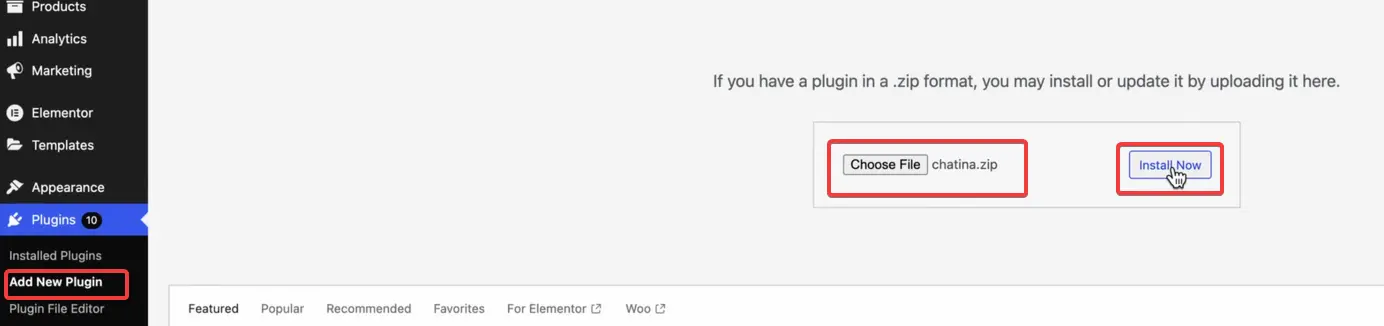
from plugins add new plugin menu in my WordPress dashboard I have to click upload plugin and choose my file here I will choose the downloaded file and click on install now to install chatina plugin on my website so I have to activate plugin.
Connecting Website to Chatina Account
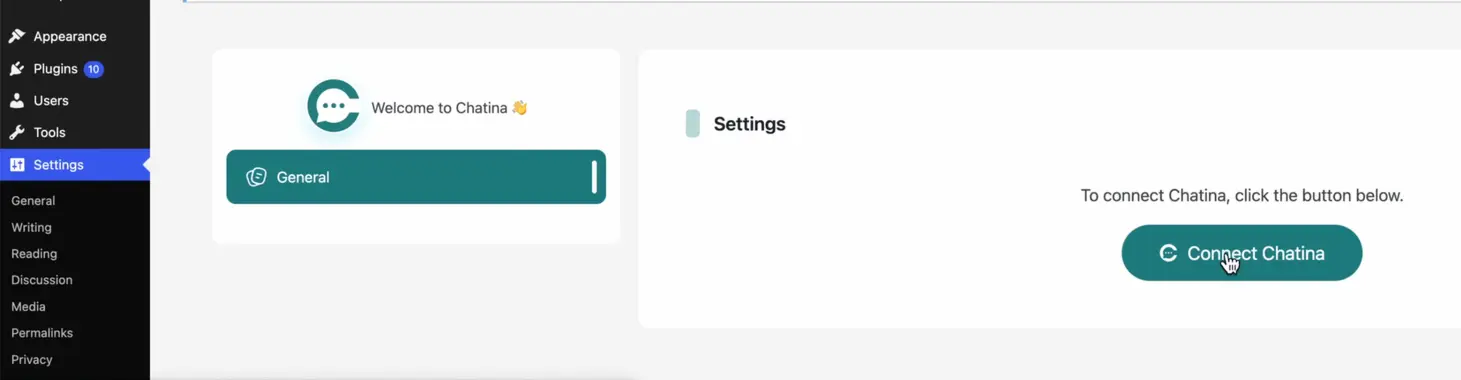
after activating this plugin we will have new menu under the settings menu by the name chatina and I have to click on chatina menu and click connect chatina to connect my website to chatina it says do you accept to connect your chatina account with this email address and I’ll say yes connect it to chatina then my chatina is account is connected to my website easy peasy
Live Testing and Operator Management
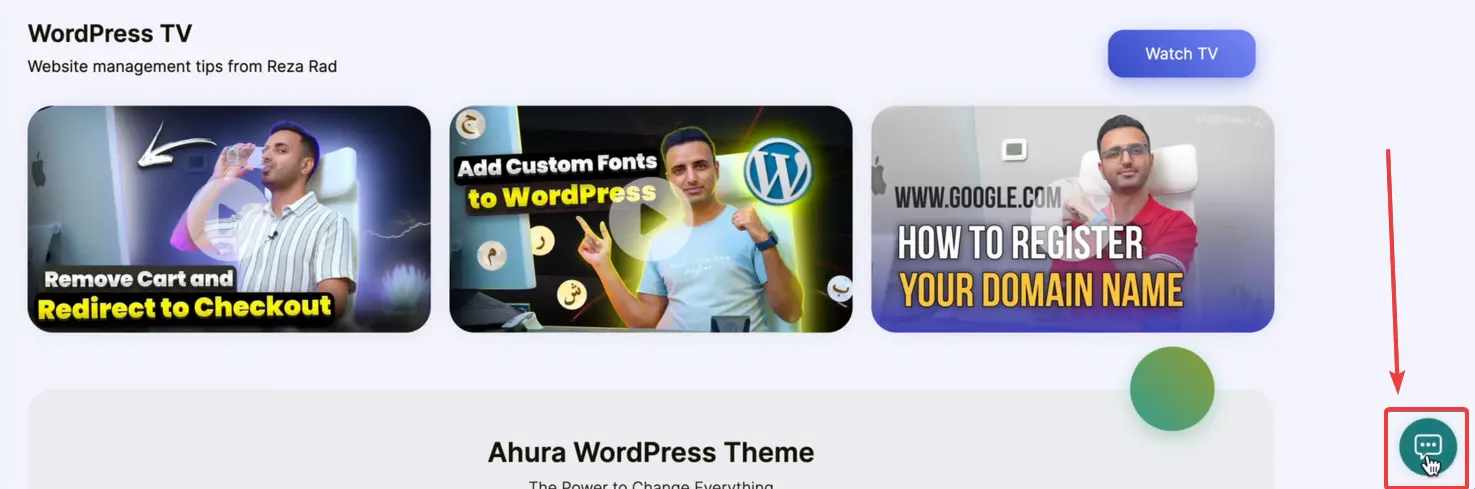
and now I can go to my website it and yes it’s added to my website now I can click on this widget and send a message to my operators you can have multiple operators to answer to your users that’s it you’ve added online chat for your sales for boost your customer support and to be connected to your website visitors and your customers easy online and directly you can connect and send messages to your customers with this system.
User Targeting and Behavioral Automation
with chatina actually you can Target your users you can choose a user and then send a message to user and you can set it to send messages automatically to your users based on your users Behavior based on which page user is visiting how long your users spend on your page and then you can yes you can manage your Automation and your targeting automation for each visitor
Conclusion and Pricing
that’s it you can use chatina it’s completely free you don’t have to pay for use basics of chatina
Ahura WordPress Theme
The Power to Change EverythingElementor Page Builder
The most powerful WordPress page builder with 100+ exclusive custom elements.
Incredible Performance
With Ahura’s smart modular loading technology, files load only when they are truly needed.
SEO Optimized for Google
Every line of code is carefully aligned with Google’s algorithms and best practices.
To post a comment, please register or log in first.