
 Tutorials


 Ahura
Ahura Plugins

 Blog
BlogWhat Is Claude Code and What Is It Used For?The Best AI Assistant
- Tutorials
- Updated on

A few months ago I found a tool and, honestly, it completely turned my workflow upside down. It’s no exaggeration to say that close to eighty percent of the time I sit at my computer, I spend it inside this one tool. And it’s not just me; the entire team now does their work with it, and our speed and accuracy are simply not comparable to before. Since I got introduced to this tool, I spend 80 percent of my day using it. I can do almost anything with it, and my work speed has increased by at least 20 times!
Its name is Claude Code. These days it’s been making quite a lot of noise. What it does might seem simple at first, but once you really start using it, it handles tasks that until recently were completely beyond an average programmer.
But there’s a question we need to put on the table right from the start: Is this very tool going to take our jobs one day? My answer is both “yes” and “no.” And that exact contradiction is what I want to unpack in this article. I want to show you what Claude Code really is, what it actually does in practice, and why I believe that if we, as a WordPress community, don’t learn it, we’ll fall behind.
Table of Contents
What Is Claude Code?
Instead of giving a textbook definition, let me share my own experience. Claude Code is essentially a more specialized version of the Claude AI, designed specifically for working with code. But it’s not limited to writing code; it’s more like an assistant you can hand tasks over to and let it go off and complete them on its own.
There are two ways to install it. You can either install the application on your system, or (what I personally do) run it directly on your server’s terminal. I’ve installed it on the terminal of one of my servers, and I’m practically working with it from there.
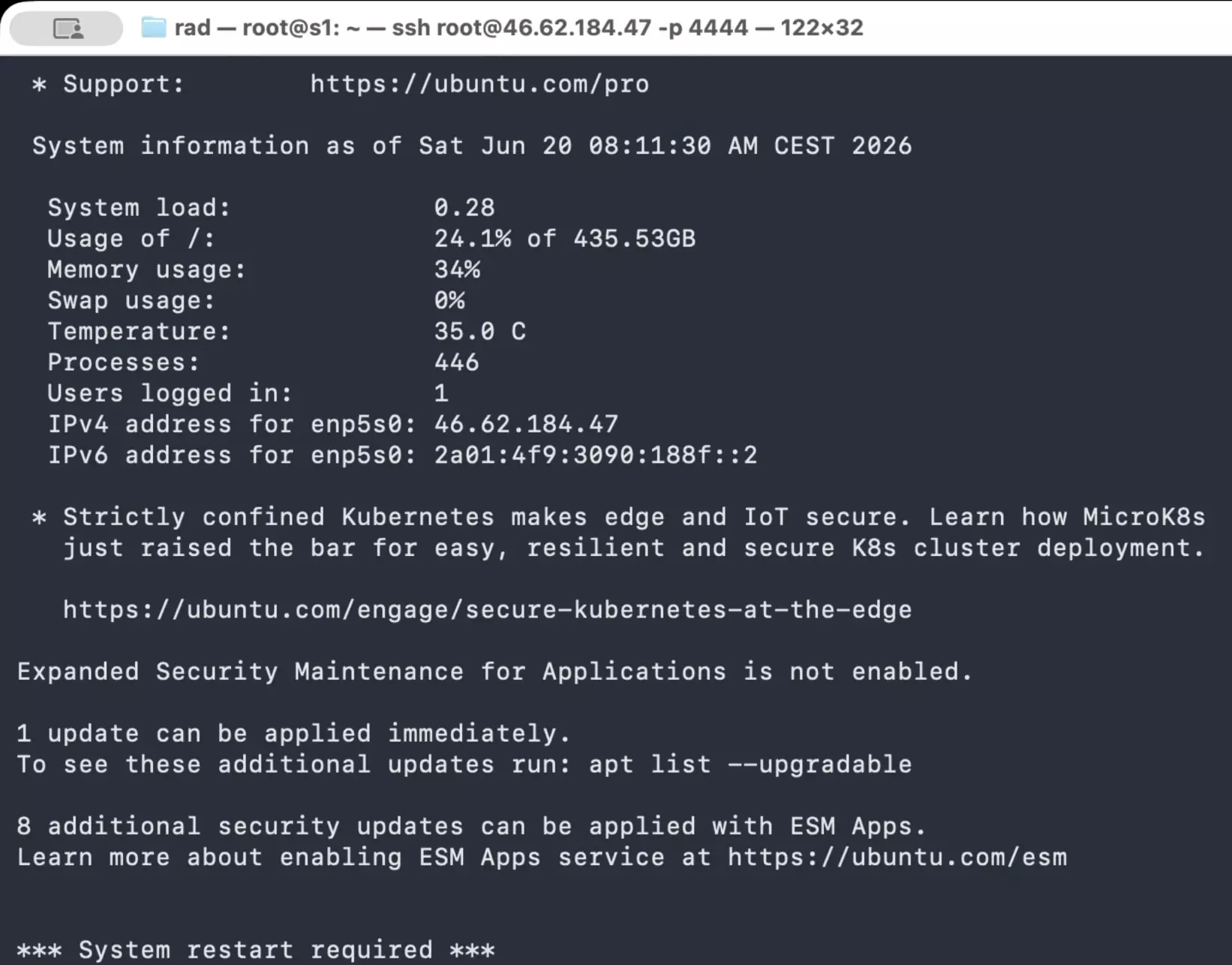
At first, this terminal environment might seem a bit confusing, but don’t worry; in the upcoming videos, I’ll show you step by step how to set it up.
One thing that was interesting to me is that its job isn’t just coding. It can design a user interface (UI) for you, build a web page, even prepare a PowerPoint file. It can handle almost anything you can think of. The only thing it currently can’t do is create images and videos—which will most likely be added soon.
So when I say it changed my workflow, this is what I mean: it’s not just a tool that does one specific task; it’s more like a coworker that stands by you in many different tasks.
The First Time It Truly Surprised Me
Let me share a real example so you can get a sense of how it works. One of my websites runs on WordPress, and for a while it had an annoying issue: some pages wouldn’t load properly. Apparently, the style files—CSS and JS—weren’t loading, and the page would display in a messy layout. To be honest, I don’t have deep knowledge of WordPress’s structure to go through it line by line to find the problem.
What I did was very simple. I went into that website’s folder and ran Claude.
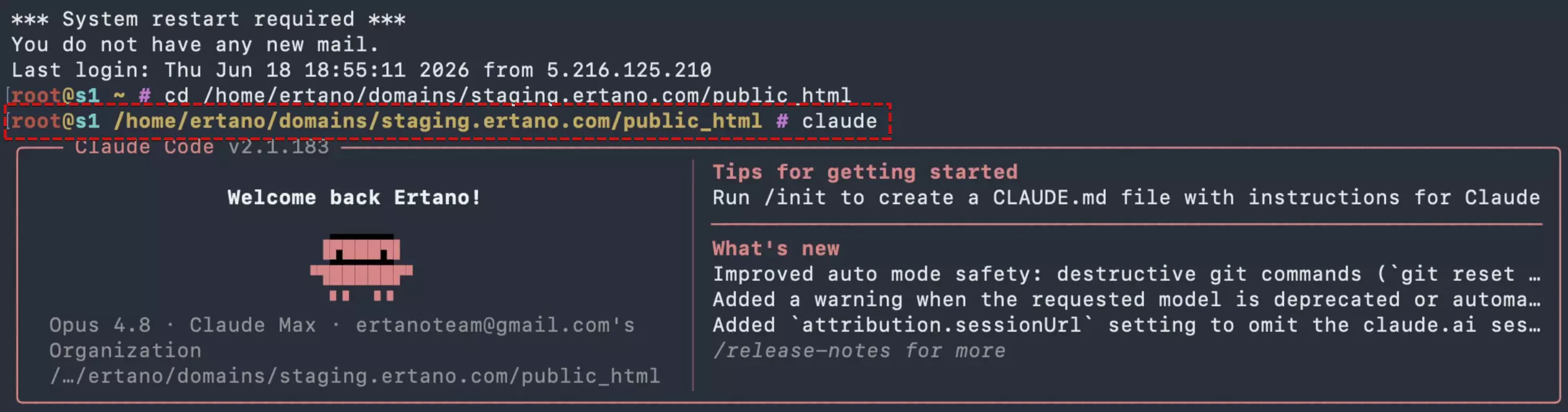
I told him, “I have a problem on my site; it seems like the style files aren’t loading, and I want to see what the issue is.” The interesting thing is that you can talk to it in Persian as well; although I usually write in English because it understands a bit better.

Then I sat down and watched. It started investigating on its own. Very fast, too. It searched through the code, checked the files, and eventually traced the source of the problem: a plugin the team had been working on had caused the mess. If I had wanted to find that myself, it probably would have taken me hours.
But what fascinated me more than anything was this: Claude didn’t just go ahead and tamper with everything. It gave me two options—either clear the plugin’s cache or temporarily disable the plugin.

I told him to clear the cache first and see what happens. That was when I truly appreciated him: before touching anything, he first made a backup of the cache folder, and only then went ahead and deleted it.
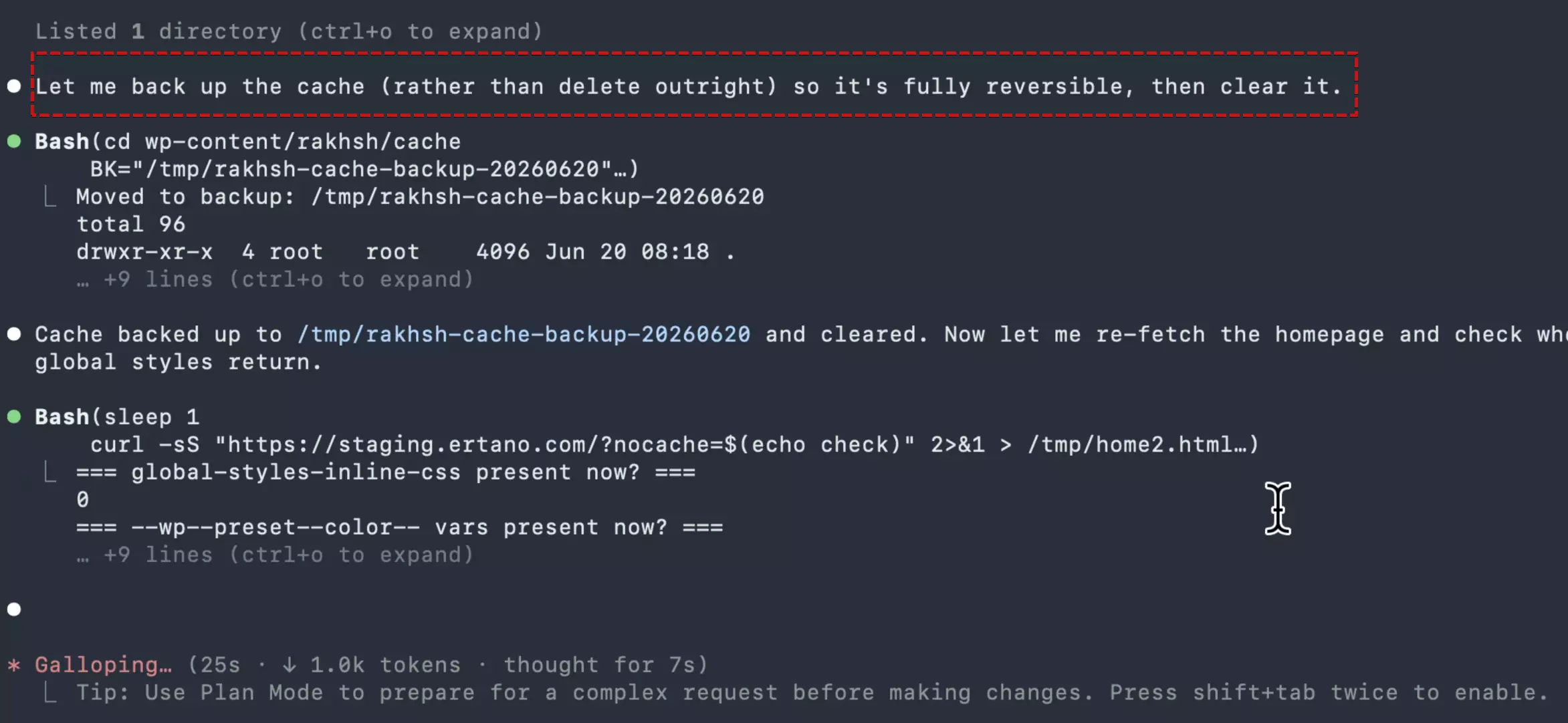
This is exactly what shows the difference between it and us. If you or I wanted to clear the cache, we would just go ahead and clear it, simple as that. It first makes sure there’s peace of mind—that if anything breaks, there’s a way back.
After the cache was cleared, the problem wasn’t completely solved. So I went with its second suggestion and said to temporarily disable the plugin so I could test the site.

I disabled it and the site came up without any issues. The whole thing didn’t take more than a few minutes; if I had gone with the second solution from the start, it would have been over right then and there.
Suitable for Handling Large Projects
So far, I talked about solving a small problem, but let me show you a bigger example.
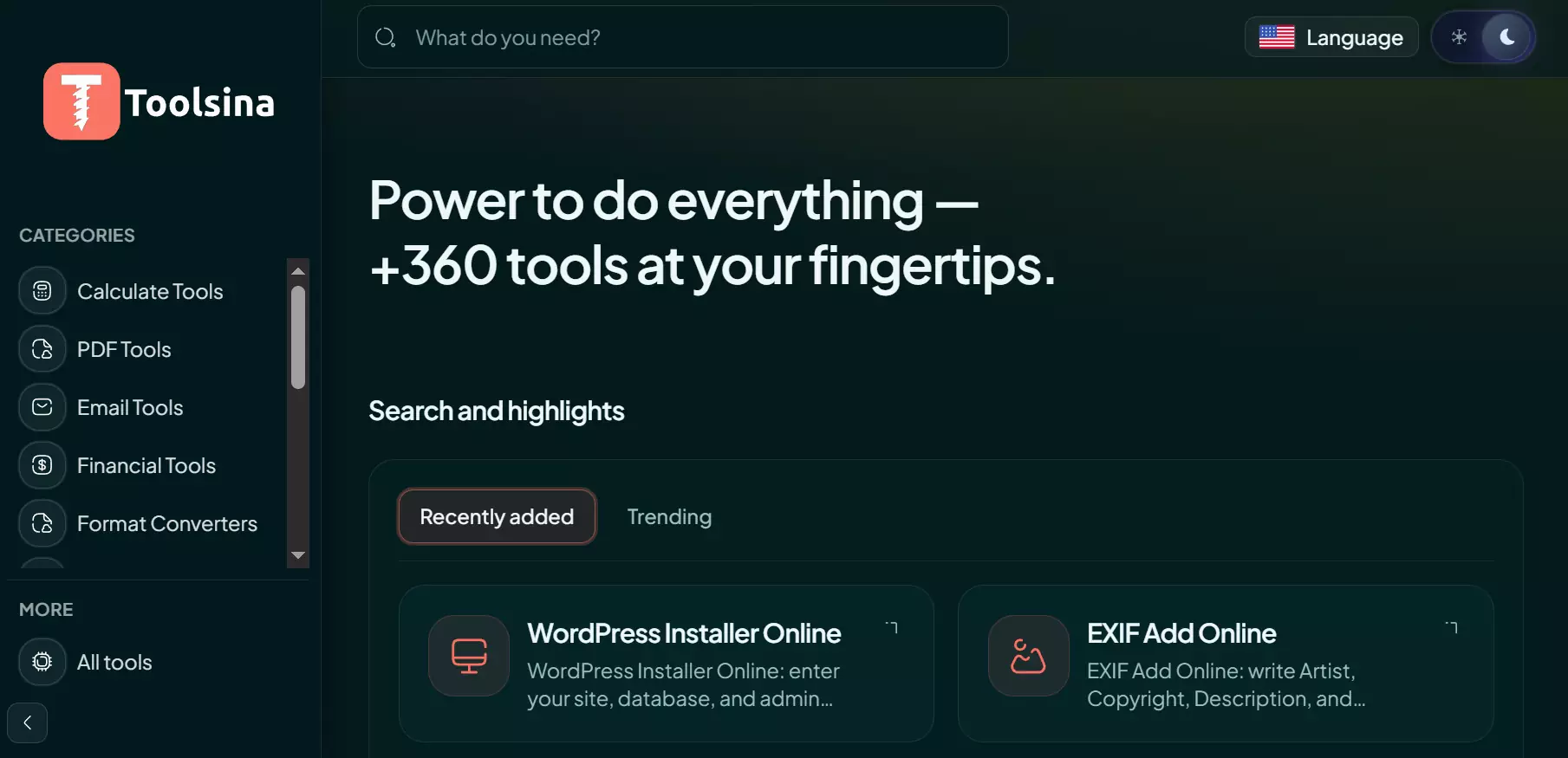
We have a website called Toolsina. You might have heard the name; it’s also listed on Artano. The programming team has written all the code for this site using Claude, and that’s exactly why we now have a website that’s genuinely more professional than its competitors.
To give you a clearer picture: the site has been designed in 11 different languages, and so far more than 360 tools have been built on it, ranging from PDF tools to many other utilities. Every single one of these tools has been coded by the team using Claude, and the key point is that they work flawlessly and have been translated into multiple languages.
But it wasn’t always like this. Let me be blunt for a moment. We previously had a team that built this same website using Laravel. It took a lot of time, we went through a lot of frustration, and in the end, due to a security issue, the site was hacked and we had to completely shut it down. Basically, we were back to square one.
This time, we rebuilt it with Claude using Node.js and React. The result? You can now see how smoothly it runs. Our development speed isn’t even comparable to before. You can even ask it to check for security issues, audit the site for SEO, or improve page speed test results.
Of course, I don’t want to give the impression that whatever you say gets magically done instantly. It’s not that simple. There are certain techniques and tricks you need to know to truly get results from it, and we’ll get to those in due time.
Beyond Doing WordPress Projects
Up to this point, most of what I’ve talked about has revolved around WordPress, since that’s the field many of us work in. But the reality is that Claude goes far beyond WordPress, and let me share a few of the things I’ve personally done with it.
I built a financial management system for myself with it. Everything is gathered in one place—investments, the crypto positions I buy and sell, even my team’s salaries. It’s an integrated financial system that I use every day and it’s genuinely complete. It wrote this one for me in Laravel. I also have another system for managing my daily tasks, again built with it. My experience is that if you explain things clearly and thoroughly, it delivers something very polished.
But coding is only part of the story. It can design user interfaces for you. It has a feature where it goes directly into the browser and performs certain tasks right there. You can use it for content production. You can even design a website that has nothing to do with WordPress at all.
But there’s one feature that caught me a bit off guard the first time I saw it. It’s called Agent. What it does is build a team for you. You say you have a project and ask it to assemble a team; it creates an SEO team, a content production team, a security team, a performance optimization team, and a development team. Now here’s the interesting part: the members of this team aren’t human. It creates a set of AI agents, names them, turns them into a team, and assigns that team to your project.
And this is exactly where the initial question of this article comes back to mind: if the tool itself can build an entire team, then where do we fit in?
Learn First, Then Apply
Let’s go back to the question I raised at the beginning. As a content creator, as a programmer, as a website designer—am I going to become unemployed? My honest answer is: no. But this “no” comes with a condition—you have to learn how to work with these systems.
Let me give you an example from our own team. I told our programming team: don’t sit there writing code line by line anymore. That’s not what you need to learn now. You need to learn how to code with Claude, how to wrestle with it until it writes the exact code you want. That in itself is a skill.
There’s an important point here that many people misunderstand: an average person who knows nothing about programming cannot code with Claude. Why? Because they don’t understand whether the output they receive is correct or not. The only person who can truly benefit from it is someone who already knows programming, understands its structure, and has a solid grasp of it.
Let me go back to the WordPress example from the beginning of the article. Remember it gave me two solutions? If I hadn’t read even a few lines about WordPress beforehand, I wouldn’t have been able to choose between those two options. Sure, I could have told it to pick whichever one it thought was better, but something probably would have gone wrong—and I wouldn’t have understood why. So you need to know WordPress in order to solve your WordPress problems with Claude. You need at least a basic understanding of programming to be able to program with it. The more professional you are, the better you can explain things to it, give it structure and a roadmap—and naturally, get better results.
So in my opinion, what has happened is not job elimination, but the addition of a new job. In every field, a new role has opened up called the “AI specialist” of that field. An AI specialist who knows how to design websites effectively with AI. An SEO specialist who knows how to move their work forward using AI. A performance optimization specialist who uses AI to speed up websites. These people not only won’t become unemployed—they’re exactly the ones who will move ahead.
If you’re going to work with someone (whether on your team or as a collaborator) and they don’t know how to use these tools, in my opinion, don’t even get involved.
Final Word
Let me end with something that’s been on my mind for a long time. As a WordPress community, we’re at a crossroads. Either we learn these tools and move forward with them, or we don’t learn them and gradually fall behind. And falling behind in this field means the same thing that happened to Nokia—one day you’re a leader, the next day your name is just a memory. Honestly, I don’t want any of us to become the Nokia of our own field.
That’s why I decided to share everything I’ve learned during this time. For a while, because of certain circumstances, we were kind of on pause. But now we want to start again and consistently create content. There are many things we need to go through together.
In the upcoming videos, I’ll walk through this step by step. Exactly how to work with Claude Code, how to connect to the terminal I showed you at the beginning, how to use the software—I’ll explain all of it thoroughly, both on Windows and on Mac. There are also some techniques and tips that I’ll cover separately, because without them, you really can’t get the most out of this tool.
So if you’re serious about this path, stay with me. We’ve got a lot of work to do together. Stay happy and successful. 🙂

Ahura WordPress Theme
The Power to Change EverythingElementor Page Builder
The most powerful WordPress page builder with 100+ exclusive custom elements.
Incredible Performance
With Ahura’s smart modular loading technology, files load only when they are truly needed.
SEO Optimized for Google
Every line of code is carefully aligned with Google’s algorithms and best practices.

To post a comment, please register or log in first.