
 Tutorials


 Ahura
Ahura Plugins

 Blog
BlogWordPress Booking Plugins: A Hands-On Comparison of the 7 Best Appointment Tools
- Tutorials
- Updated on

Picture this: you run a hair salon or a clinic, and the phone rings a dozen times a day for one reason only — someone wants to book an appointment. Or maybe you manage a vacation rental and you’re constantly checking, by hand, which dates are still open. All that back-and-forth eats up your time, wears out your customers, and quietly raises the odds of a mistake — like double-booking the same slot.
That’s exactly where a good booking plugin steps in. Your customer heads to your site, sees which dates and times are free, and locks in their own appointment — without you having to lift a finger. And everything stays neatly logged in a single calendar.
In this article we’ll walk you through some of the best WordPress booking plugins out there. But we won’t stop at a dry feature list — we’ll help you figure out which one actually fits your business, so you can make the call with confidence.
Table of Contents
What Is a WordPress Booking Plugin, and What Does It Actually Do?
In plain terms, a booking plugin is a tool that adds an online appointment system to your WordPress site. Instead of a customer having to call or message you to grab a slot, they pick an open time right there on your site and confirm the booking themselves.
Behind the scenes, these plugins usually give you a calendar that shows which times are open and which are taken, send confirmation emails or texts to both you and your customer, and keep every booking organized in one place. Some go a step further and throw in extras like online deposit payments or Google Calendar sync.
Which Businesses Actually Need One?
Honestly, almost any business whose work revolves around “time” and “scheduling” stands to benefit from a booking system. But a few types need it more than the rest:
- Clinics and medical practices: for scheduling patients and managing visit times.
- Hair and beauty salons: where every service takes a set amount of time and juggling appointments is critical.
- Hotels and rentals: for booking rooms based on check-in and check-out dates.
- Consultants and coaches: from business advisors to yoga instructors running online or in-person sessions.
- Service centers: think auto repair shops, car washes, or anywhere a customer needs to book ahead.
If your business is on this list — or something close to it — a booking plugin can take a serious load off your daily workflow.
What Makes a Good Booking Plugin? (How to Choose)
Not all booking plugins are cut from the same cloth, and before you commit to one, it pays to keep a few things in mind. These are the same criteria we leaned on while putting this roundup together:
- Ease of use for the customer: The booking flow has to be smooth enough that a customer doesn’t get tired or frustrated halfway through and abandon it. Every extra click is a chance to lose the booking.
- Multilingual and translation-ready: If you serve customers in more than one language, the plugin should play nicely with translation tools like WPML or Polylang. A booking form your visitors can’t fully read is a booking form they won’t finish.
- Time zone handling: This one is easy to overlook until it bites you. If you take online appointments — a consultation, a coaching call — across different regions, the plugin needs to show each visitor times in their local time zone. Otherwise you end up with a client showing up three hours early (or missing the call entirely).
- Support for global payment gateways: If you want to collect a deposit or the full fee at the time of booking, the plugin should support the gateways your customers actually use — typically Stripe, PayPal, or a WooCommerce-based checkout that opens the door to dozens more.
- Email and SMS notifications: Automatic reminders, for both you and your customer, are the single best defense against no-shows and forgotten appointments.
- Theme and WooCommerce compatibility: The plugin should fit the look of your site, and if you run a shop, it should be able to work alongside WooCommerce.
- A genuinely useful free version: Some plugins are free but their basic features are so stripped-down that they’re barely usable in practice. A good free tier should at least cover your core needs so you can test the waters before paying.
With these criteria in the back of your mind, let’s get to the plugins themselves and see what each one brings to the table.
The Best WordPress Booking Plugins, Reviewed and Compared
In this section we’ve picked seven plugins, each built for a slightly different need — from simple room-and-rental reservations to professional appointment scheduling for clinics and salons. So you don’t need to install all of them; just pick the one that fits your business.
One quick heads-up before we dive in: if collecting a deposit or full payment at the moment of booking is essential to your workflow, check each plugin’s payment support carefully. Some handle payments natively through Stripe or PayPal, others only unlock them on a paid tier, and a few lean on WooCommerce to open up a wider range of gateways. We’ll flag this for each plugin as we go.
Booking Calendar — Best for Daily and Accommodation Bookings
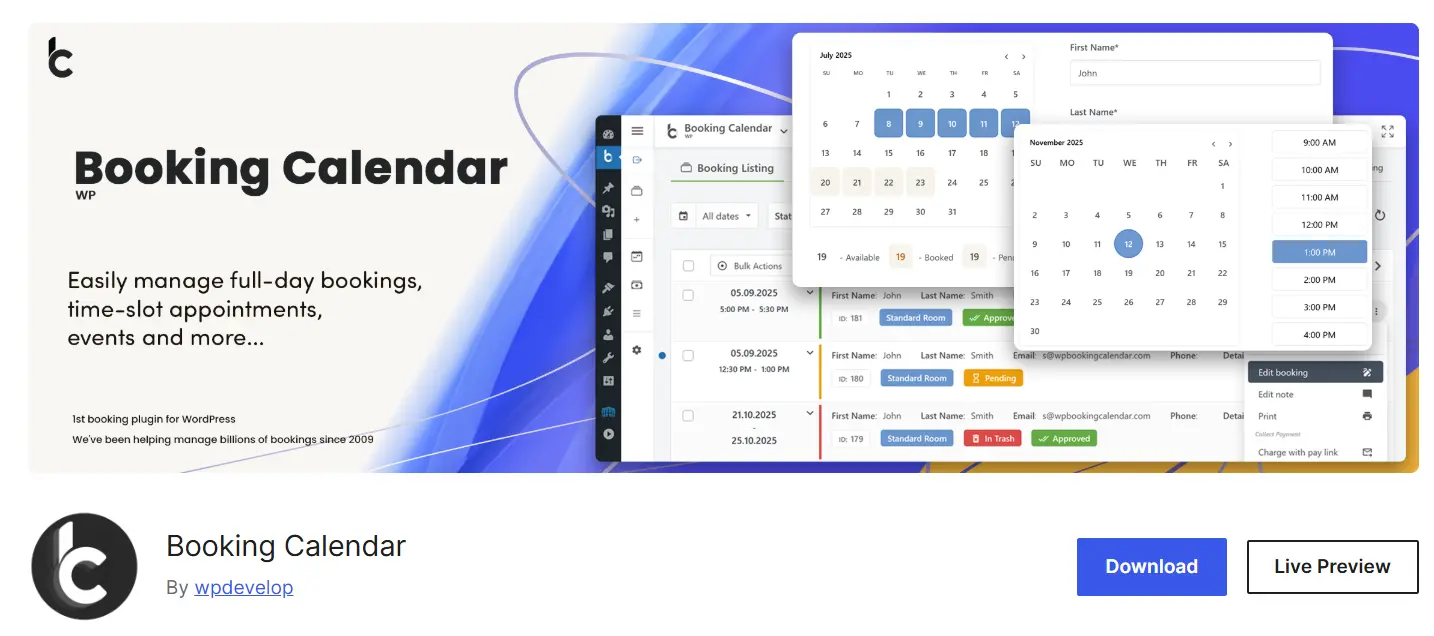
If your business runs on dates and days — think villa rentals, hotel rooms, equipment, or anything managed on a calendar — Booking Calendar is one of the oldest and most reliable options out there. It adds a responsive calendar to your site where visitors can see which dates are open and book right on the spot.
Key features: an availability calendar displayed on your site, a customizable booking form, email notifications to both admin and user, spam protection with CAPTCHA, and the option for full-day or date-range bookings.
Pros: stable and battle-tested, a modern admin interface, beginner-friendly, and — importantly — your booking data is stored in your own site’s database rather than being shipped off to an external server, which is a real plus for security and data ownership. That last point matters more than ever under privacy regulations like the GDPR: keeping booking data (names, emails, dates) on your own infrastructure makes it far easier to stay compliant, since you’re not handing personal data to a third party you’d then have to account for.
Cons: the free version is fairly basic and isn’t a great fit for professional hourly scheduling (like a doctor’s office); it’s built more for day-based reservations.
Free vs. premium: the free version is enough for a simple calendar. Premium tiers add features like multiple booking resources, seasonal pricing, conditional date selection, availability search, and a multi-user system (similar to an Airbnb-style panel).
Current stats: over 50,000 active installs, a 4.7 rating, version 10.15.4, last updated March 27, 2026.
Amelia — Best for Professional Appointment Scheduling (Clinics, Salons, Consultants)
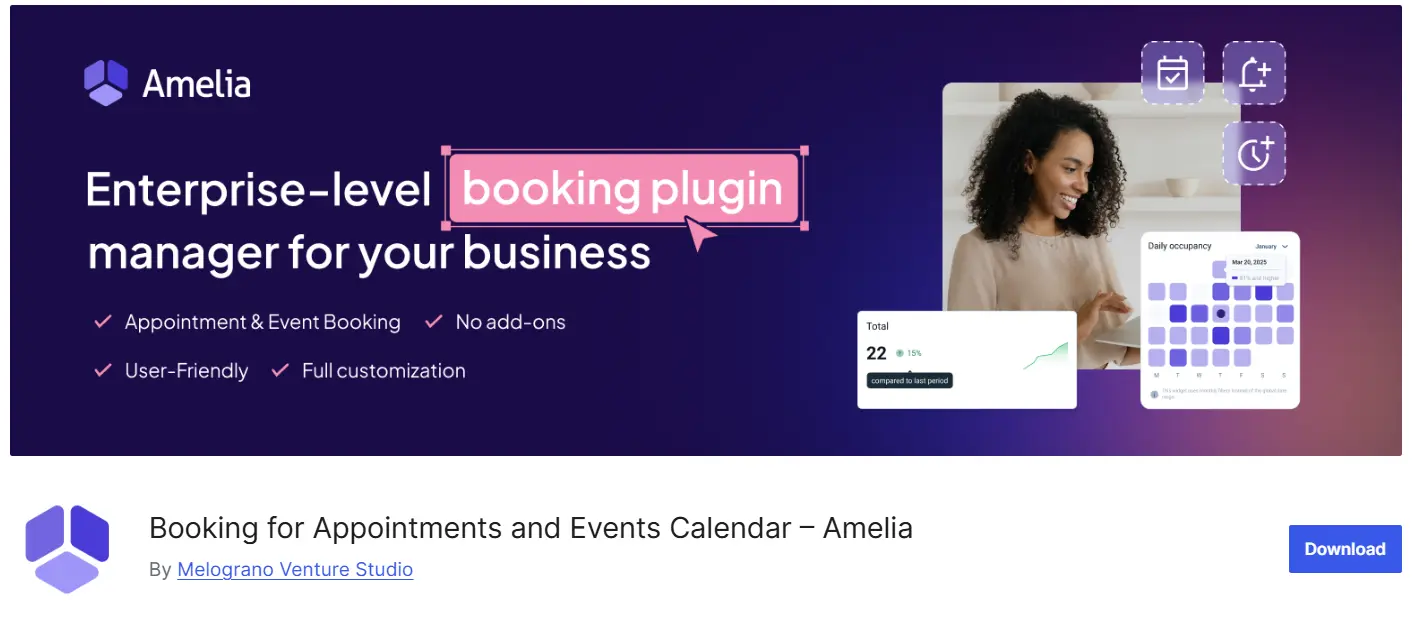
If your business is built around hourly appointments and staff/specialists, Amelia is probably the best free option you’ll find. It has a modern, step-by-step booking form where the customer picks a service, a specialist, a date, and a time, then confirms their appointment.
Key features: a step-based, mobile-friendly booking form, management of multiple employees and their working hours, email and SMS notifications, and Google Calendar sync.
Pros: a modern, app-like design that lifts your visitor-to-customer conversion rate. A nice touch: the free version (Amelia Lite) supports payments through Square, which is rare among free plugins.
Cons: the free version doesn’t support multiple booking resources, full online payments, complete customization, day-range selection, or automatic confirmation/cancellation.
Free vs. premium: paid plans start at around $49/year (the Starter plan, limited to one employee), and the Standard version at around $99/year unlocks team and business features.
Current stats: the free version has around 50,000 active installs, and across all versions it’s logged over 90,000 active installs with a 4.6 rating from more than 700 reviews.
Bookly — Best for Service Businesses and Salons
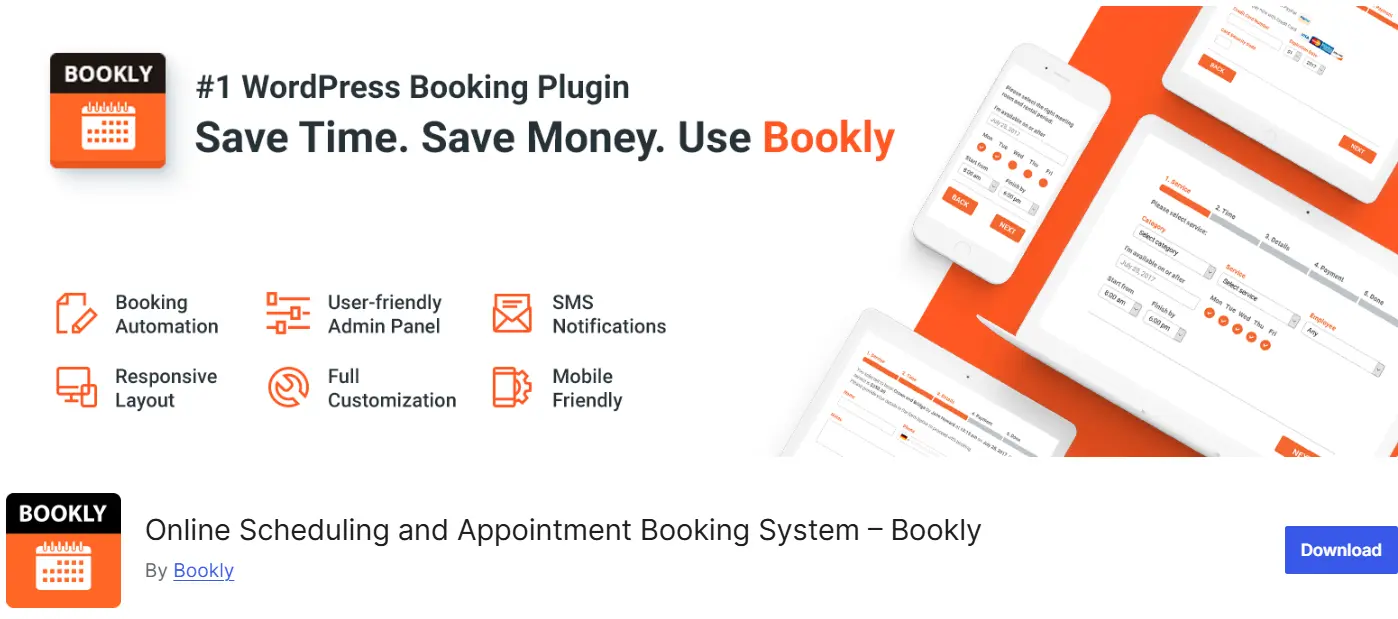
Like Amelia, Bookly is built for hourly appointment scheduling, and it’s especially popular among beauty salons, spas, and service centers. Its clean interface and customizable booking form are its main strengths.
Key features: a no-code booking form, calendar management, notifications, and — in the premium version — integration with Zoom and Google Meet for online sessions.
Pros: a large, long-established user base, which means plenty of learning resources and solid community support.
Cons: the free version only covers one employee and up to five services, and online payments plus WooCommerce integration require the Bookly PRO add-on. In other words, for a multi-person team you’ll realistically need the paid version.
Free vs. premium: the free version covers basic booking with a single employee, and the Pro version (around $89/year) unlocks multiple employees, payments, and advanced notifications.
Current stats: over 60,000 active installs — the largest install base among premium booking plugins on WordPress.org. Last updated around June 2026.
WP Simple Booking Calendar — The Simplest Way to Show Availability
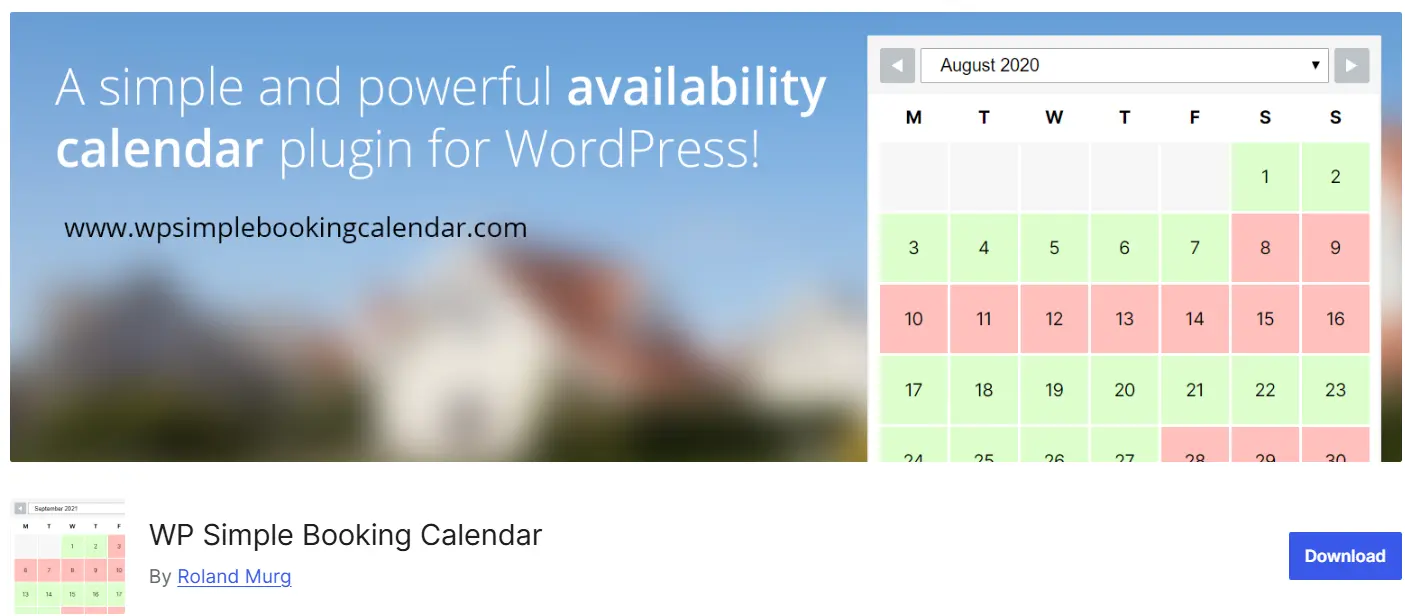
Sometimes you don’t want the customer to pay through your site or book an hourly slot at all; you just want to show which days are full and which are free. For that, WP Simple Booking Calendar is exactly what you need.
Key features: build an availability calendar, color-code your days (booked, pending, available), and combine several calendars in a single view.
Pros: extremely lightweight and simple; it’s up and running in a few minutes and is perfect for a villa rental, a consulting room, or equipment.
Cons: it’s availability-display only; there’s no hourly booking, payment form, or automatic scheduling. For anything more complex, you’ll want one of the plugins above.
Free vs. premium: the free version is enough for displaying a calendar, and the premium version is just $39/year, adding features like per-user dedicated calendars and bulk date editing.
Current stats: over 60,000 active installs.
Simply Schedule Appointments — Best for Consultants and Coaches
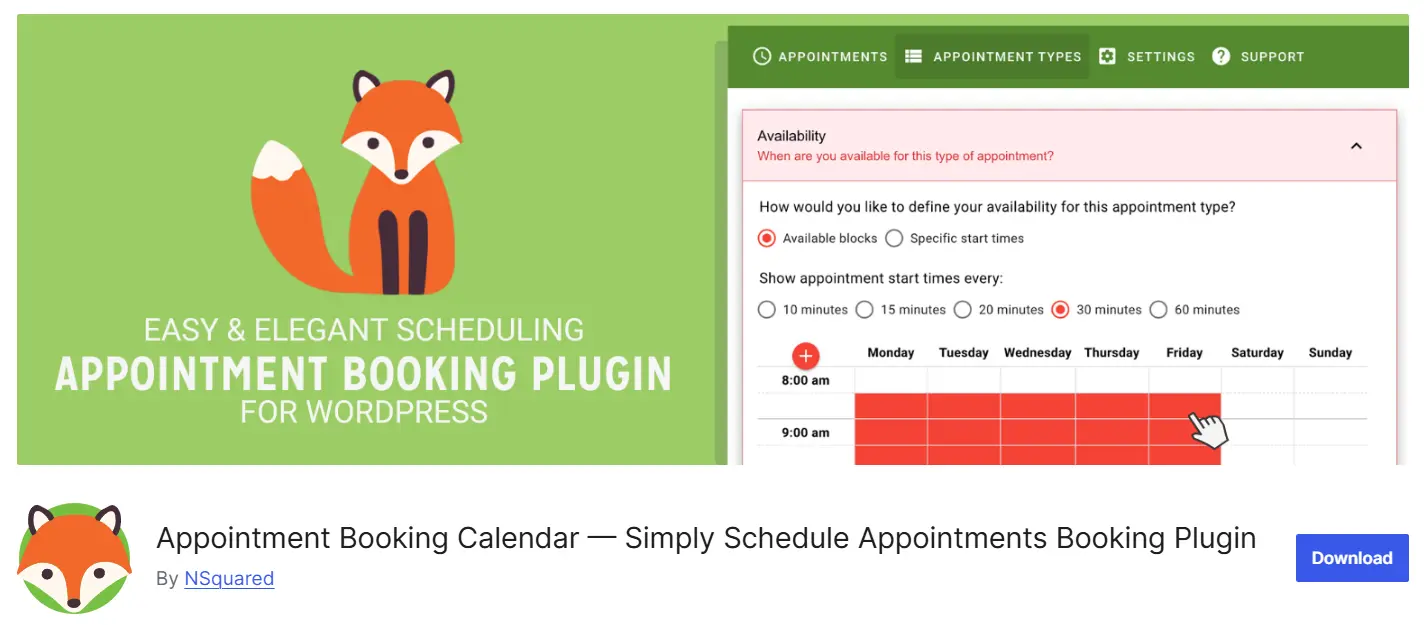
If you run a one-on-one practice — consulting, coaching, tutoring, therapy — Simply Schedule Appointments (SSA) is built with you in mind. Its whole philosophy is a fast, no-clutter setup: a wizard walks you through creating your first appointment type, and you can genuinely be taking bookings in a few minutes.
Key features: a setup wizard that gets you live quickly, a clean and accessible booking widget, Google Calendar sync, and — on the higher tiers — Zoom and Google Meet integration for virtual meetings. Time-zone handling is built in, so a client in a different region always sees times in their own local time.
Pros: one of the easiest tools in the category to set up, an unusually legible admin interface, and a strong accessibility focus. All appointment and customer data stays inside your own WordPress site, which is a plus for data ownership and GDPR compliance.
Cons: it’s deliberately focused rather than feature-packed, so if you need a visual admin calendar, multiple physical locations, or payment gateways beyond Stripe and PayPal, it can start to feel limiting. Payments are a premium-only feature.
Free vs. premium: the free version covers basic appointment types and email notifications. The Plus plan (around $99/year) adds Google Calendar sync, Zoom and Google Meet integration, group bookings, and custom booking fields, and payments unlock on the Professional plan (around $199/year), which adds Stripe and PayPal.
Current stats: a 5-out-of-5 rating from 154 reviews on top of more than 60,000 active installs on WordPress.org.
LatePoint — Best for a Modern, App-Like Booking Experience
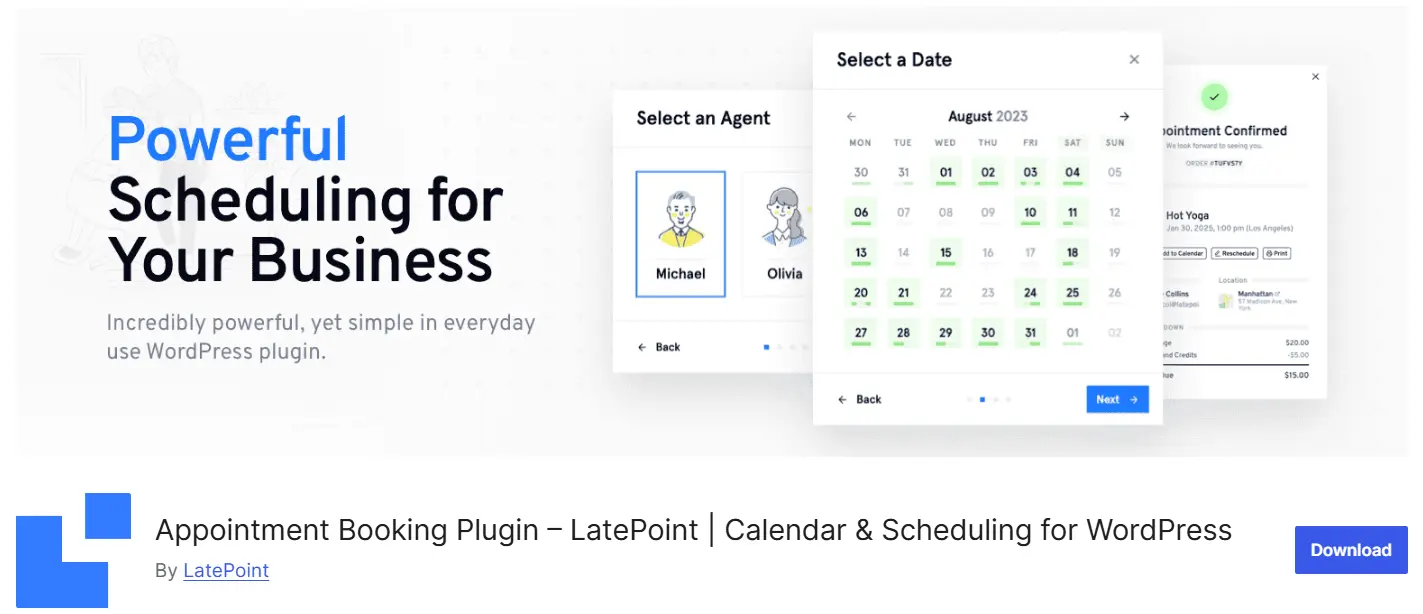
LatePoint has quickly become a favorite for service businesses that care about how the booking flow feels. Its standout quality is a modern, mobile-first interface that behaves more like a native app than a typical WordPress plugin — clean widget, clean admin panel.
Key features: a polished step-by-step booking widget, multi-agent and multi-service scheduling, a customer cabinet where clients manage their own bookings, smart double-booking prevention, and live-chat-style customer messaging.
Pros: a genuinely modern, app-like experience on both mobile and desktop, and — unlike some competitors — it bundles most paid features into every paid tier rather than gating them one by one. It’s also still on WordPress.org, so you get one-click installs and automatic updates.
Cons: the free version limits you to a single site and Stripe-only payments, so growing teams or those needing more gateways will need a paid plan. Its community and add-on ecosystem, while growing fast, is younger than Bookly’s or Amelia’s.
Free vs. premium: the free version covers one site with multiple agents and services, basic email notifications, and Stripe payments; paid plans start at around $79/year (Starter).
Current stats: over 100,000 active installs on WordPress.org with a 4.9-out-of-5 rating — one of the strongest track records in the category.
MotoPress Hotel Booking — Best for Hotels and Vacation Rentals
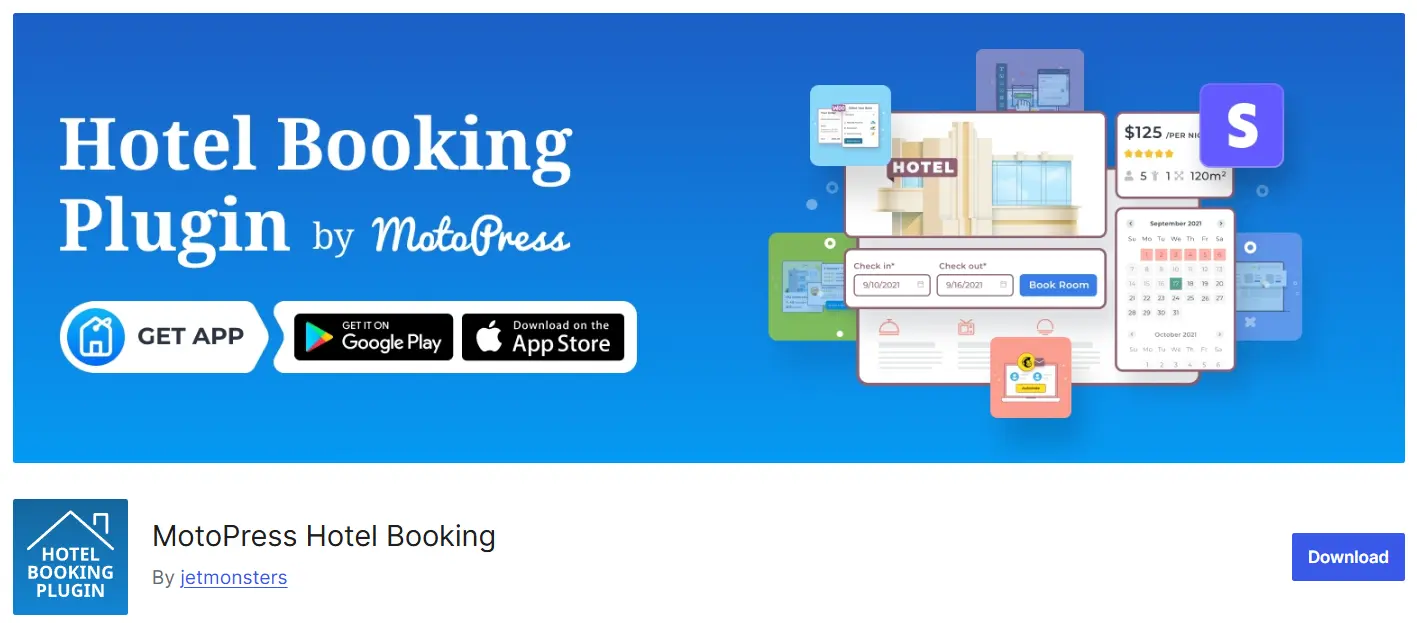
While Booking Calendar handles general date-based reservations, MotoPress Hotel Booking is purpose-built for the hospitality world: hotels, B&Bs, villas, apartments, campsites, and vacation rentals. If your business is renting out accommodations by the night, this is the specialist tool.
Key features: real-time availability calendars, a property search form, seasonal and dynamic pricing, taxes and fees, and — crucially for this niche — two-way iCal synchronization with OTAs like Booking.com, Airbnb, and Tripadvisor to prevent double-bookings across platforms. It’s officially compatible with WPML for building a multilingual property site, and it ships with a free mobile app for managing bookings on the go.
Pros: deep, hospitality-specific functionality out of the box, active and frequent development, and flexible payments — a WooCommerce Payments add-on lets you plug in a wide range of gateways without coding. Reviewers consistently praise it as stable and easy to work with even for non-developers.
Cons: it’s specialized for lodging, so it’s overkill if you just need hourly appointment scheduling. Some of the more advanced capabilities (extra payment gateways, dynamic pricing via PriceLabs, reviews) live in paid add-ons.
Free vs. premium: a free Lite version is available on WordPress.org to get started, and the Pro version unlocks the full booking engine, online payments, and the add-on ecosystem.
Current stats: actively maintained on WordPress.org, with version 6.2.0 released July 6, 2026, and a mobile app now included.
Quick Comparison Table
Take a quick glance at this table to get the differences in a few seconds:
| Plugin | Best for | Hourly appts | Useful free version | From (paid) | Online payments | Multi-staff | Calendar / OTA sync |
|---|---|---|---|---|---|---|---|
| Booking Calendar | Daily bookings, rentals, accommodation | Limited (mostly daily) | ✅ Basic | Varies | Paid version | ❌ | ⚠️ Limited |
| Amelia | Professional appointments, clinics, salons | ✅ Full | ✅ Good | $49/yr | Square (free); PayPal/Stripe (paid) | ✅ | ✅ Google Calendar |
| Bookly | Service businesses, beauty salons | ✅ Full | ⚠️ Limited (1 staff, 5 services) | ~$89/yr | Pro only | ✅ (Pro) | ✅ (Pro) |
| WP Simple Booking Calendar | Availability display only | ❌ | ✅ (display only) | $39/yr | ❌ | ❌ | ❌ |
| Simply Schedule Appointments | Consultants, coaches, tutoring | ✅ Full | ✅ Good | ~$99/yr | Premium (Stripe/PayPal) | ✅ (paid) | ✅ Google Calendar |
| LatePoint | Modern, app-like booking | ✅ Full | ✅ Good | $79/yr | Stripe (free); more (paid) | ✅ (even free) | ✅ Google Calendar |
| MotoPress Hotel Booking | Hotels, vacation rentals, B&B | ❌ (night-based) | ✅ Lite | Pro (varies) | ✅ Stripe/PayPal (+WooCommerce) | — (property-based) | ✅ iCal (Booking.com, Airbnb) |
Two columns are worth paying special attention to. Calendar / OTA sync is the make-or-break feature if you list your rooms on external platforms — MotoPress’s two-way iCal sync with Booking.com and Airbnb is what keeps you from double-booking the same night across channels. And if you take appointments across regions, look for the plugins with proper Google Calendar sync and built-in time-zone handling (Amelia, Bookly, SSA, and LatePoint all cover this), so a client never shows up an hour off.
Which Plugin Is Right for Your Business?
We’ve covered a lot of plugins by now, and you might still be unsure which one is truly yours. The table below gives you our recommendation at a glance, based on your type of business.
| Business type | What you mainly need | Our recommendation | Solid alternative |
|---|---|---|---|
| Clinics & medical practices | Precise hourly slots, multiple practitioners, SMS reminders | Amelia | Bookly |
| Hair & beauty salons | A slot per service, multiple stylists, reminder texts | Bookly | Amelia / LatePoint |
| Hotels & vacation rentals | Booking by check-in/check-out dates, OTA sync | MotoPress Hotel Booking | Booking Calendar |
| Schools & training centers | Class registration, multiple instructors, online tuition | Amelia | Bookly |
| Consultants & online services | Zoom/Google Meet links, time-zone handling | Simply Schedule Appointments | LatePoint |
| Modern service businesses | App-like flow, customer self-service portal | LatePoint | Amelia |
| Simple availability display | Just showing free/full days, no payments | WP Simple Booking Calendar | Booking Calendar |
For most service businesses (clinics, salons, training centers), Amelia, Bookly, or LatePoint will cover the bulk of your needs — the choice mostly comes down to whether you prioritize a free tier, a big community, or the most modern interface. Reach for a specialist tool when your use case is specific: MotoPress for anything lodging-related, Simply Schedule Appointments for solo consulting, and WP Simple Booking Calendar when all you need is a visual availability display.
Frequently Asked Questions
Is a free booking plugin enough forever?
It depends on your business. If you just want to display your availability or take simple bookings, the free version is plenty. But the moment you need online deposit payments, multi-staff management, calendar sync, or advanced notifications, you’ll usually need to move to a paid plan or a premium add-on.
Which plugin is best if I want to take online payments?
It comes down to which gateways you need. Amelia is unusual in supporting Square right in its free version, while PayPal and Stripe come with its paid plans. LatePoint includes Stripe even on its free tier. Simply Schedule Appointments handles Stripe and PayPal but only on its premium plans. And if you want the widest range of gateways, connecting a plugin to WooCommerce (as MotoPress does through its WooCommerce Payments add-on) opens the door to dozens of options.
How is time zone handling managed for online appointments?
This matters a lot if you serve clients in different regions. The better appointment plugins — Amelia, Bookly, Simply Schedule Appointments, and LatePoint among them — detect or let you set time zones so each visitor sees available times in their own local time. Just note that some plugins require you to configure the time zone manually during setup rather than detecting it automatically, so it’s worth checking before you go live.
Are these plugins compatible with my theme?
The major, well-known plugins are generally compatible with most standard WordPress themes and page builders like Elementor. That said, the best practice is always to test the plugin on a staging copy of your site first, to make sure there are no conflicts with your theme or other plugins.
What’s the difference between a “booking” plugin and an “appointment” plugin?
Broadly speaking, booking plugins are better suited to reservations by day and date (like a hotel room or a villa), while appointment plugins are built for reservations by hour and service (like a doctor’s office or a salon). That said, many of the professional plugins do both.
Wrapping Up
Setting up an online booking system is one of the best things you can do for your business. It cuts down on the volume of phone calls, prevents errors like double-booking, and lets your customers lock in their own slot at any hour of the day or night, no waiting required.
In this article we saw that there’s no single “best” plugin — only the best one for your situation. For date-based reservations like hotels and rentals, MotoPress Hotel Booking and Booking Calendar are the natural fits. For professional hourly scheduling, Amelia, Bookly, and LatePoint each cover most needs, while Simply Schedule Appointments is the cleanest pick for solo consultants and coaches. And when all you need is a visual display of which days are free, WP Simple Booking Calendar does the job without any fuss.
Our final suggestion is to start by pinpointing two things: whether your business is about daily reservations or hourly appointments, and whether you need to take online payments. Once you have the answer to those two questions, choosing between these plugins gets a whole lot easier. After that, test your chosen plugin on a staging site first, then roll it out on your live site.
We hope this guide helps you make the right choice for your business. If you have any questions, we’d be happy to hear them in the comments. 🙂

Ahura WordPress Theme
The Power to Change EverythingElementor Page Builder
The most powerful WordPress page builder with 100+ exclusive custom elements.
Incredible Performance
With Ahura’s smart modular loading technology, files load only when they are truly needed.
SEO Optimized for Google
Every line of code is carefully aligned with Google’s algorithms and best practices.

To post a comment, please register or log in first.