
 Tutorials


 Ahura
Ahura Plugins

 Blog
BlogWhat Is a 404 Page? Why Does It Matter?

You’ve probably heard the term “404 page” plenty of times by now. It’s a page that gets talked about a lot — how to make it better, how to redirect it, and so on.
But this time we want to do something different. We want to sit down and tell you in detail what this 404 page actually is and why we put so much emphasis on it. So stick with us; we promise to tell you a few things you haven’t heard before.
Table of Contents
What Is a 404 Page?
Let’s start with a simple example. Imagine you walk into a bookstore. You head over to the shelf where the books are supposed to be, but suddenly you see the shelf is empty! Now, either all the books have sold out, or this shop never had that book in the first place.
Either way, you’re faced with one of these two situations:
Situation one: an empty shelf, with no indication at all of why it’s empty. You just stare at it and go, “Well… now what?”
Situation two: an empty shelf with a sign on it: “Print copies are sold out for now, but the audiobook section is at the back of the shop — walk 20 steps ahead, it’ll definitely come in handy 🙂”
You tell me, which one is better? A hundred percent situation two. Because it gives you a better feeling, and it also gets you to go check out a different product instead of walking out of the shop empty-handed.
The exact same thing happens on your site. The 404 page is that very sign that takes the lost user by the hand and leads them where they need to go.
What Is a 404 Error?
Before we go any further, let’s clear up something we forgot to mention. What does a 404 error even mean?
It’s simple. When you land on a page of a site that doesn’t exist at all, or that used to exist and was later deleted, that’s when you run into a 404 error.
So from now on, if you go to your wardrobe and can’t find your favorite pajamas, know that you’ve officially encountered a 404 error 😁 You could even rib your webmaster friend about it and say, “Buddy, my pajamas got 404’d!”
Okay, joking aside. This 404 error is a serious one for your site’s SEO. But in what case? When it’s your own fault — that is, when you’ve created a wrong link on your site, or you delete a piece of content and that page becomes a 404.
Keep in mind that for Google, the user is more important than anything else. So Google really doesn’t like it when a user who searched for something and came to your site slams into a 404 error wall and goes back unsatisfied.
Now, there’s also the case where the user themselves makes a mistake; they open a wrong link or search for something that isn’t on your site. Here it’s no longer your fault, but it’s still you who has to solve this problem for them. How? With a proper 404 page.
How Do You Improve a WordPress 404 Page?
To make this page better, your goal should be one thing: get the user out of this dead end any way you can and lead them toward the rest of your site’s pages so they can reach what they were looking for.
The way to do it isn’t hard. Just put a list of your site’s best and most-visited articles right there, and win the user over a little with a polite, friendly tone. For example, a simple sentence like “Sorry, this page wasn’t found, but maybe these pieces will come in handy” makes a big difference.
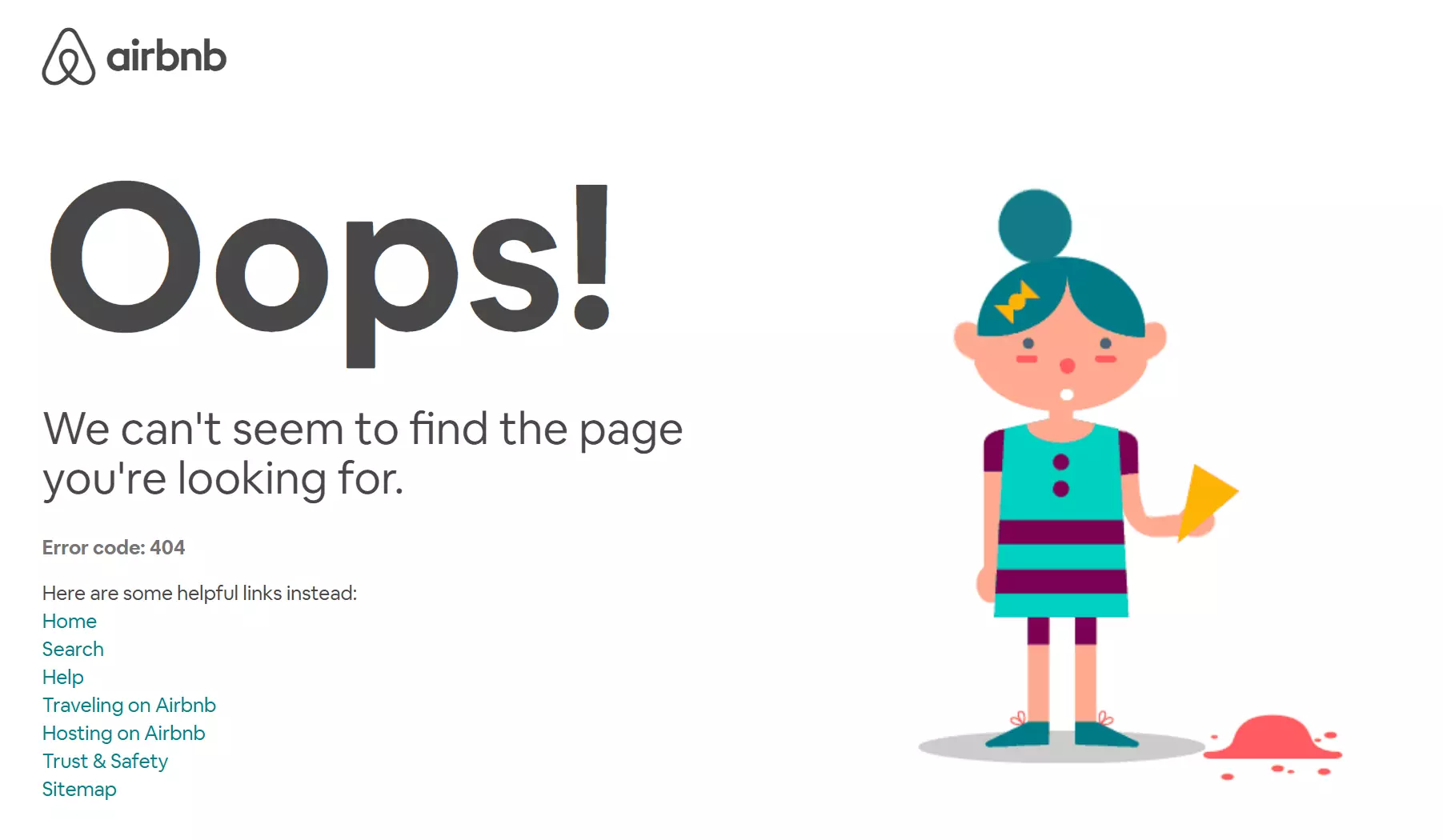
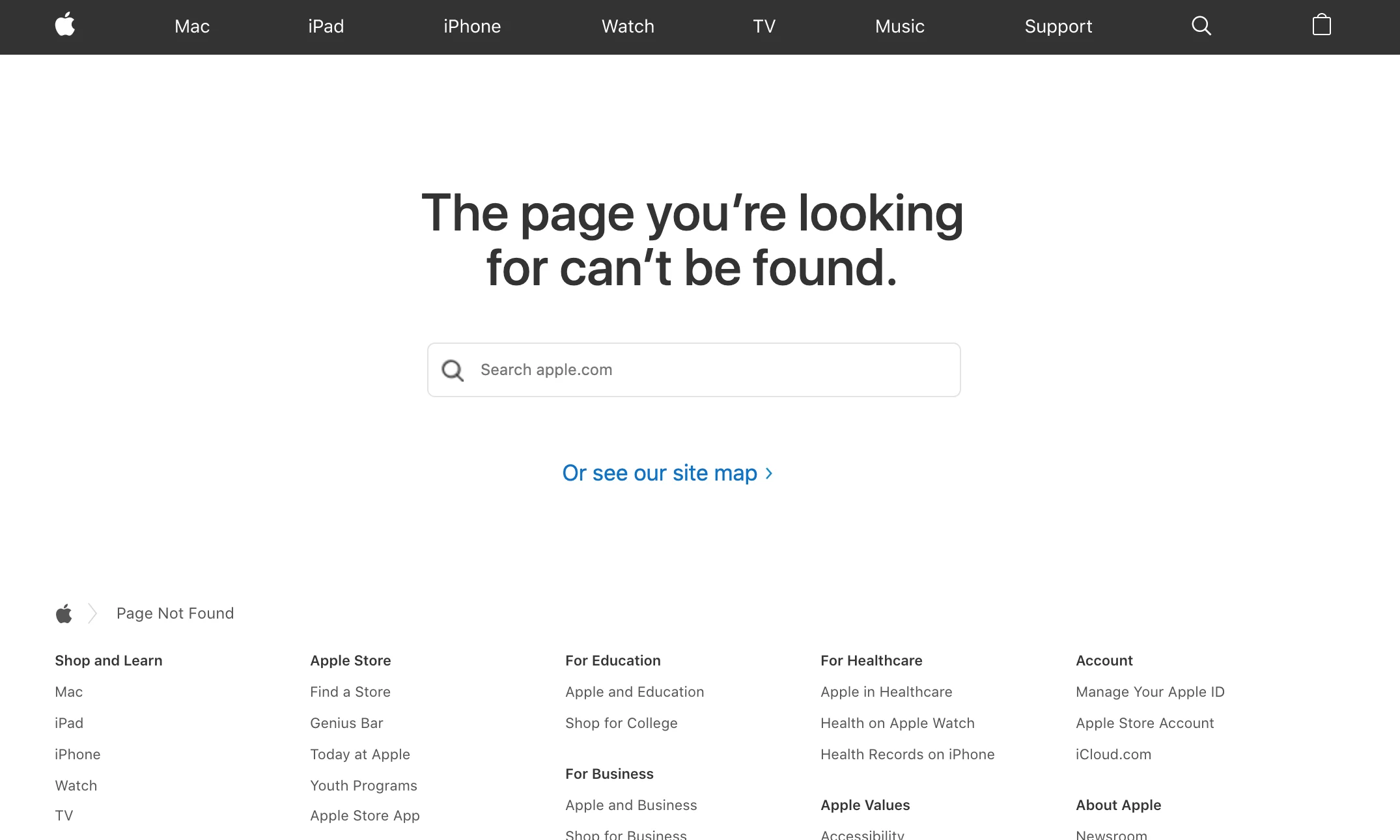
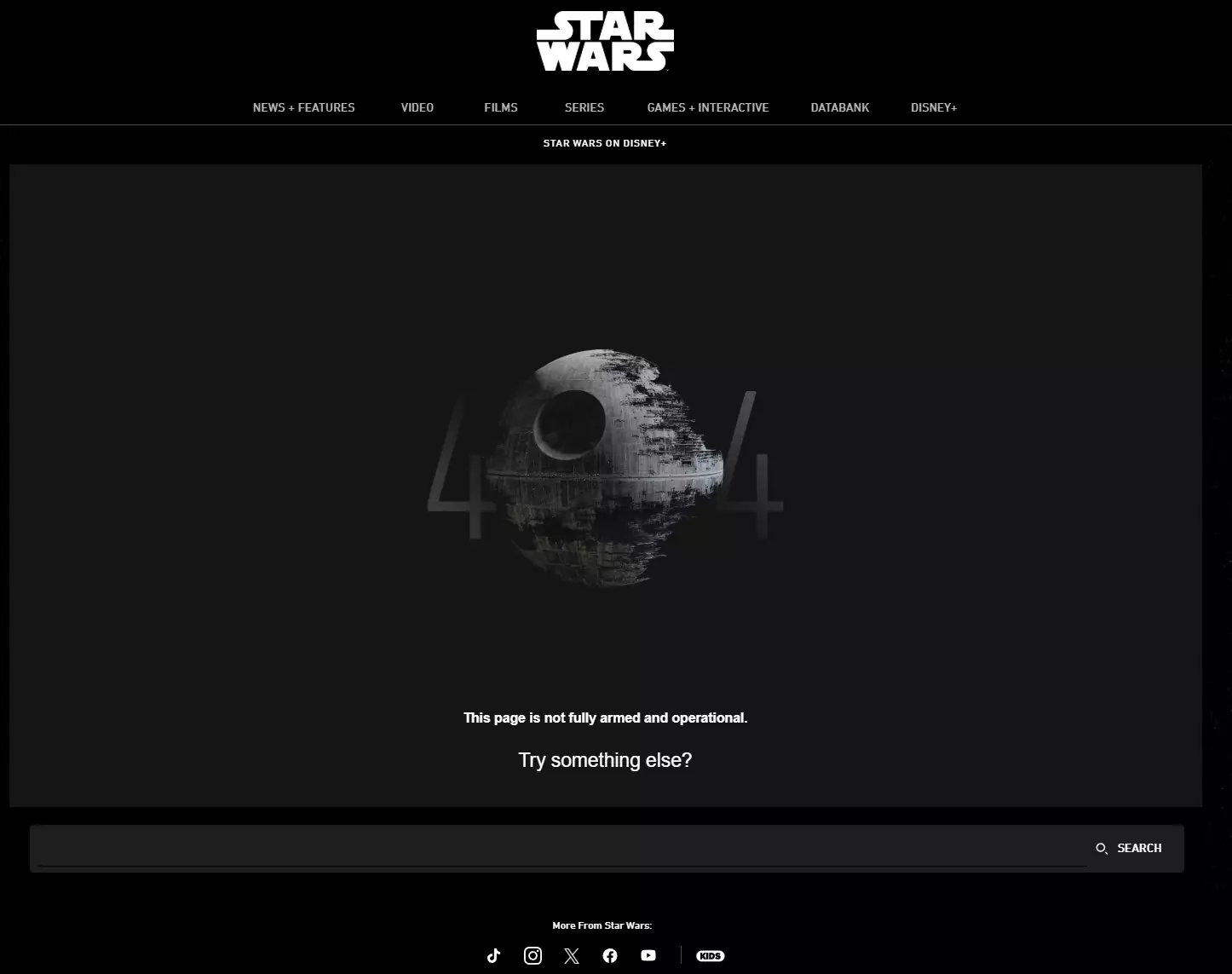
Let’s take a look at a few examples of 404 pages that have a fantastic user experience:
Airbnb
Apple
Star Wars
How Do You Customize the 404 Error Page?
Alright, now we’ve reached the technical part. To get the 404 page looking the way you want, you need to head to a file called 404.php, which is in your WordPress theme’s folder, find it, and edit it.
Don’t worry, though — in this article we’re not going to bore you with all the details. In a separate, dedicated guide, we walk you through step by step how to customize this page.
Wrapping Up
Alright, now that we’ve come this far, let’s do a quick recap. The 404 page is that sign that pops up in front of the user when they reach a nonexistent page. If you neglect this page, the user leaves your site confused and unsatisfied; but if you put a little time into it and, say, show them a few of your best articles right there with a friendly tone, you turn that very dead end into a fresh path.
Keep in mind that for Google, user satisfaction is more important than anything, so a good 404 page helps both your user experience and your SEO. Now that you understand what this page actually is and why we emphasize it so much, you’re all set to take the next step: editing the 404.php file and getting this page looking exactly the way you want. Best of luck! 🙂

Ahura WordPress Theme
The Power to Change EverythingElementor Page Builder
The most powerful WordPress page builder with 100+ exclusive custom elements.
Incredible Performance
With Ahura’s smart modular loading technology, files load only when they are truly needed.
SEO Optimized for Google
Every line of code is carefully aligned with Google’s algorithms and best practices.

To post a comment, please register or log in first.