
 Tutorials


 Ahura
Ahura Plugins
 Blog
Blog18 Essential Tools I Use Every Day at Ertano
- Tutorials
- Updated on

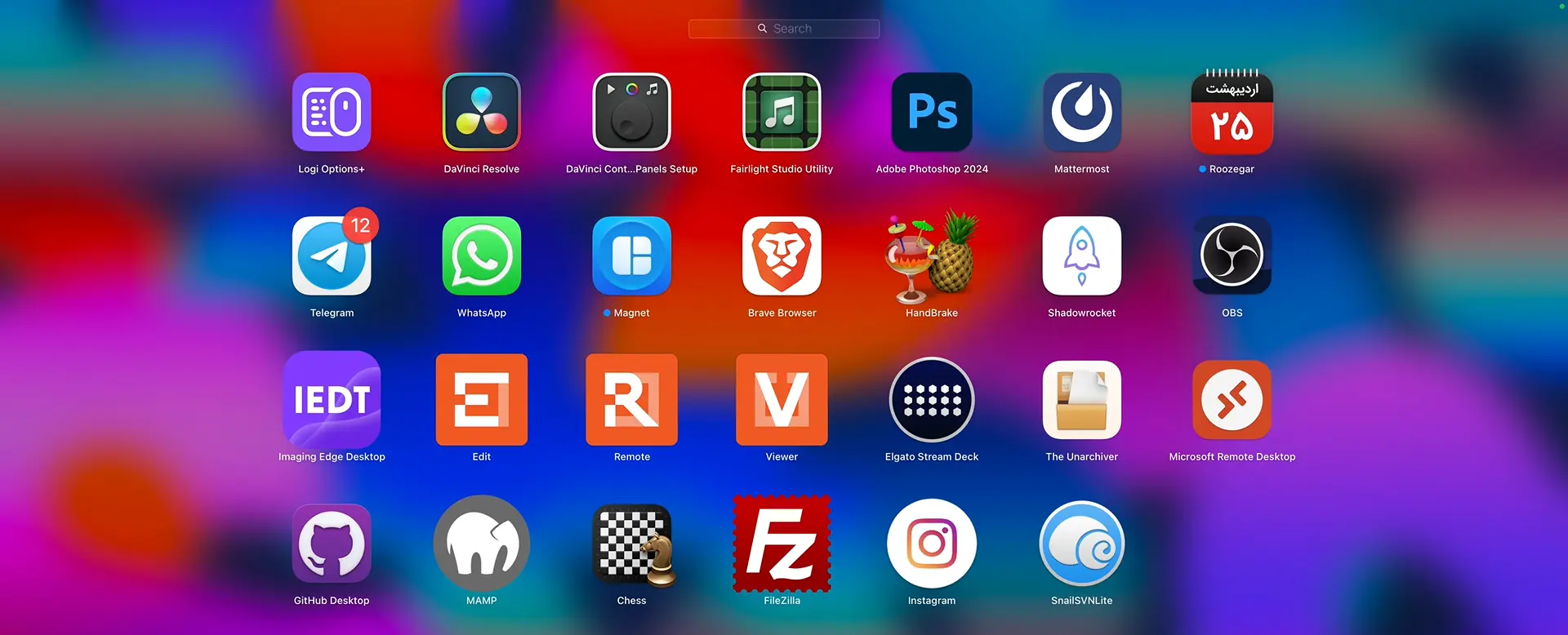
Hi everyone! I hope you’re doing great. I’m the lead strategist here at Ertano, and in this article, I want to introduce you to 18 highly practical tools that I use personally every single day. Whether it’s for managing our websites, conducting daily tests, or handling various tasks related to WordPress and our international online business, these tools are my go to resources.
These tools are the result of several years of experience managing various sites and leading the Ertano team. They are the reason my tasks are completed faster, more accurately, and more professionally. If you are a website manager or have just entered the world of WordPress, I am certain these tools can significantly help you boost your productivity and simplify many of your workflows.
Table of Contents
Essential Daily Tools
There is almost no day that goes by without me opening at least one of these tools. These 18 tools are always within reach and have become an inseparable part of my work routine. They are right in front of me every day, I deal with them constantly, and honestly, without them, performing many tasks would either become incredibly time-consuming or drain all my energy.
The tools you are about to discover in this article are all online-based. Perhaps one or two might require a physical device or specific software installation, but generally, most of them are free and accessible to everyone. The interesting point is that many people still don’t realize how important these tools are, or they don’t even know they exist!
My goal in writing this article is to introduce these practical tools to you so that if you haven’t been using them until now, you can start your journey toward higher productivity. These tools have helped me perform my tasks faster, with more precision and less hassle, and I am sure they will do the same for you.
Bitwarden
The first tool that I practically never spend a day without is Bitwarden. It is an online password management platform. To put it simply: if it didn’t exist, a large portion of my daily tasks would be disrupted. For me, Bitwarden acts like a digital safe where all my passwords and login information are stored, and only I have access to them.
Many people still use methods like writing passwords in a notebook or, even worse, saving them in a Notepad file to store their credentials! But the reality is that these methods are neither secure nor efficient.
Bitwarden was built exactly to solve this problem. You only create an account once, and then you log in using a Master Password. From then on, every time you want to log into a site or enter login details somewhere, Bitwarden fills in that information for you automatically. This means you no longer need to memorize hundreds of different passwords or go searching for them.
What makes Bitwarden truly special is its security. Your information is fully encrypted using End-to-End encryption; this means even Bitwarden itself cannot see what your passwords are. This gives you true peace of mind regarding security. For example, my login password for Ertano is approximately a 24-character string that is impossible to memorize, but because I have it stored in Bitwarden, every time I want to log in, the system enters it for me with just one click.
I have installed Bitwarden on all my systems from the Google Chrome browser on my laptop to my mobile phone. It has a browser extension that is very quickly accessible, and a mobile app so that when I want to log into a specific app or need a particular code, I can easily retrieve it from there.
As for the cost, don’t worry. Unlike many password management tools that are expensive or have limited features, Bitwarden has a completely free version that covers 90% of the needs of any regular or even professional user. So, when we have a free, secure, and complete tool, why go for more complicated and expensive options?
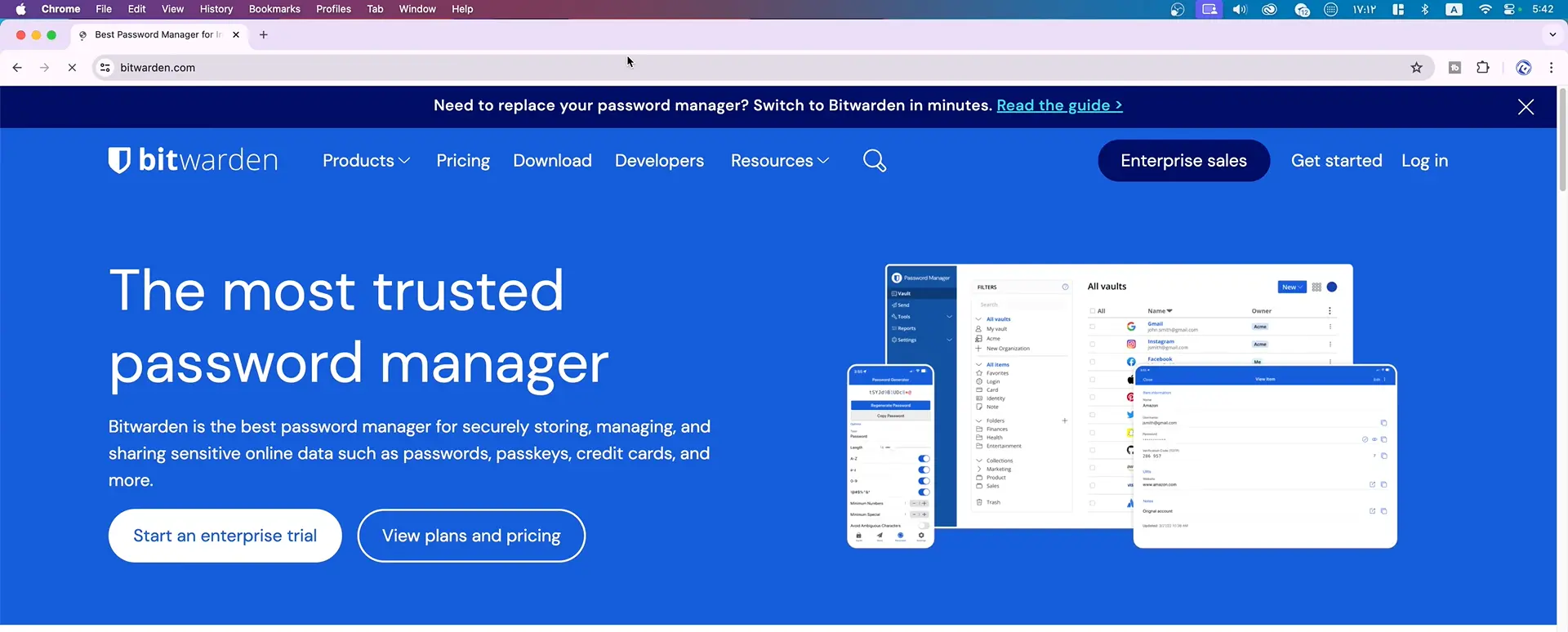
Overall, Bitwarden isn’t just a tool for me; it’s a daily companion that makes managing my sites easier, faster, and more secure. Without exaggeration, I can say the first thing I activate after turning on my system is Bitwarden. If you aren’t using a password management system yet, I suggest you try Bitwarden starting today. You’ll quickly realize how much easier it makes your work.
OBS Studio
The second tool on my list, and I can boldly say there isn’t a day I don’t use it, is OBS Studio. OBS is one of the most powerful video recording and live streaming tools in the world, and it is completely free and open-source. Many people only know OBS for game streaming or going live on YouTube, but I use it for much more than that; OBS has become an all-in-one tool for recording and “live-editing” my video content simultaneously.
You might have noticed in our videos at Ertano that everything looks very clean and integrated: the camera is in the corner of the screen, our logo sits in another corner, the microphone audio is perfectly synced with the image, and I can smoothly switch between the camera and the screencast. All of this happens thanks to OBS.
One of the fantastic features of OBS is that you can define several different “Scenes.” For example, one scene can be just the camera, one can be the monitor screen, and another can be a combination of both. You can then switch between these scenes with a single click. I have set this up so that by pressing a button on my keyboard or a Stream Deck, my image switches from the camera to the screen, or the logo appears or disappears, or the audio mutes and unmutes.
It’s worth giving a brief explanation about the Stream Deck here. A Stream Deck is a small piece of hardware with a set of programmable buttons, and for those who work with OBS, it is a legendary tool. Instead of hunting for your mouse and digging through OBS settings for every change, you just press a physical button.
For instance, I have a button defined so that when I press it, only the camera is displayed; there is another button that, when pressed, broadcasts my monitor screen. All of this happens instantly and without any hassle. You can even create custom icons for it, making the experience even more enjoyable.
But the most attractive part of working with OBS for me is the automatic recording and editing. This means while I am recording a tutorial, OBS is simultaneously recording the video, the audio, and applying visual effects like logos and layouts on the fly. As a result, after recording, I no longer need to sit in Premiere Pro or any other editing software for hours to edit. I just hit “Stop,” and OBS immediately delivers a final, ready-to-use MP4 file that I can upload directly to YouTube or our educational courses.
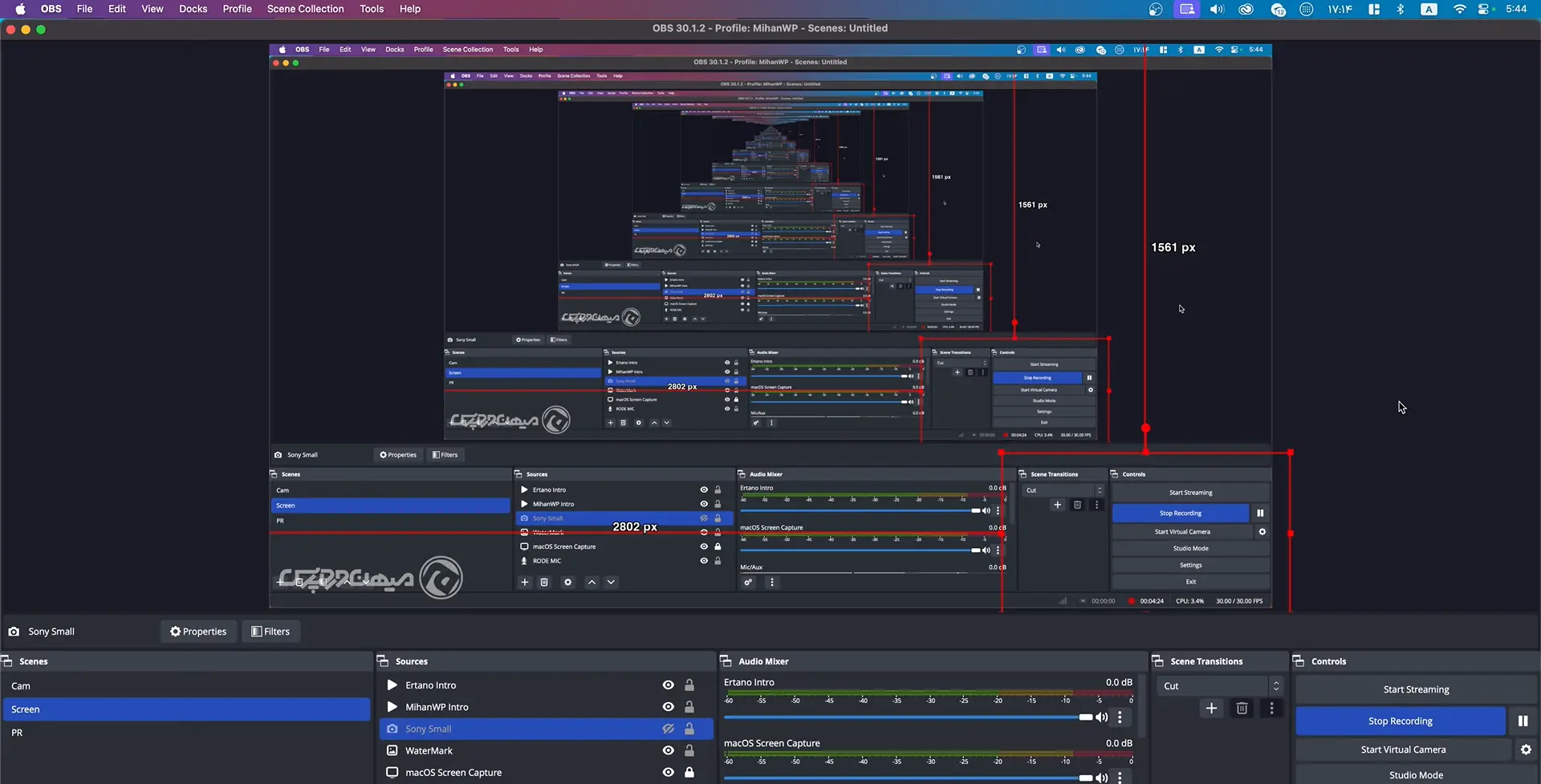
Of course, OBS has quite a few settings that might seem a bit complex at first glance, but once you learn the basics, everything becomes as easy as drinking water.
The reality is that OBS isn’t just a recording tool for me; it’s a live editing station. If you do content creation, make tutorials, or even hold online meetings, OBS can turn hours of work into a few minutes. This tool is truly essential for anyone seriously active in the online space.
DaVinci Resolve
Sometimes I can’t use OBS for video recording. For example, when an in-person workshop is held or the video is shot outdoors. In these cases, there is no simultaneous recording and editing, and I have to import raw files into professional editing software. This is exactly where I turn to DaVinci Resolve an incredibly powerful and yet free tool for professional video editing.
Many people consider DaVinci Resolve just an editing software, but the truth is it’s far beyond a simple editor. First of all, the user interface of this program is professionally and modernly designed. Everything is in its place, from a precise timeline to specialized panels for audio editing, color correction, visual effects, and rendering.
Even if you have experience with Premiere Pro, when you enter the DaVinci environment, you don’t feel like you’ve taken a step back; quite the opposite, you might ask yourself, “Why didn’t I use this sooner?!”
One of the most prominent features of DaVinci is its advanced Color Grading capability. This is why in the professional editing world, especially among filmmakers and commercial producers, many people use DaVinci instead of Premiere. You can completely change the mood of your video with precise color correction tools. A simple shot taken with a phone can be transformed into a cinematic image with a professional feel in just a few clicks.
In terms of features, DaVinci lacks almost nothing. Everything from a multi-layer timeline to support for 4K and even 8K videos, video effects, audio editing (Fairlight), tracking, masking, and simple animations is included. And you can use all of this in the free version.
Now, if you want advanced features like professional noise reduction for video and audio, cinematic plugins, very high-quality exports, and certain AI-driven features, you can get the Studio version. I personally purchased this version. It costs around $300, but the interesting part is that unlike Adobe Premiere, where you have to pay a monthly subscription, you buy DaVinci once and can use it for a lifetime without paying an extra cent.
Installing and running this software is relatively simple. It has versions for Windows, Mac, and even Linux. When you install it, it brings a complete package of all the tools needed for professional editing. There is even a separate tool called Fusion for visual effects and motion graphics built right inside DaVinci.
In my opinion, if you are looking for a professional yet free tool for video editing, or if you are tired of heavy Adobe subscriptions, DaVinci Resolve is exactly what you should install and work with. It’s professional, it’s free, and it’s infinitely reliable.
Photoshop
There is almost no one active in the digital world who hasn’t heard the name Photoshop. But there is a world of difference between just hearing the name and having it as part of your daily toolkit. For me, Photoshop isn’t an auxiliary tool; it’s a constant companion. From designing video covers to correcting website images, creating banners, designing landing pages, or even preparing images for social media—almost any task involving images has Photoshop’s footprint on it.
Photoshop is fundamentally a pixel-based image editing software. This means anything you want to do at the image detail level from facial retouching to removing backgrounds, merging multiple images, graphic design, or even creating digital artwork is possible with it.
Tools like “Layers,” “Masks,” “Smart Objects,” and effects like “Blending Modes” provide a level of freedom in Photoshop that is truly unrivaled.
The most important point, however, is that Photoshop is not just an image editor anymore. This software is now a complete platform for graphic design, image manipulation, UI design, product design, and even digital painting. Especially if you have a graphics tablet like a Wacom, you can have an experience similar to painting on paper with Photoshop.
I always use the original and official version of Photoshop because it is truly worth it. Especially when I’m going to use it several times a day, the stability and security of a legal version are very important. While international payment limitations can be a hurdle for some, those who can access it find that no other software can match its flexibility, precision, and smooth performance.
Many times I have decided to try free or open-source alternatives like GIMP, Photopea, or even Canva for simple designs. But none of them could provide the flexibility and professional depth that Photoshop offers. I can boldly say that no image editing software in the world has yet reached the power and precision of Photoshop.
Another key point is that Photoshop is constantly being updated. Tools like the new Remove Tool for deleting unwanted elements with one click, or Generative Fill powered by Adobe Firefly AI, have taken the image editing experience to a new level. This means it’s not just a professional editor anymore; it’s an intelligent assistant that makes complex tasks easy and fast for you. For someone like me at Ertano who is constantly dealing with design, visual content creation, or presenting graphic products, Photoshop is no longer an option it is a necessity.
Mattermost: Focused Team Communication
Why We Chose Mattermost for Our Team Communication at Ertano?
Whenever we work as a team, we inevitably need a reliable communication tool. At first, we might instinctively turn to WhatsApp or create a Telegram group, but we quickly realize that these platforms were primarily built for personal interactions rather than professional ones. In those spaces, everything gets cluttered: from friends’ messages to family notifications, and from irrelevant stickers to unrelated voice notes. After a while, neither focus remains nor any organized follow-up. That’s exactly why I decided to use Mattermost—a tool whose sole focus is team communication.
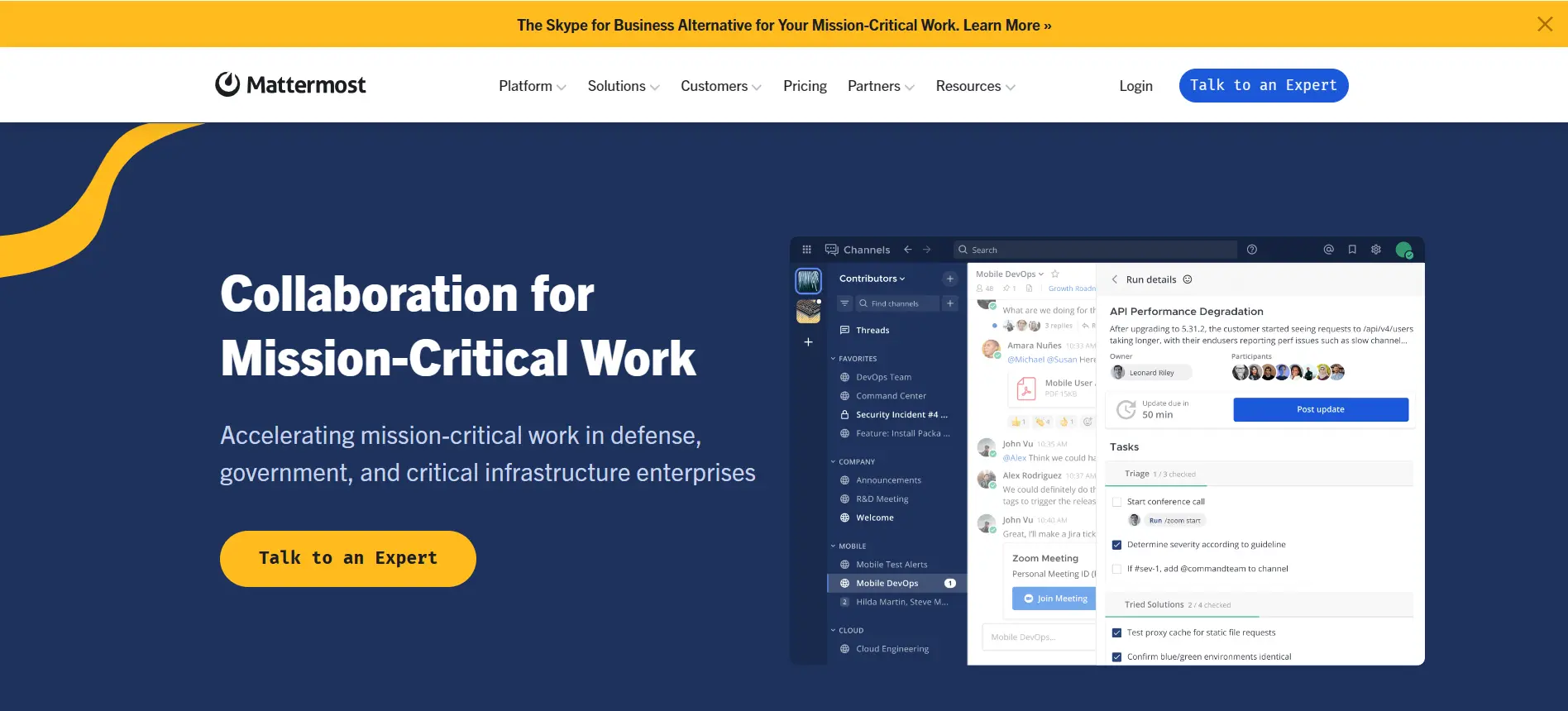
Mattermost is a group chat platform that is installed on your own private server. This means all your business communications stay within a completely private, secure, and personal space, and you aren’t dependent on any external service provider. Even if there are global connectivity issues or internet fluctuations, you will still have stable communication within your team as long as your server is accessible. For me at Ertano, this is incredibly important because team data, chats, files, and documents must be in our own hands, not sitting on third-party foreign servers where we have no control.
What we did here at Ertano was install Mattermost on a Linux server. Of course, it is also executable on Windows, but experience has shown that Linux operates more stably and efficiently for this purpose. We assigned it a dedicated domain, activated an SSL certificate on it, and now we have a professional platform where every team member is engaged in their work within their own specific space.
Organization and Dedicated Channels
Inside Mattermost, we can create separate channels for every project or team. For example, we have a channel for the content team, one for support, and another for the technical department. Each person only joins the sections related to their specific tasks. The huge advantage of this model is that the chaos is gone. Everyone knows exactly where to send a message, and every discussion is followed up in its proper place.
In terms of features, it lacks absolutely nothing. You can send files, mention someone, react to messages, leave notes, and pin important messages so others don’t miss them. You can even write your own custom bots or plugins. Everything is customizable and controlled. Searching through messages is very fast, and you can find something from the team’s archives from months ago with just a few keywords.
Boosting Team Productivity
Most importantly, within the Mattermost environment, the team’s focus is never disrupted because everyone knows this space is strictly for work. There are no family photos and no promotional notifications—only projects and ongoing tasks. This issue is absolutely vital for team productivity.
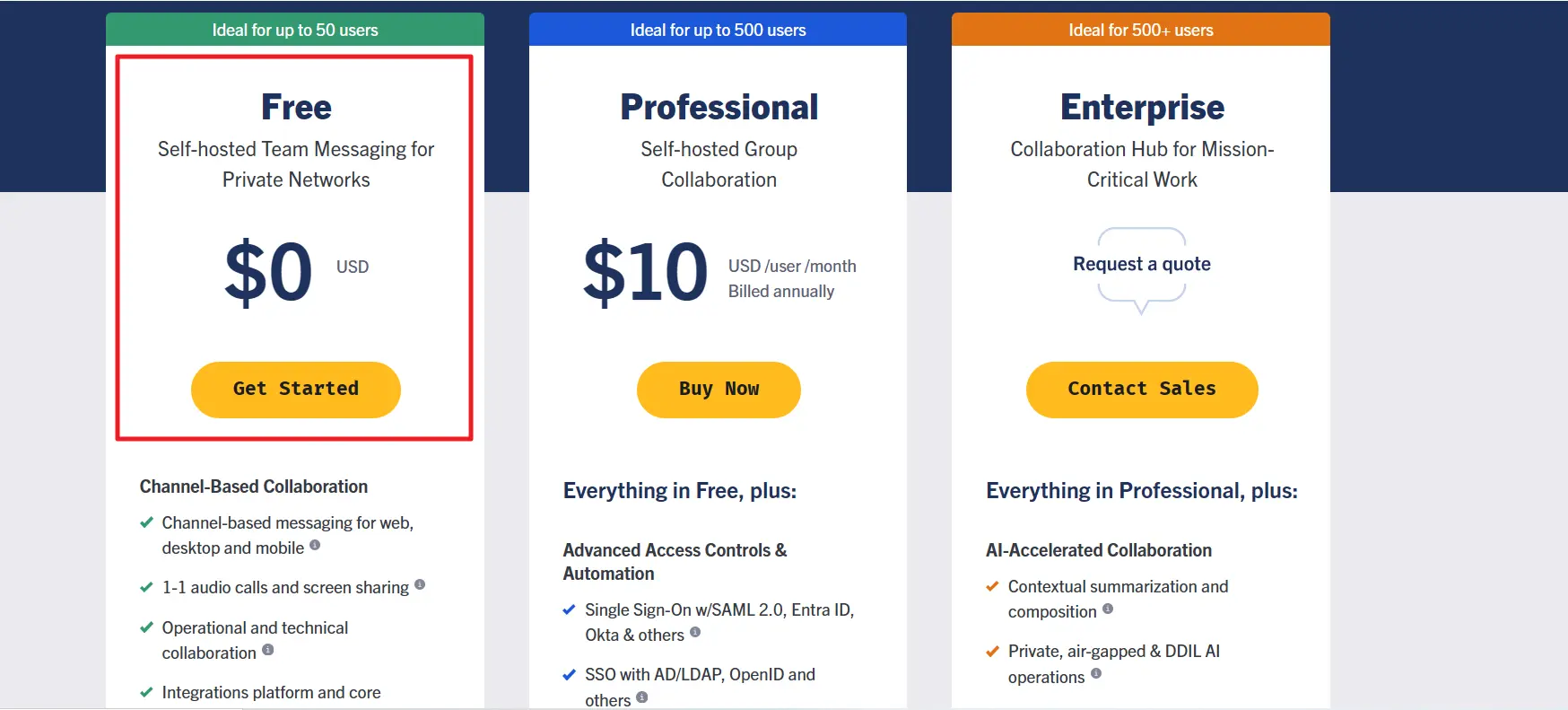
The interesting point is that the free version of Mattermost is completely functional. If you have a server at your disposal, you can easily install and set it up. Instead of paying monthly fees for tools like Slack, you spend time once to set up Mattermost, and after that, you just use it and enjoy. While it does have commercial editions, for most teams, the Community Edition is more than sufficient and complete.
In short, Mattermost has become a true digital workplace for me at Ertano. It is where all my team members talk, send files, share opinions, make decisions, and plan. My team’s focus has increased significantly, and our work discipline is progressing much better than before.
GitHub and GitLab: Mastering Version Control at Ertano
Imagine you’re working on a complex project, like our Ahura WordPress theme at Ertano. In the beginning, it might just be you. But over time, more people join the team: one handles the design, another manages the backend, and someone else writes the documentation. Now the question is: how do we apply all these different changes simultaneously without breaking each other’s work? This is exactly where Git enters the game.
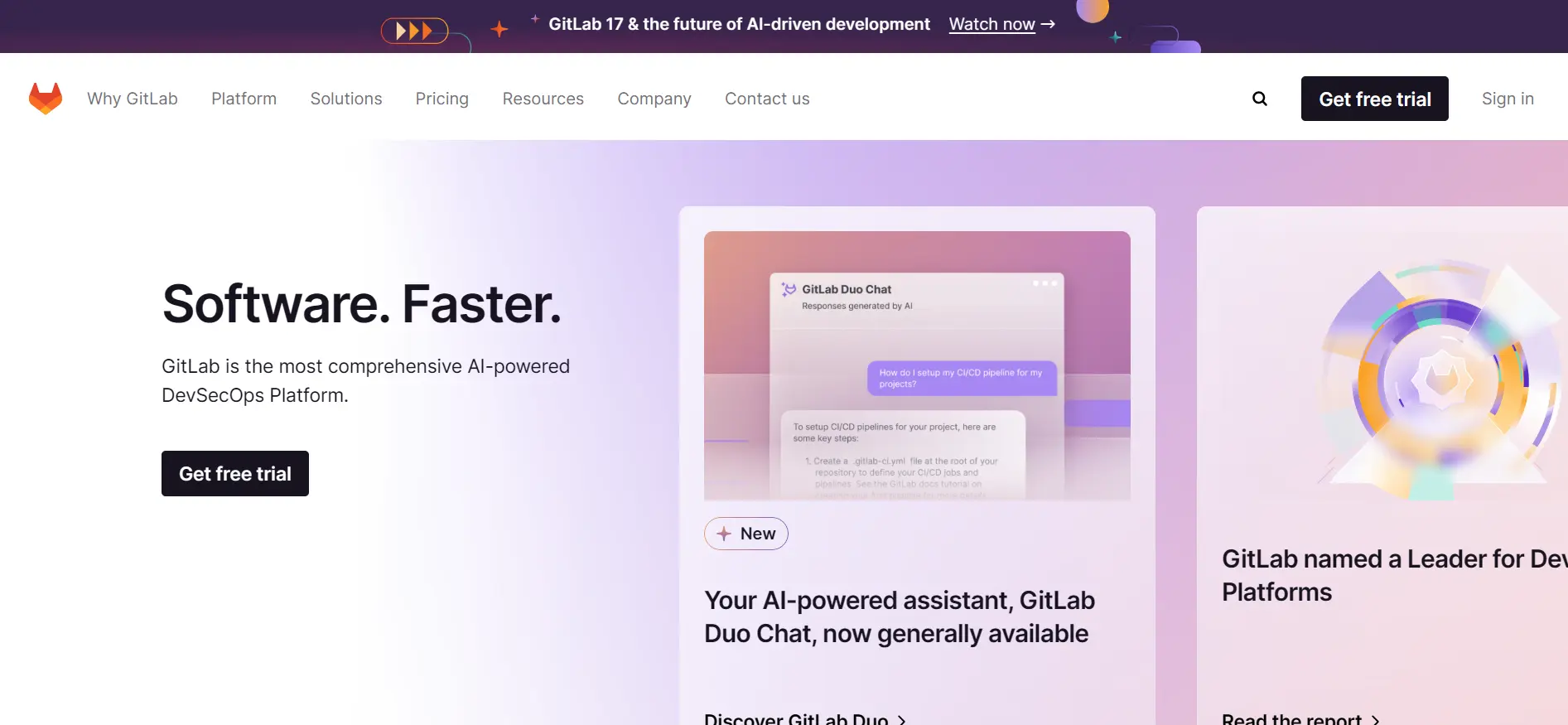
Git is a decentralized Version Control System (VCS). What does that mean? It means you can save your project at different points in time, track every person’s changes individually, and if a mistake happens, easily revert to previous versions. Git allows every developer to work on their own version of the project (called a Branch). Once their task is finished, they merge that branch into the main branch (usually called main or master). This way, various updates are integrated without conflict or chaos.
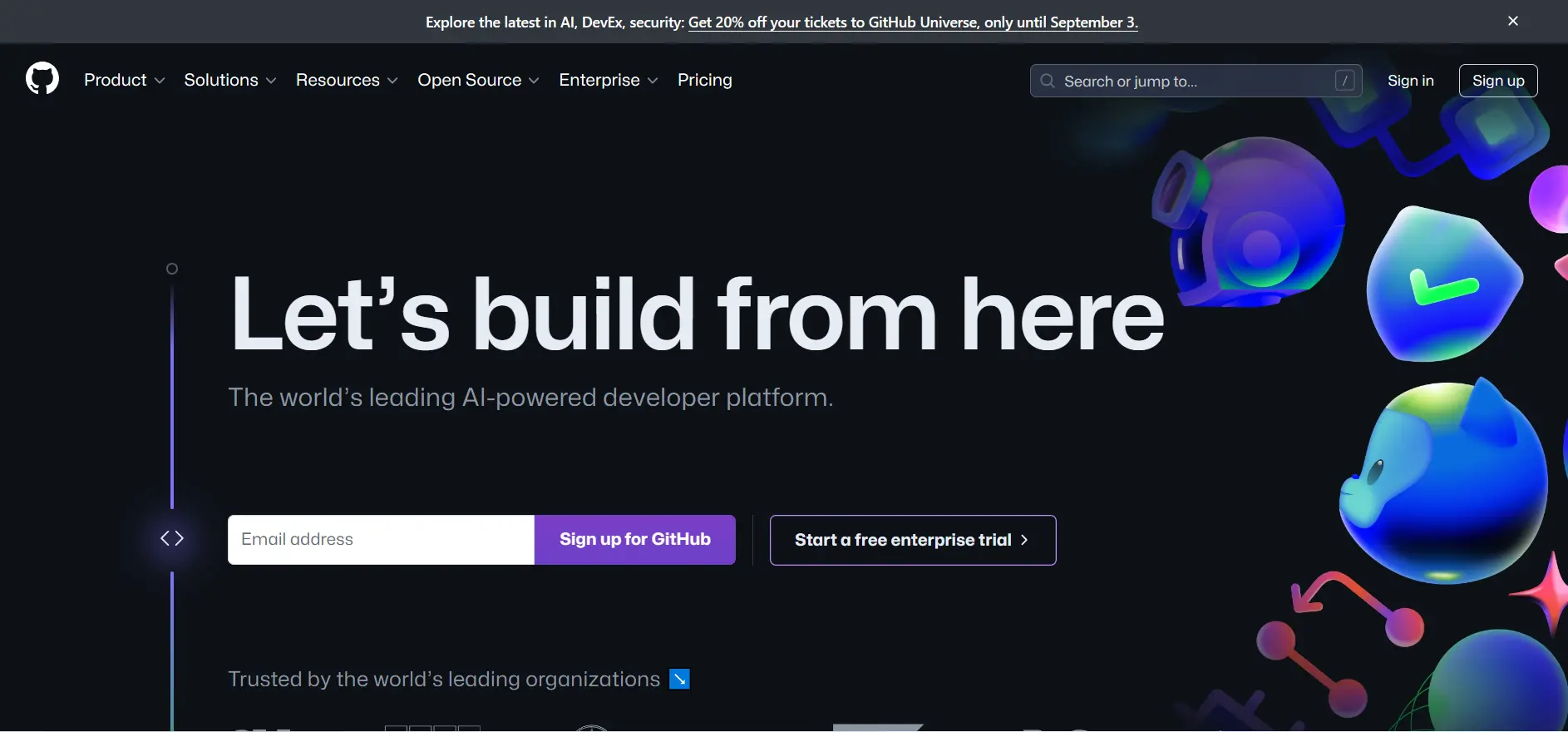
However, Git by itself is a command-line tool. For better team collaboration and management, we need a graphical interface or a central environment; this is where GitHub and GitLab come in. These two services are online spaces where you host your projects. Each has the capability to manage code, branches, Pull Requests (or Merge Requests), and team discussions.
GitHub is more globally recognized and has an incredibly active developer community. It’s very popular for open-source projects because you can easily publish your work and thousands of developers worldwide can contribute. GitLab is similar to GitHub but has features that make it popular for organizations needing more privacy. For example, it offers a self-hosted version (GitLab Self-hosted), meaning you can bring the entire Git environment onto your own company server with zero dependency on external providers.
At Ertano, we did exactly that. We implemented a Git system similar to GitLab on our own servers to ensure maximum security and to make sure international connectivity fluctuations or IP restrictions don’t affect our workflow. Now, our team members push their code every day, submit merge requests, and once the code is reviewed and approved, it is applied to the main project.
Another great feature of these services is CI/CD tools (like GitLab CI or GitHub Actions), which allow you to build automated testing and deployment processes. This means as soon as code is pushed, tests run automatically, and if there are no issues, the project is updated or deployed automatically. This significantly increases team speed and reduces human error.
Ultimately, if you have a technical team—no matter the size—using Git and a platform like GitLab or GitHub is no longer an option; it’s a real necessity. It brings order and security to your projects and makes team collaboration professional, trackable, and confusion-free.
Gozaresh.net: Our International Analytics Solution
The next tool I use every day is a dedicated internal product we developed at Ertano: Gozaresh.net. The idea for this tool started from a real need. We were looking for a precise, fast, and lightweight analytics system for our websites that didn’t depend on external services, while providing a simple and understandable user experience. The result was “Gozaresh” (which means ‘Report’).
This tool is currently being used privately within our team, but very soon, it will be released publicly and for free to everyone. Simply put, Gozaresh.net is a website analytics tool, similar to Google Analytics or Plausible, but with a key difference: all visitor data, analysis, user behavior, and traffic info are stored on dedicated servers with a focus on privacy and zero dependency on third-party trackers.
Gozaresh.net is designed to be extremely lightweight and optimized, with no lag or extra load on the website. The tracking JavaScript code placed on the site is minimal and fast-executing. All data is displayed in a beautiful and simple management panel through charts, tables, and daily, weekly, and monthly reports. We’ve even made it possible to see where users come from, how long they stay, which pages they visit, and their entry source (search engines, social media, direct links, etc.).
The reason we built this was to keep data within our own infrastructure, have more control over the information, and ensure ease of use. Many foreign tools like Google Analytics are too complex for many users or might even be blocked in certain regions. We wanted a secure, simple, multilingual, and scalable alternative, and the result was Gozaresh.net.
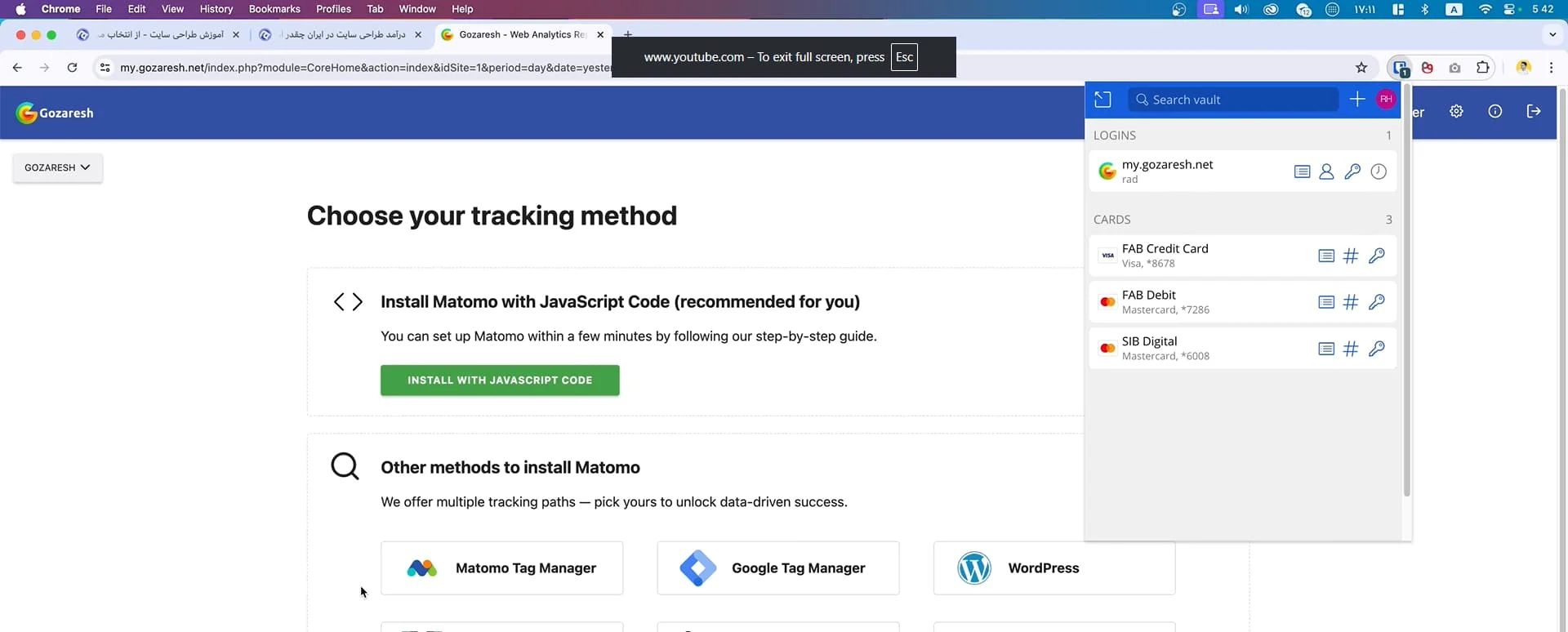
The public version will be released soon, and everyone will be able to use it for their site analytics for free. No complexity, no fees, and no difficult installation—just sign up and put a small snippet of code on your site. I hope that once it’s fully launched, it helps you gain a deeper understanding of your visitors so you can make better data-driven decisions.
VS Code: The Heart of Our Development
Visual Studio Code, or VS Code for short, is one of the most powerful and popular code editors in the world, developed by Microsoft. Despite its light and simple appearance, it is a total beast for programming in various languages. The reason I use it every day is clear: high speed, incredible customization, support for almost every programming language, and a very active community.
Whether you are a frontend or backend developer, a JavaScript or Python coder, or working with PHP or C#, VS Code provides an environment where you can focus solely on your code without distractions. At Ertano, whether we are redesigning a project or developing new modules and features for themes and plugins, almost all the code is written and tested inside VS Code.
One of the most attractive features of VS Code is its extensibility. By installing different extensions, you can tailor it exactly to your needs—from syntax highlighting to linting, formatting, and dedicated debuggers. For example, the Live Server extension is popular for frontend work, and others like Prettier, ESLint, GitLens, and PHP Intelephense make the coding experience ten times better with just a few clicks.
VS Code has cool features like Split View for seeing multiple files side-by-side, or a built-in Terminal that allows you to run Git commands, npm, composer, or anything else without leaving the editor. Another fantastic part of VS Code is its strong integration with Git, GitLab, and GitHub. You can create branches, see changes, commit, and push directly within the UI without needing to memorize every command-line instruction.
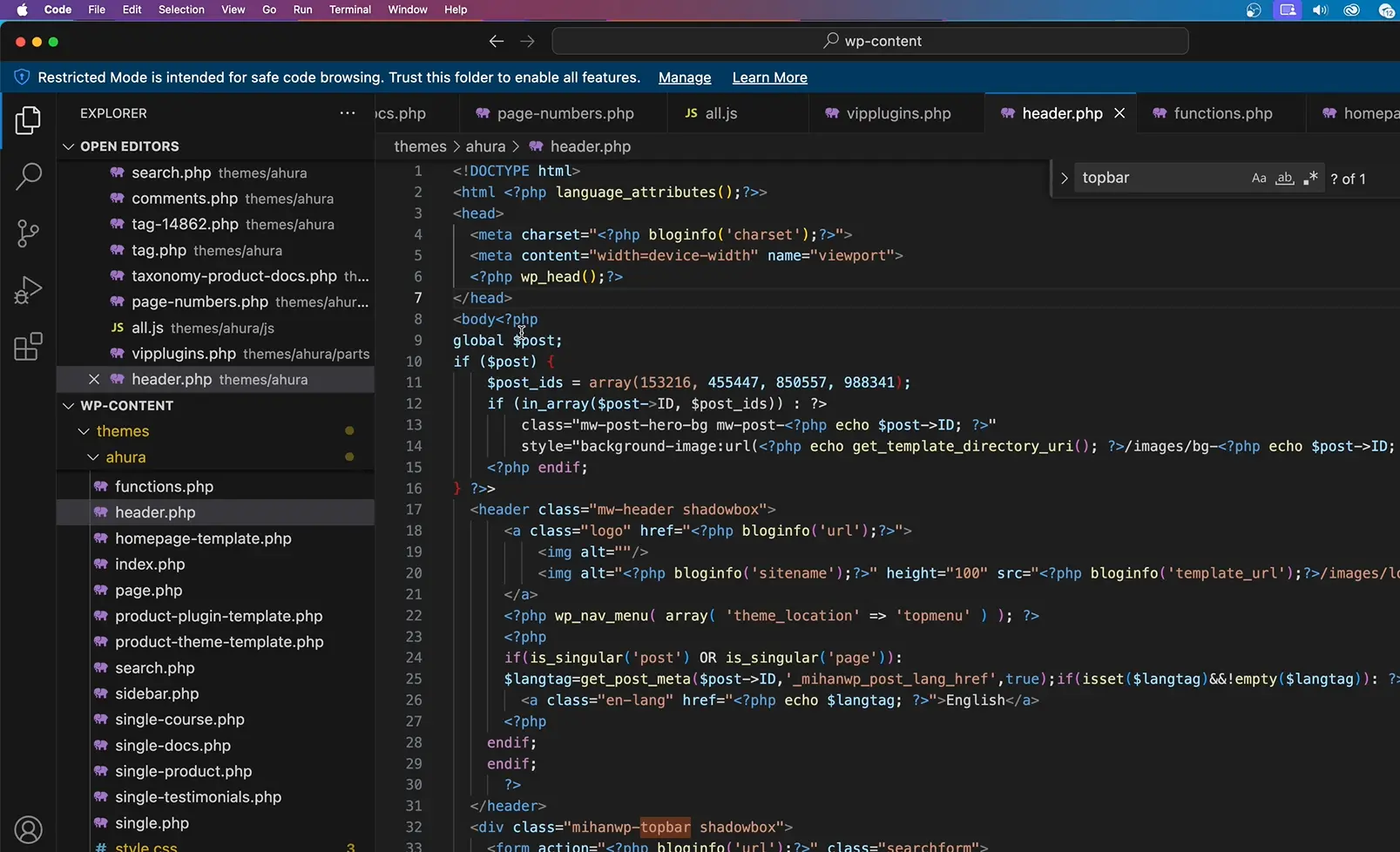
At the same time, the software is completely free and runs on Windows, Mac, and Linux. Although officially developed by Microsoft, it is Open Source and backed by a huge community. It often performs better than many famous paid editors. Compared to tools like Sublime Text or older versions of Visual Studio, it truly offers a faster, simpler, and more modern experience. For me and many professional programmers, VS Code is no longer just an editor; it has become a full Integrated Development Environment (IDE) that houses everything we need.
Apple Music: The Sound of Productivity
At first glance, Apple Music might just seem like a music streaming service, but when you use it daily, it becomes part of your digital lifestyle. For me, it’s not just a music player; it’s an organized and inspiring space to listen to high-quality, licensed music that is always accessible.
One of the reasons Apple Music is so appealing to me is its rich archive and fantastic categorization. Whether I’m looking for classic melodies, electronic music, global remixes, or meaningful podcasts, I find it all easily. The smart playlists and personalized recommendations based on my taste mean there’s always something to listen to without me having to spend time searching.
From a user experience standpoint, it is perfectly synced with the Apple ecosystem. If I play something on my iPhone, I can seamlessly continue on my MacBook, iPad, or even Apple Watch without any lag. Most importantly, the sound quality is extraordinary especially with Lossless Audio and Spatial Audio support. When you use good headphones like AirPods Pro or studio-grade gear, you really feel the difference.
There’s another point: peace of mind. Knowing you are listening to music legally and that the artist is receiving their share makes the experience better. This matters to me because, as someone active in the digital field at Ertano, I understand the value of original content.
The cost is also very reasonable for what it offers. For a monthly fee (roughly $5 to $10 depending on your region), you get a world of ad-free music, offline downloads, and high fidelity. While some might see it as non-essential, for me—someone who always wants an inspiring background sound while designing or coding. Apple Music is a constant companion that guides my flow of thought for hours every day.
Hoshina: Our AI-Powered Content Revolution
An tool that has recently entered my daily workflow and truly carved out a permanent spot among my essential resources is Hoshina. This is an AI platform for content creation that we are currently using internally at Ertano. While it hasn’t been released to the public just yet, it will soon be available for everyone to use for free.
The idea behind creating Hoshina stemmed from a very real need for high-quality, fast, and targeted content creation. In today’s digital world, content is like gold; however, consistent, principled production that is also optimized for search engines is no simple task. Like many online businesses, we were looking for a way to increase our content production speed without sacrificing quality. This is why we decided to build this tool one designed exactly based on our years of experience in content production and SEO.
Hoshina allows you to receive a complete and optimized piece of content just by entering a few keywords or a general topic. More importantly, this tool isn’t just a “text generator.” Its architecture is designed to follow SEO standards, readability rules, proper paragraph lengths, keyword density, and even natural writing styles. In fact, it provides an experience closer to that of a human writer, but with the speed and precision of a machine.
Currently, we are implementing and testing Hoshina across several of our different websites, including Ertano, to ensure its performance remains accurate and reliable in various real-world scenarios. The feedback has been incredibly positive, allowing us to further enhance the tool’s final quality. From writing product descriptions to blog posts and even landing page content, everything can be generated using this tool.
One of the key advantages of Hoshina is that its design is fully tailored to modern user needs. It not only writes fluently but also has a profound understanding of how to structure content for commercial, educational, and marketing purposes. Furthermore, we have focused heavily on ensuring the generated texts are directly usable in WordPress or similar systems, making the transition from “idea” to “published post” seamless.
Soon, when Hoshina is officially released to the public, everyone will be able to access it and leverage the power of Artificial Intelligence to grow their own business. Our goal is that content production should no longer be a struggle; instead, it should be a competitive advantage for website owners and online stores worldwide.
Reminders & Any.do: Organizing the Chaos
One of the tools I use almost every day to bring order to my tasks is Apple’s Reminders app. If you have an iPhone, iPad, or Mac, this tool is pre-installed. Because of its simple look, it might not be taken seriously at first, but in practice, it’s one of the most functional tools for daily task management.
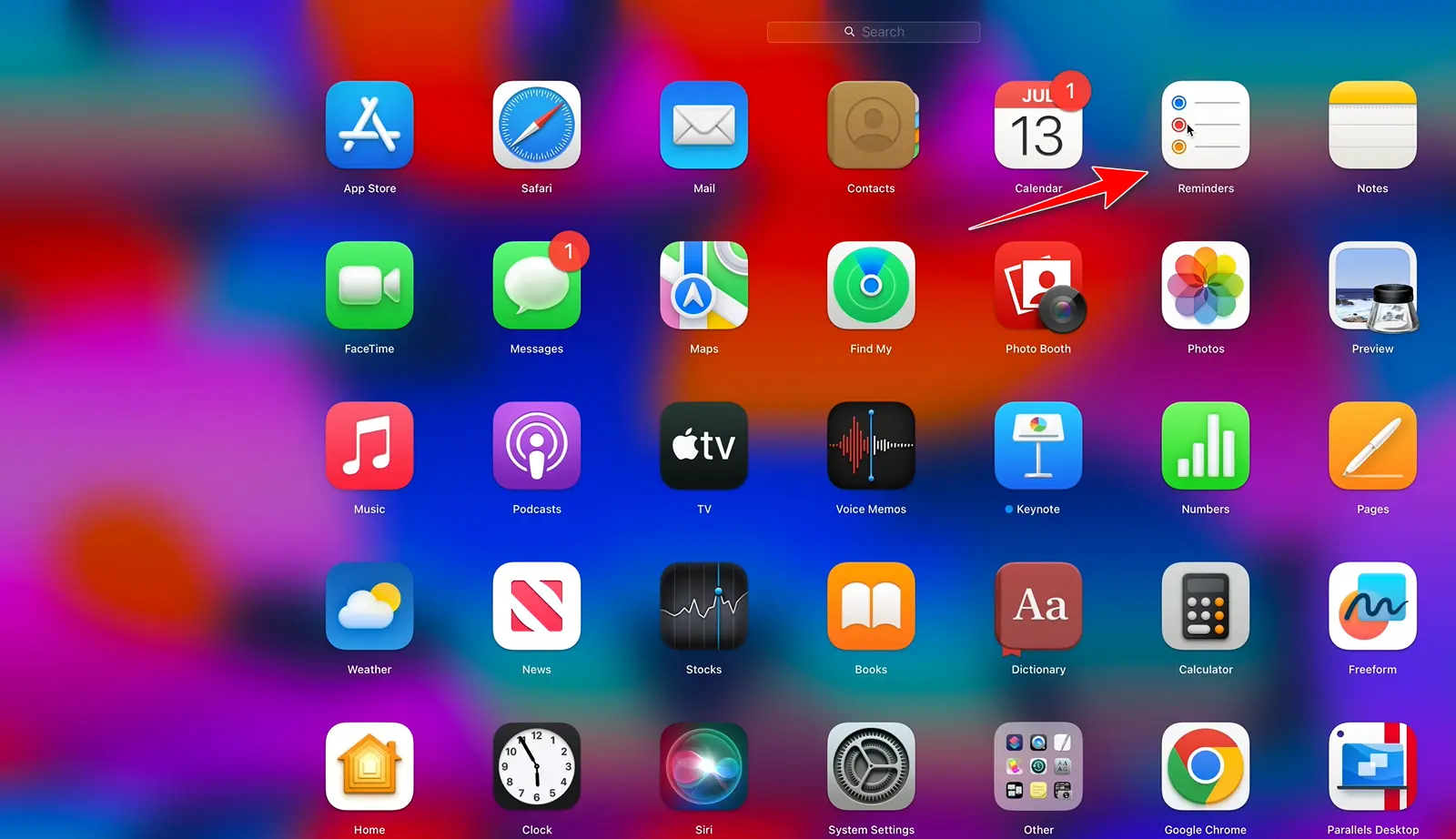
I usually set several specific tasks first thing in the morning or the night before—both personal tasks and those related to Ertano projects or content creation. I enter them into Reminders and use features like time-based alerts, tags, and different lists to keep everything trackable. Its biggest advantage is being minimal yet incredibly efficient. From remembering a phone call to reviewing a specific article or a team meeting, I record it all there.
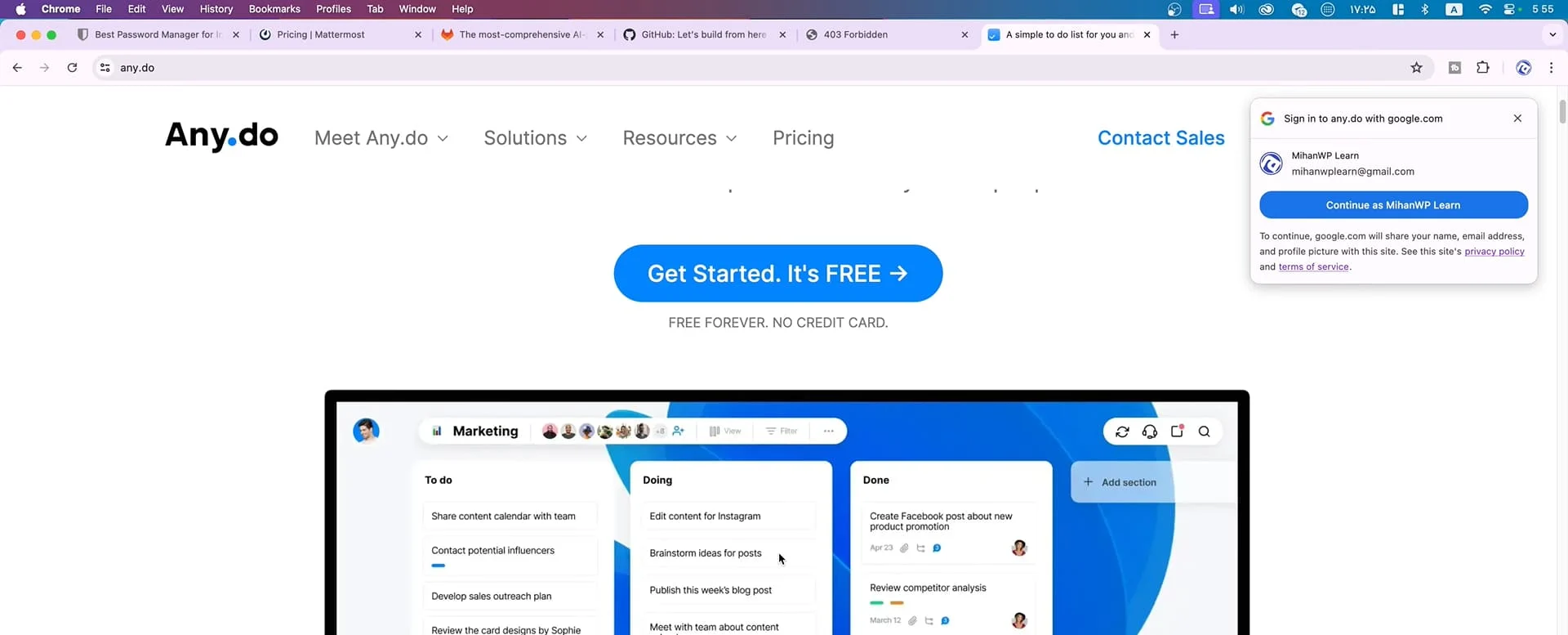
If you aren’t an Apple user, don’t worry. A great alternative is Any.do. It’s a fantastic app for managing tasks and checklists available for Android, iOS, desktop, and web. Its clean interface, calendar sync, and even voice entry features have made it highly popular. Regardless of which one you choose, the key is to write your tasks down. For me, having a daily checklist system has made my productivity significantly higher on busy days.
Calendar: Mastering Time Blocking
The next tool I always use is the Calendar app. It might look like it’s just for checking dates, but when used strategically, it turns into a powerful time management system. I use it for something called Time Blocking.
I fill my day with specific blocks of time for activities. For example: 9:00 to 10:00 for checking emails, 10:00 to 12:00 for content creation, and 3:00 to 4:00 for team meetings. This way, when I wake up, I know exactly what needs to be done and when, instead of wondering “What should I do today?”
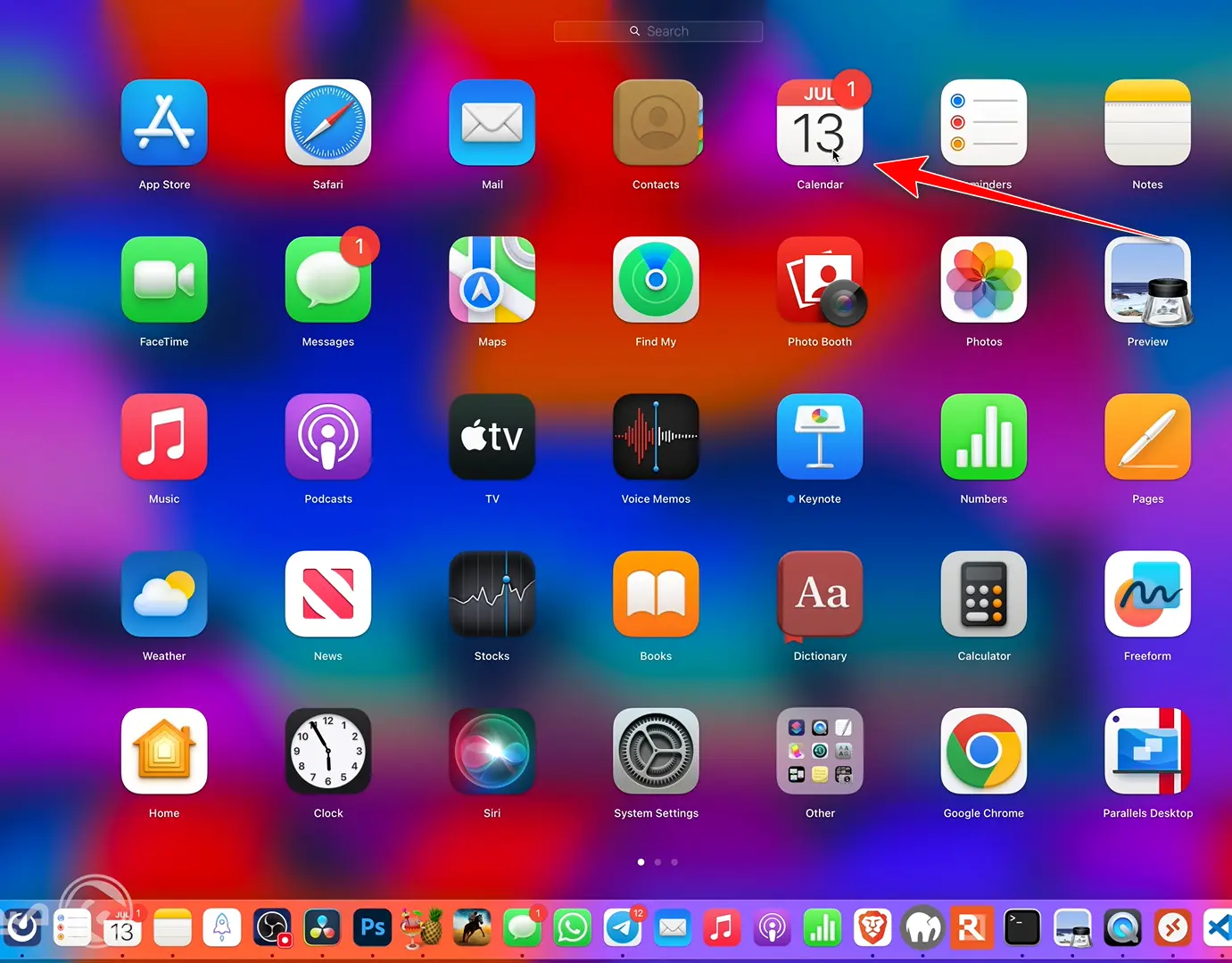
Calendar helps tasks move from “I should do this” to “This is when I will do this.” I use the Apple Calendar because it syncs perfectly with Reminders, but Google Calendar is also an excellent choice, especially if you are in the Android/Google ecosystem. It allows you to share calendars with team members and create recurring events. It’s not just for work. you can block time for rest, exercise, or reading, ensuring a better work-life balance.
Numbers: Decision-Making Through Data
The next tool I use daily is Numbers (Apple’s version of Excel or Google Sheets). For me, it’s vital to turn activities into numbers to make more accurate decisions. “If you tickle the numbers enough, they will tell you things no consultant ever will.”
I have several specific files in Numbers for different areas of Ertano and my personal life:
- Crypto Spot: Where I track every crypto trade, investment, and daily/monthly profit/loss. This shows me which decisions were good and where to learn from mistakes.
- Money: This file tracks the salaries for the team in different departments, payment schedules, and financial reports. It’s updated alongside our accounting team to keep a clear picture of our financial health.
- Ertano Advertising: Dedicated to our ad campaigns. Every campaign we run, the costs involved, and the results generated are recorded to show us which paths are worth repeating.
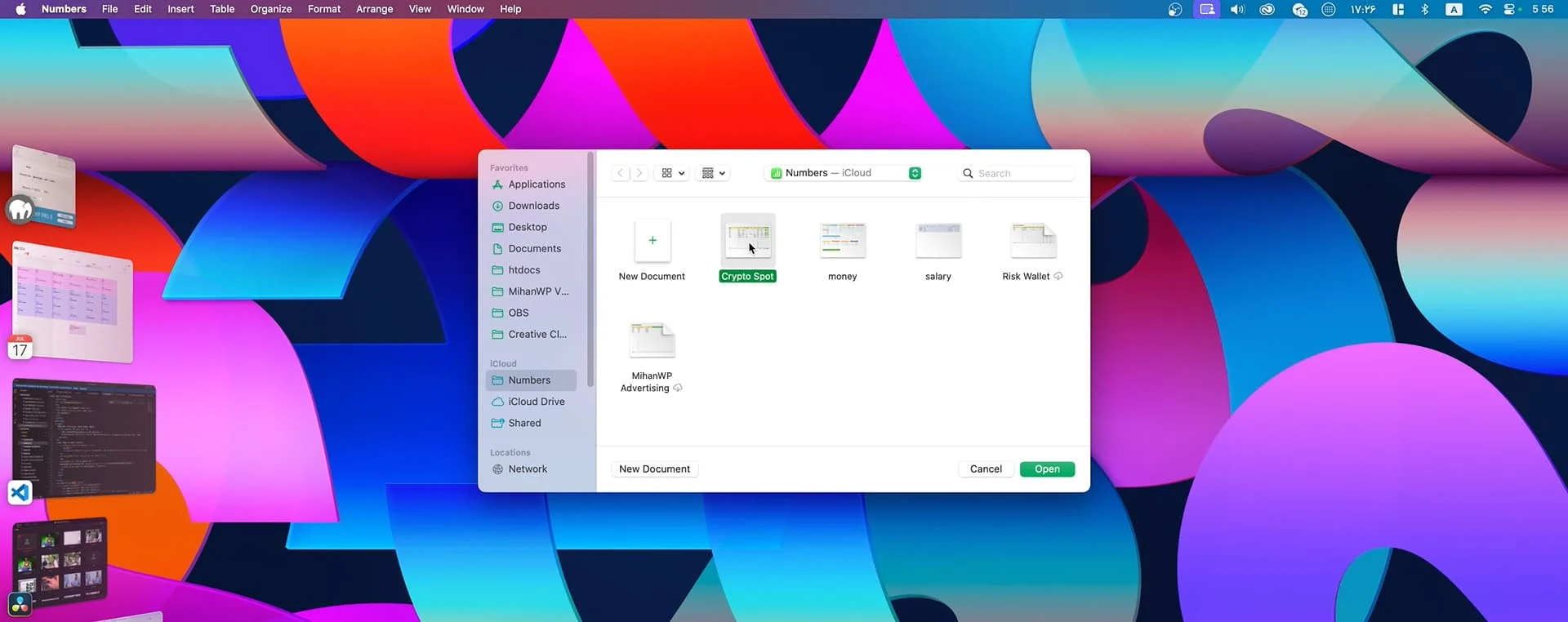
Whether you use Numbers, Excel, or Google Sheets, having at least one tool to record and analyze data is essential for anyone in the digital space to see if their work is truly optimized.
Pages: Documentation Made Beautiful
Pages is Apple’s equivalent to Microsoft Word. It’s a tool for writing, editing, and designing text documents with that distinct Apple aesthetic. Because of its simple yet powerful interface, it’s a favorite for writers, content creators, and managers at Ertano.
With Pages, you can design reports, articles, project plans, resumes, or even promotional files. Features like ready-made templates, advanced text editing, and exporting to PDF or Word make it very efficient. It also supports real-time collaboration so multiple people can work on a document together.
A huge plus is that it is completely free for Apple users, unlike Word which often requires a subscription. If you want a lightweight, beautiful, and integrated tool for documentation, Pages is one of the best choices that works seamlessly across all your devices.
HandBrake: The Ultimate Video Optimizer
HandBrake is one of the best and most popular free, open-source tools for compressing, converting, and optimizing videos. If you are like many website managers and content creators dealing with video files, you’ve likely faced the constant challenge of large file sizes—both for storage and for uploading to your site or social media. This is exactly where HandBrake steps in as a lifesaver!
With HandBrake, you can significantly compress the videos you’ve produced (such as educational videos, advertisements, or video podcasts) while maintaining acceptable quality. This tool supports a wide variety of input formats (like MP4, MKV, AVI, etc.) and offers optimized outputs for the web, mobile, tablets, game consoles, or platforms like YouTube and Instagram. Even if your original video is in 4K, you can convert it into a lighter version that still maintains high resolution, ensuring it loads quickly without harming your site’s SEO or user experience.
One of HandBrake’s major strengths is that it is completely free and without intrusive ads. You don’t need to pay for a subscription, you won’t face watermarks, and its features aren’t locked behind paywalls. Furthermore, because it is open-source, a community of developers is constantly improving and updating it, so you can always be sure you are working with one of the most powerful and up-to-date tools available.
To give you a concrete example: imagine you have a 3-minute educational video that is about 80 MB. With a few simple settings in HandBrake, you can convert that same video to, say, 15 MB with almost identical quality. That’s about an 80% reduction in size! This means faster site loading, less bandwidth consumption, and a more optimized user experience and video SEO.
In short, HandBrake is an unparalleled tool for anyone dealing with video—especially if site speed, hosting space, user experience, or even CDN costs matter to you. It’s easy to use, has a friendly interface, and you can even perform batch conversions to save a lot of time.
FileZilla: Seamless File Management via FTP
FileZilla is one of the most powerful, widely used, yet simplest file management tools via FTP (File Transfer Protocol) available for free. If you own a website or work in web design, WordPress development, or technical support, you’ll quickly realize that without FileZilla, work truly doesn’t move forward!
FileZilla allows you to easily establish a connection between your computer and your website’s hosting space or server to move files. These transfers can include uploading theme files, plugins, images, backups, config files, or even directly editing PHP, HTML, and CSS files. All of this is done through a simple and fast graphical interface without the need to log into the hosting control panel or write commands via SSH.
One of the most important advantages of FileZilla is its cross-platform nature, meaning it can be used on Windows, Mac, and Linux. It also supports various protocols such as FTP, SFTP, and FTPS, which you can use depending on the security level of your host or server. For example, if your host has SSH enabled, you can establish a more secure connection using SFTP.
The FileZilla interface has two main sections: on the left, you see the files and folders on your own computer, and on the right, the file structure of your host or server. You can easily move files between these two sides by dragging and dropping. Also, if you want to back up all your site’s files (for example, the public_html folder), you just need to copy that entire folder onto your system. Note that this tool only pertains to files; for backing up databases, you should use other tools like phpMyAdmin or backup scripts.
Another interesting point is that FileZilla is completely free, and its free version covers almost all of our needs at Ertano. There is a FileZilla Pro version that adds features like connecting to Google Drive, Dropbox, OneDrive, and several other cloud spaces, but for standard website-related use, the free version is perfectly sufficient. Whether for a simple photo upload, editing a theme, or taking a file backup, FileZilla does it all quickly, easily, and securely.
Elgato Stream Deck: Your Digital Command Center
One of the most creative and powerful tools used these days in digital productivity and content creation is undoubtedly the Elgato Stream Deck. On the surface, it looks like a small gadget with physical buttons, but in practice, it is a complete command center for controlling your operating system, software, complex actions, and even system automations.
While the Stream Deck was originally designed for streamers and gamers, its application has expanded far beyond that. It has become a primary tool for editors, graphic designers, programmers, educators, social media managers, and office workers. The reason for this widespread use is its high flexibility; you can program every button to perform one or several specific tasks.
For example, when recording a video at Ertano, with just one press of a button on the Stream Deck, I can bring the camera view to full screen or seamlessly switch to screen sharing. This means there’s no need to toggle between windows or settings in the middle of a recording; everything changes with a simple touch.
But that’s just the basic level. With this device, you can define complex actions; for instance, in Photoshop, you can create a button that, upon being pressed, executes several operations in sequence: opening a file, creating a new layer, applying a specific filter, and finally exporting. You can also create dedicated buttons for copy-pasting, running a specific script, executing shortcuts in VS Code, or opening specific panels in Premiere Pro.
Importantly, Elgato Stream Deck isn’t limited to Windows; it runs perfectly on macOS too, allowing you to design professional and combined actions using AppleScript, Automator, or Shortcuts. If you are a Windows user, you can use PowerShell, CMD, or Power Automate for complex sequences. The device comes in various versions: the 6-button Mini, the 15-button MK.2, and the 32-button XL for professional studios.
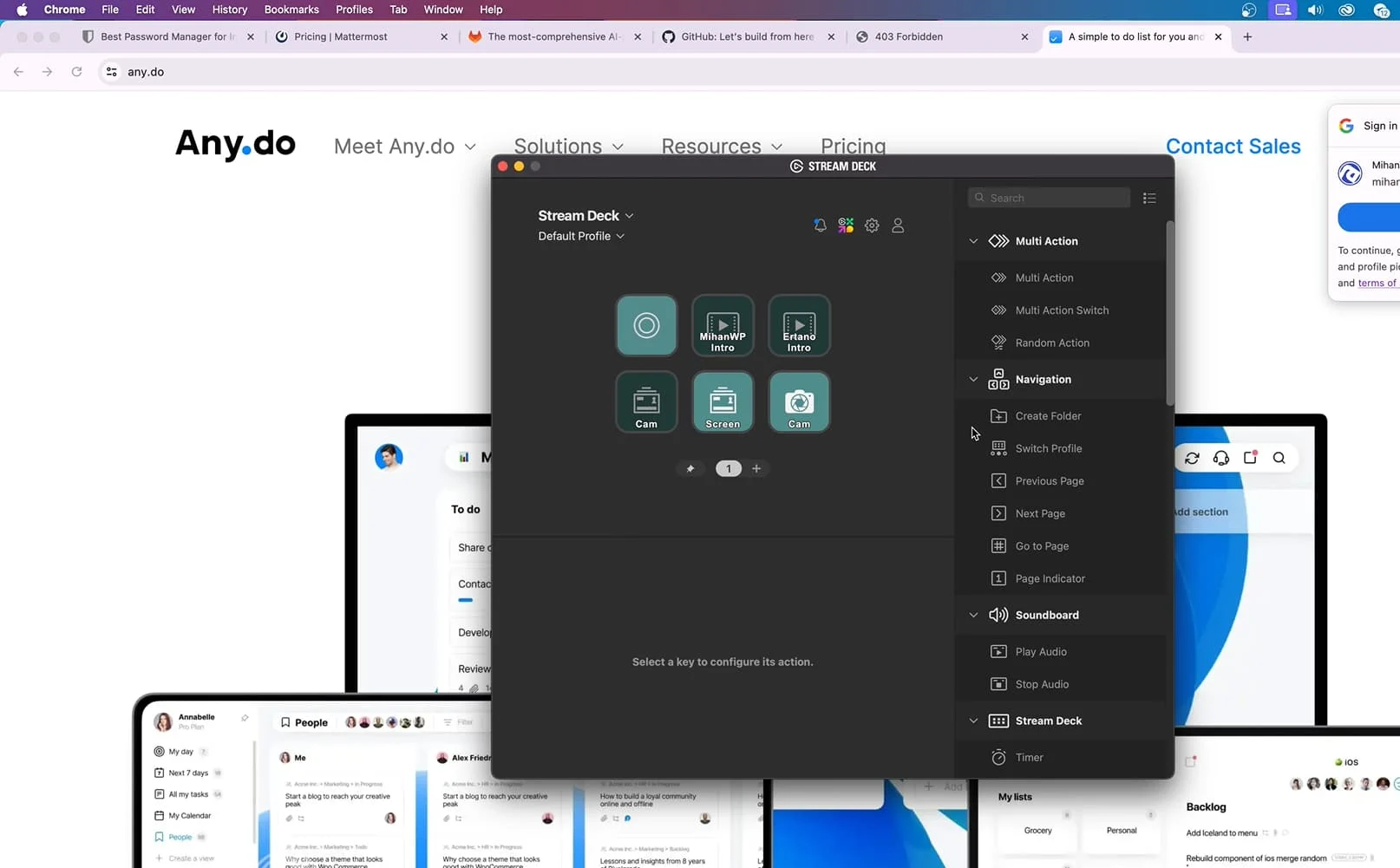
A unique feature is the ability to design custom icons for each button, create folders and subfolders, and define multiple layers of commands. Thus, even if the device only has 15 buttons, you can execute hundreds of different commands. The Stream Deck is a serious tool for increasing productivity; when everything is just one touch away, your focus remains entirely on creativity and quality.
Microsoft Remote Desktop: Accessing Your World Anywhere
One of the final and most important tools I use daily is Microsoft Remote Desktop—a vital tool for those working across different geographical locations or needing access to specific systems anywhere, anytime. It’s built into Windows and available for macOS, iOS, Android, and even the web.
The primary function of Remote Desktop is to allow you to connect to another Windows system remotely and control it exactly as if you were sitting in front of it. You enter that system with all its software, files, internet connection, IP, and full access.
For example, when I am traveling internationally and need to access localized services or specific regional networks (like banking or tax services that require a specific country’s IP), I use Remote Desktop to connect to a dedicated system I keep running in that region. It works perfectly without the need for additional proxy software or hurdles. Everything runs as if I were physically there.
Conversely, if I need to access international services that might be restricted or require a specific global IP (such as a specific management panel or higher-quality international bandwidth), I connect to a system located in a global hub like Dubai. A Windows system there is always on, and I easily enter it to perform my tasks with the speed and quality of that local internet connection. It’s exactly like sitting behind that system.
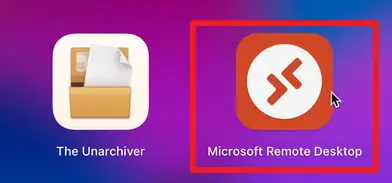
Remote Desktop isn’t just for viewing; you can transfer files, run software, and even use the destination system’s printer or microphone. This is an ideal solution for remote work, server management, or financial transactions. Whether for international business or just accessing remote resources, Microsoft Remote Desktop is a reliable, secure, and highly efficient open door to everything that is physically or geographically distant from you.
Final Words
These tools form the backbone of my daily workflow at Ertano. Each has been intelligently designed to make parts of professional or personal life simpler, faster, and more effective from content production to system management, planning, and overcoming geographical limitations. While general tools like Telegram or WhatsApp are well-known, these specific tools can significantly boost your productivity, focus, and free time when used professionally.
New tools might be added to my list in the future, but I’ve tried to share a complete and honest list of what I truly interact with throughout the day. If you found this content useful, let us know! Your feedback shows us that we are on the right path. Stay happy and successful! 🙂
Ahura WordPress Theme
The Power to Change EverythingElementor Page Builder
The most powerful WordPress page builder with 100+ exclusive custom elements.
Incredible Performance
With Ahura’s smart modular loading technology, files load only when they are truly needed.
SEO Optimized for Google
Every line of code is carefully aligned with Google’s algorithms and best practices.
To post a comment, please register or log in first.